Your findings. Your AI key. Your decision. · Pro plan
AI assistance, with your key and your judgement
On Pro, add your own API key for Anthropic (Claude), OpenAI (ChatGPT) or Google Gemini and ask it to describe a defect, tidy a paragraph or draft a summary. Every result opens in a review panel and nothing changes until you accept it.
What you get
Bring your own key, pay the provider directly
Settings → AI → Add key → Test connection → Set as default. The provider bills you for what you use, and the app shows calls, tokens and estimated cost for the month. Keys are stored encrypted and never shown again.
Photo analysis that proposes, never decides
Analyse photo describes the defect and suggests a rating, fault type, tags and a Defect / Risk / Recommendation note for the marker. Analyse all photos runs in the background for a whole report.
Text help in British English
Improve text and Spell check keep your facts and your house style, which you set as a note the assistant follows. Summarise section and Executive summary draft from what you have already written.
Tables from a photo
Extract table reads a photo of a meter, nameplate or printed table into a table block. Ask about this report answers questions from the report's own content.
Provenance and disclosure
Blocks touched by AI are listed under Report → Provenance with provider, model and time. The workspace can require the AI assistance disclosure snippet before a report that used AI can be issued.
How it works
Add a key
Paste an API key from your Anthropic, OpenAI or Google account, test the connection and set it as the default. Admins and owners manage keys.
Ask from the editor
Hover a block for the AI control or open the AI panel on the right. Choose a task: analyse photo, improve text, spell check, summarise, extract table or ask a question.
Review and accept
The suggestion opens in a review panel. Accept it, edit it or discard it. Accepted blocks are recorded in Provenance for the report.
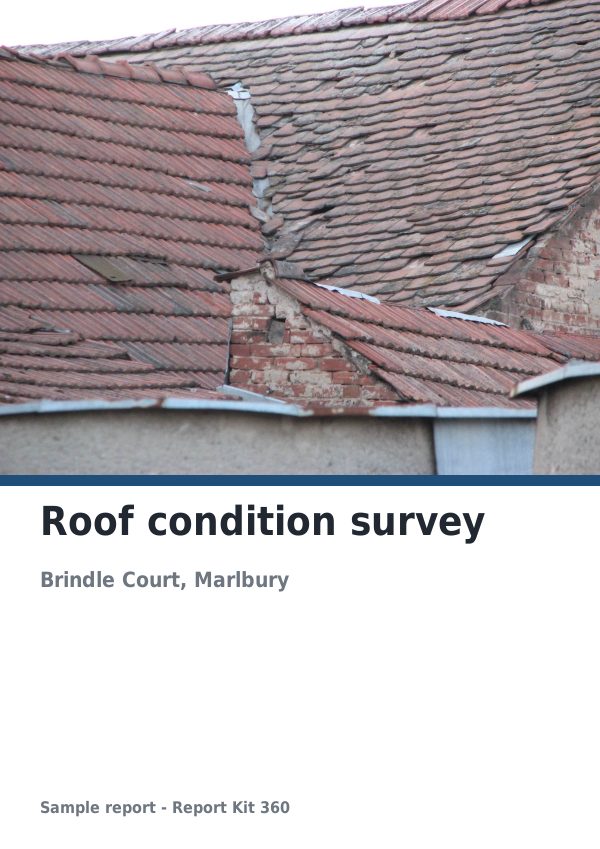
See an example: Roof condition survey
A finished report built from the Roof and facade RAG survey template (Basic). Scroll through it below, or download the issued PDF.
This is a fictional sample produced in Report Kit 360 to show the template. The property, people and findings are invented. Photographs are from Wikimedia Commons under licences that permit reuse; see the image credits.
AI assist on Basic and Pro
Basic
£14.99 a month
Not included. The AI panel and controls are visible but greyed with an Upgrade prompt, and no AI calls are made.
Pro
£49 a month
All AI tasks with your own key for Claude, ChatGPT or Gemini, usage logging with estimated cost, provenance and the optional disclosure check. 60 calls per hour per workspace.
Report Kit 360 does not supply AI credit on either plan and has no partnership with any AI provider. The report and its findings remain yours.
Frequently asked questions
Does Report Kit 360 send my photos to an AI provider?
Only when you ask it to, and only to the provider whose key you added. The call is logged with its token count and estimated cost. Nothing is sent on Basic, and nothing is sent in the background unless you start Analyse all photos.
Can the AI change my report without me seeing it?
No. Every result opens in a review panel and is applied only when you accept it. Accepted blocks are listed in the report’s Provenance, and the workspace can require an AI assistance disclosure before issue.
Which provider should I use?
Any of the three works with the same tasks. Choose on your own account terms, cost and preference; you can add more than one key and set the default. Pricing is the provider’s, not ours.
Your next report, start to finish.
Pick a plan, add your logo, and issue your first report today.