Thermographic surveys · Pro plan
Thermographic survey reports with a sheet for every thermogram
Repeatable thermogram sheets with the IR and visible pair, palette legend, spot temperatures and ΔT, a conditions gate and a thermal index field. On Pro.
What the report includes
A thermographic survey report lives or dies on its thermogram sheets. Each one has to show the infrared image and its visible pair, the palette and range, the spot or area temperatures, the emissivity and reflected temperature used, and what the pattern means. The thermographic survey template in Report Kit 360 follows the ISO 6781 pattern: objective, survey conditions with a ΔT gate, equipment, methodology, then a repeatable thermogram sheet you add once per image, a thermal index calculated field and conclusions. The thermal block keeps the pair together with its legend and readings rather than leaving two loose images on the page. If the inside-to-outside temperature difference was below the template’s threshold, the checks say so before you issue.
- Objective and scope: What the survey set out to find, the elements covered and any exclusions.
- Survey conditions with ΔT gate: Internal and external temperatures, the difference between them, weather, wind, solar loading and timing, with a check that the ΔT met the template's minimum.
- Equipment: Camera model, detector resolution, lens, calibration date and the settings used.
- Methodology: Survey route, distances, emissivity and reflected temperature method, and limitations.
- Thermogram sheets (repeatable): One sheet per image: the thermal pair with palette legend, spot and area temperatures, emissivity, reflected and ambient temperatures, the ΔT readout, markers and the interpretation.
- Thermal index (calculated field): A calculated field from the surface, internal and external temperatures to support the interpretation of each anomaly.
- Conclusions and recommendations: Findings by severity, recommended investigation or remedial work, with signature and document control.
Template: Thermographic survey (Pro). Alternatives: Solar PV inspection (IEC 62446 style) (Pro), Generic technical report (Basic). The thermogram sheet section is repeatable, so the editor offers Add another sheet for each image.
Why thermographic surveys teams use Report Kit 360
The pair stays together
The thermal block holds the infrared and visible images, the palette legend and the readings as one unit, in the editor and in the PDF.
Conditions are checked, not assumed
The ΔT gate in the conditions section flags a survey carried out below the template's threshold before the report can be issued.
Presets for the calculations
Formula presets cover ΔT normalisation and the thermal index, and named ranges carry results into the conclusions.
A repeatable sheet, not copy and paste
Add another sheet for each thermogram and the numbering, layout and fields stay consistent across the whole report.
How it works
Create the report and record the conditions
Enter temperatures, weather and timing. The ΔT check runs as soon as both temperatures are in.
Add a thermogram sheet per image
Upload the infrared and visible pair, set the palette range and readings, and mark the anomaly.
Interpret and classify
Write the interpretation on each sheet and rate the finding. The thermal index field supports the judgement.
Conclude, check and issue
Summarise by severity, clear the checks and issue the numbered PDF.
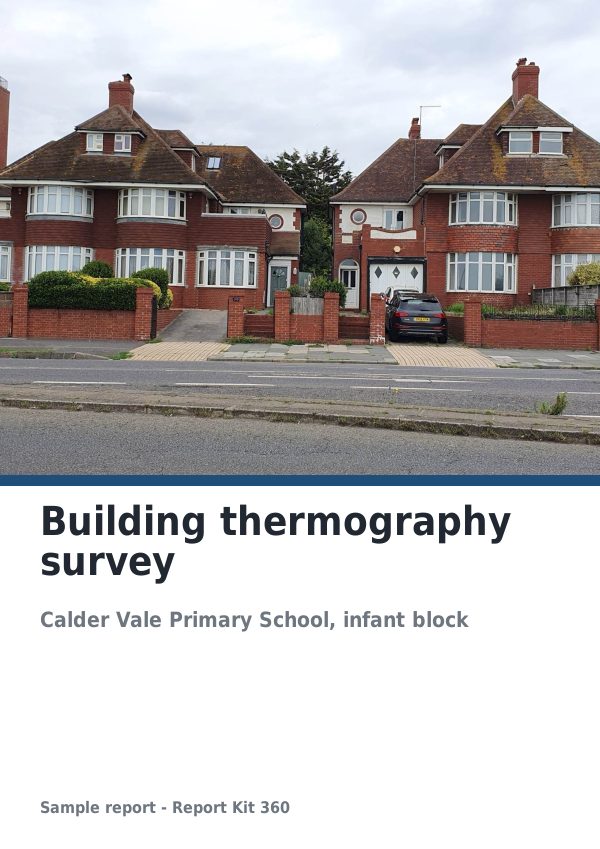
See an example: Building thermography survey
A finished report built from the Thermographic survey template (Pro). Scroll through it below, or download the issued PDF.
This is a fictional sample produced in Report Kit 360 to show the template. The property, people and findings are invented. Photographs are from Wikimedia Commons under licences that permit reuse; see the image credits.
Thermographic surveys on Basic and Pro
Basic
£14.99 a month
Not included. The Thermographic survey template is a Pro template. Basic workspaces can use: Solar PV inspection (IEC 62446 style) (Pro), Generic technical report (Basic).
Pro
£49 a month
The Thermographic survey template with unlimited reports, formula tables, white-label branding and every other Pro block.
Downgrades take effect at the end of the paid period and nothing is deleted.
Frequently asked questions
Does the template comply with ISO 6781?
It follows the ISO 6781 pattern of objective, conditions, equipment, methodology, results and conclusions in our own wording. Report Kit 360 is not affiliated with or endorsed by ISO, and the method you apply on site remains your professional responsibility.
Can Basic workspaces write thermographic reports?
Basic places a thermal image as a plain image inside any Basic template, such as the generic technical report. The thermographic survey template, the thermal block with its legend and readings, and the calculated fields are Pro.
Which thermal cameras are supported?
Any camera whose images you can export as JPG, PNG or WebP. Readings such as emissivity, reflected temperature and spot values are entered on the sheet; the app does not read radiometric data from the file.
Can I use this for electrical or mechanical thermography?
Yes. The structure is the same; the conditions section and the interpretation fields are yours to adapt. Pro workspaces can save a version of the template with the fields and gates they need.
Your next report, start to finish.
Pick a plan, add your logo, and issue your first report today.