Reports that look like your practice · Pro plan
Your name on the cover, and on Pro, only your name
Upload a logo and pick an accent colour and they appear on every cover and header. Pro white-label removes the Report Kit 360 mark, adds your full company details and lets you edit every setting of the theme.
What you get
Logo and accent colour on every plan
Upload a PNG, JPG or WebP up to 2 MB and choose an accent colour under Settings → Branding. Both appear on every report cover and header, and in the six system themes.
Remove the mark (Pro)
On Basic each report carries a slim footer strip reading Created with Report Kit 360, a cover badge and a badge on the share page. White-label on Pro removes all three.
Full company details (Pro)
Add a secondary colour, address, phone, email, website and registration number, plus your own report footer text and the message shown on share pages.
Editable themes (Pro)
Clone any system theme and change fonts, colours, margins, header and footer content, cover style, heading sizes, table style, photo frames and rating badge shape. Fonts come from a self-hosted set so PDFs render the same every time.
How it works
Add your logo and colour
Settings → Branding. Upload the logo and pick the accent colour. They apply to every report from now on.
Turn on white-label (Pro)
Remove the mark, add your company details, footer text and share-page message. Existing reports update when next rendered.
Shape the theme (Pro)
Clone a system theme, adjust it and set it as the workspace default under Settings → Workspace.
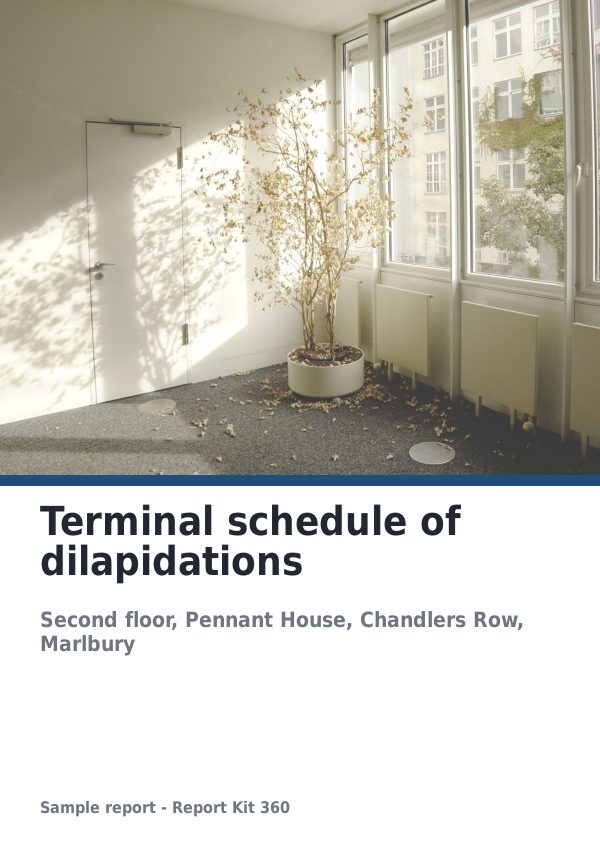
See an example: Terminal schedule of dilapidations
A finished report built from the Dilapidations schedule template (Basic). Scroll through it below, or download the issued PDF.
This is a fictional sample produced in Report Kit 360 to show the template. The property, people and findings are invented. Photographs are from Wikimedia Commons under licences that permit reuse; see the image credits.
White-label branding on Basic and Pro
Basic
£14.99 a month
Logo and accent colour on every cover and header; any of the six system themes. The Report Kit 360 mark stays: footer strip, cover badge and share-page badge.
Pro
£49 a month
White-label removes the mark; custom footer text and share-page message; secondary colour and full company details; clone and edit every theme setting.
If a Pro workspace later downgrades, custom themes fall back to the default system theme and the mark returns. Nothing else changes in the report.
Frequently asked questions
What exactly is the Report Kit 360 mark?
On Basic, a 7 mm footer strip reading Created with Report Kit 360 with the platform mark, a small badge on the cover and a badge on the share page. It is discreet, but it is there. Pro white-label removes all of it.
Can I use my own fonts?
Themes choose from a self-hosted set: Inter, Source Serif 4, Roboto, Roboto Mono, Lato, Merriweather and Open Sans. The set is fixed so PDFs render reliably; uploading other font files is not supported.
Does branding apply to reports I have already issued?
An issued version is frozen with its PDF and checksum and does not change. New renders, exports and shares of unissued reports use the current branding.
Your next report, start to finish.
Pick a plan, add your logo, and issue your first report today.