The controls, stated plainly
How your reports and your clients' data are handled
No badges, no bare adjectives. This page lists what Report Kit 360 does to protect your workspace, your reports and the people who read them, and what it does with personal data under UK GDPR.
What you get
Sign-in protection
Passwords are at least 10 characters and five wrong attempts lock the account for 15 minutes. Two-factor authentication uses any authenticator app with ten single-use recovery codes, and you can sign out every device from the sessions list.
Keys you add are stored encrypted
AI provider keys are encrypted at rest and never shown again after you save them. API keys are scoped and shown once; webhook deliveries are signed with a secret shown once at creation.
Share links that you control
Links are 32-character secret addresses with optional password, expiry and view limit, and can be revoked or rotated at any time. Viewers are identified by a hashed fingerprint and country, never a raw IP address.
Issued versions you can verify
Each issued version stores its PDF and a checksum. The Verify link on the share page shows that fingerprint, so a client can confirm the document they hold is the one you issued.
Your data, exportable and deletable
An audit log records who did what (30 days on Basic, two years on Pro). You can export your workspace as JSON plus media, keep 30 days to export after a subscription ends, and account deletion purges data after 30 days.
How it works
Switch on two-factor authentication
Settings → Security → Set up two-factor authentication. Scan the QR code, enter the code and store the ten recovery codes.
Set workspace policies
Settings → Workspace: whether to keep GPS data from photos, a default disclaimer and whether an AI disclosure is required before issue.
Review the audit log
Settings → Audit shows who did what and when, including any support access.
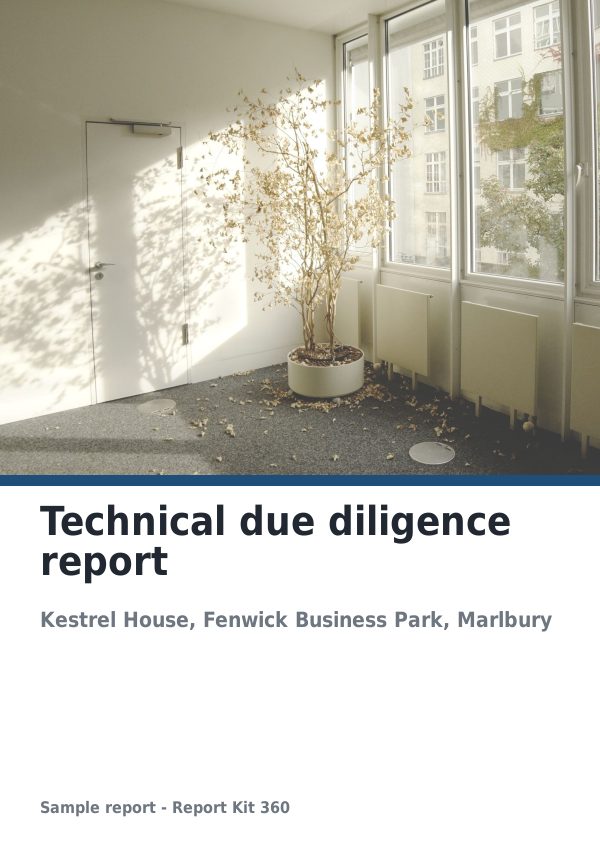
See an example: Technical due diligence report
A finished report built from the Building survey (TDD) template (Basic). Scroll through it below, or download the issued PDF.
This is a fictional sample produced in Report Kit 360 to show the template. The property, people and findings are invented. Photographs are from Wikimedia Commons under licences that permit reuse; see the image credits.
Security and data handling on Basic and Pro
Basic
£14.99 a month
Two-factor authentication, sessions list, encrypted storage of keys, share-link controls, checksummed issued versions, 30 days of audit log, data export by request to support.
Pro
£49 a month
Adds a two-year audit log, self-serve data export, scoped API keys and signed webhooks, and the share-link viewer gate.
The practices above apply to both plans. Report Kit 360 does not describe itself as certified or compliant with any scheme; the privacy policy sets out the lawful bases, retention periods and sub-processors.
Frequently asked questions
Who is the data controller for the people in my reports?
You are. Report Kit 360 processes report content, photos and client details on your instructions as a processor. For your own account details and billing, Report Kit 360 is the controller. The privacy policy and data processing terms set this out.
Where is my data stored?
[Insert the production data-centre provider and location once confirmed.] Card payments are handled by Stripe; AI calls go only to the provider whose key you add, and only when you ask.
Can I get my data out?
Yes. Pro workspaces export a ZIP of reports as JSON plus media from Settings → Profile; Basic workspaces ask support, who enable the button temporarily. PDF export is on every plan, and you keep 30 days to export after a subscription ends.
Your next report, start to finish.
Pick a plan, add your logo, and issue your first report today.