Send a link. See when it opens.
A link, not an attachment, and you can see it being read
Every report can be shared through a private 32-character address with an optional password, expiry date and view limit. Views, unique viewers, downloads and time on page are recorded on every plan; Pro keeps two years and adds a viewer gate.
What you get
Private links with the controls you need
Each link is a 32-character secret address under /r/. Give it a name, a password, an expiry date and a maximum number of views; allow or disallow printing. Copy it, show a QR code or email it from the app.
Revoke or rotate in one click
Revoke a link and it stops working at once. Rotate it and the report gets a new address while the old one dies. Basic keeps one active link per report; Pro keeps as many as you like.
The share page is the report
Viewers see the report exactly as rendered in any browser, with the PDF available to download and a password form when you set one. No account, no app to install.
Analytics on every plan
Views, unique viewers, downloads and average time on page for 30 days on Basic. Pro keeps two years, adds a day-by-day chart, device and country breakdowns, a recent-viewer list and CSV export.
Verify an issued report
Issued reports carry a Verify link on the share page that shows the fingerprint of the issued version, so a client can confirm the PDF they hold is the one you issued.
How it works
Create a link
Share → Create link. Set a name, password, expiry, view limit and whether download and print are allowed.
Send it
Copy the address, show the QR code or email it from the app. Your own website can embed a shared report in a frame with the Report Kit 360 Connect WordPress plugin.
Watch it being read
The report’s analytics card shows views, unique viewers, downloads and time on page. Revoke or rotate the link when the job is done.
See an example: Home survey, level 2
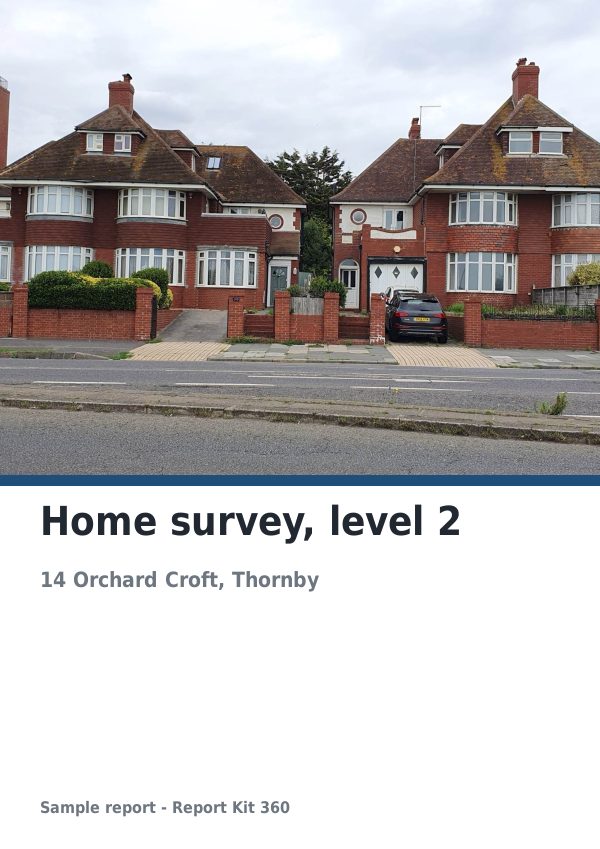
A finished report built from the RICS-style level 2 template (Basic). Scroll through it below, or download the issued PDF.
This is a fictional sample produced in Report Kit 360 to show the template. The property, people and findings are invented. Photographs are from Wikimedia Commons under licences that permit reuse; see the image credits.
Sharing and analytics on Basic and Pro
Basic
£14.99 a month
One active share link per report with name, password, expiry, view limit and print control; download is always on. 30 days of analytics: views, unique viewers, downloads and average time. A small Report Kit 360 badge on the share page.
Pro
£49 a month
Unlimited links per report, download on or off, a viewer gate that asks for name and email before showing the report, two years of analytics with a day-by-day chart, device and country breakdowns, the viewer list and CSV export. No badge on the share page with white-label.
Viewers are identified by a hashed fingerprint and country, never a raw IP address, on both plans.
Frequently asked questions
Is a share link public?
The address is secret and 32 characters long, but anyone who has it can open the report unless you add a password or, on Pro, turn on the viewer gate. Expiry dates and view limits narrow it further, and you can revoke or rotate a link at any time.
Can I stop a client downloading the PDF?
On Pro, yes: each link has a download toggle and a print toggle. On Basic download is always on, and print can be switched off.
What do the analytics record about viewers?
Views, unique viewers, downloads and time on page, with device and country on Pro. Viewers are identified by a hashed fingerprint rather than an IP address. Names and emails are recorded only when the Pro viewer gate is on and the viewer enters them.
Your next report, start to finish.
Pick a plan, add your logo, and issue your first report today.