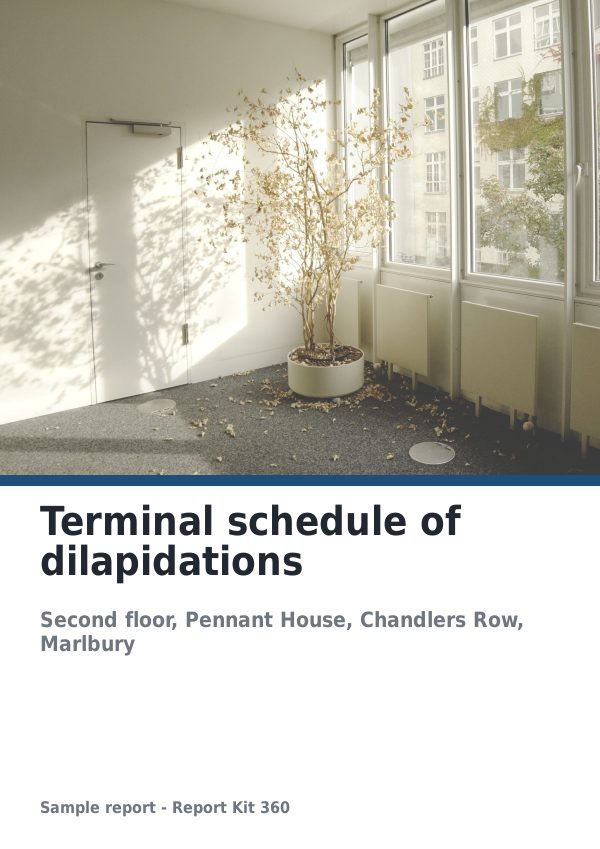
Every report, start to finish.
Pick the template your report type expects, mark up the photographs, let the schedules and counts fill themselves, then issue a numbered PDF and send a link that tells you when it was opened.
Structure
Fifteen system templates carry the section order, rating scheme, required fields and checks of their report type: eleven on Basic, from RICS-style home surveys to roof RAG, drone, snagging and access audits, and four on Pro for solar PV, thermography, structural and volumetric work, all in our own wording.
Annotate and schedule
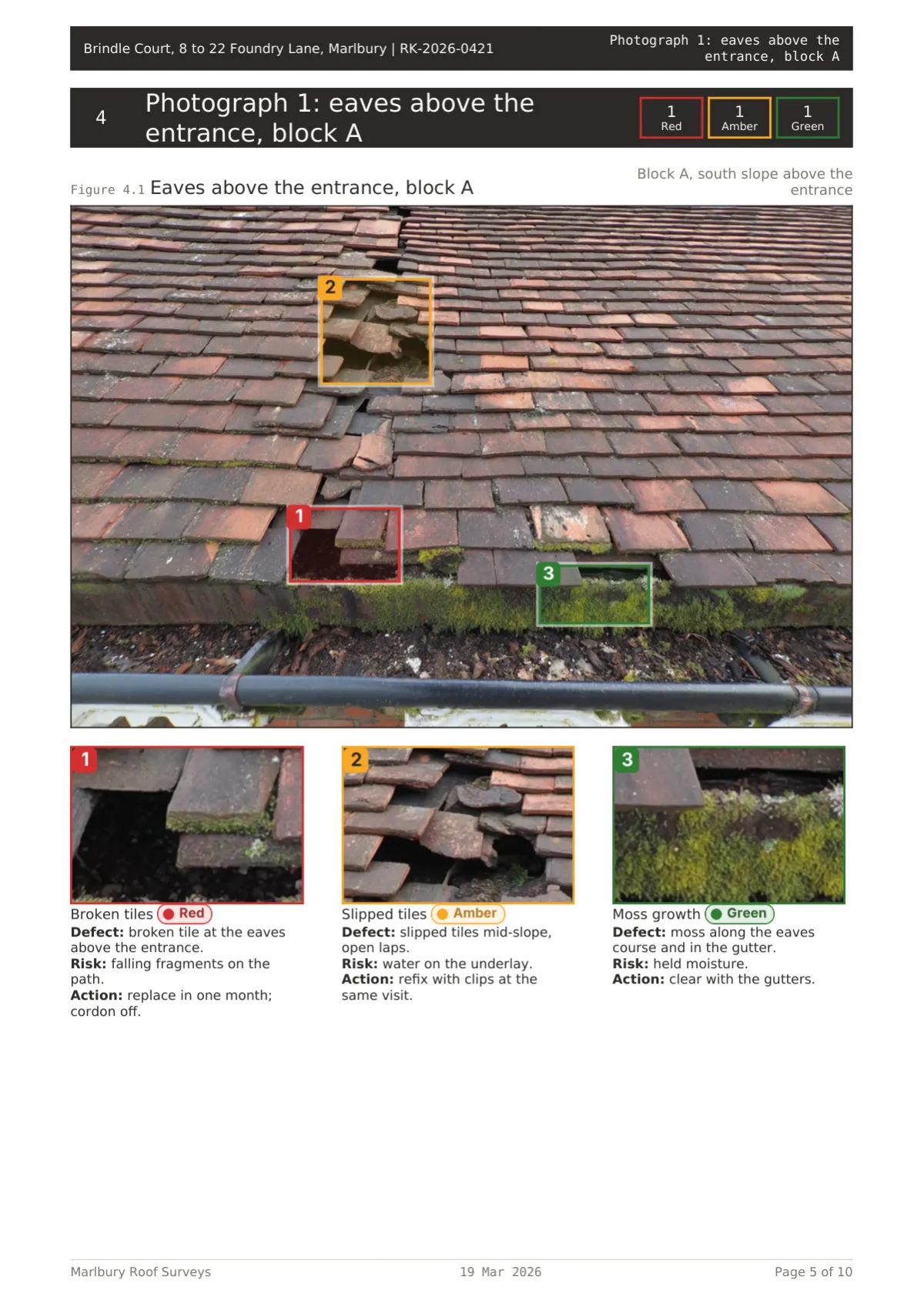
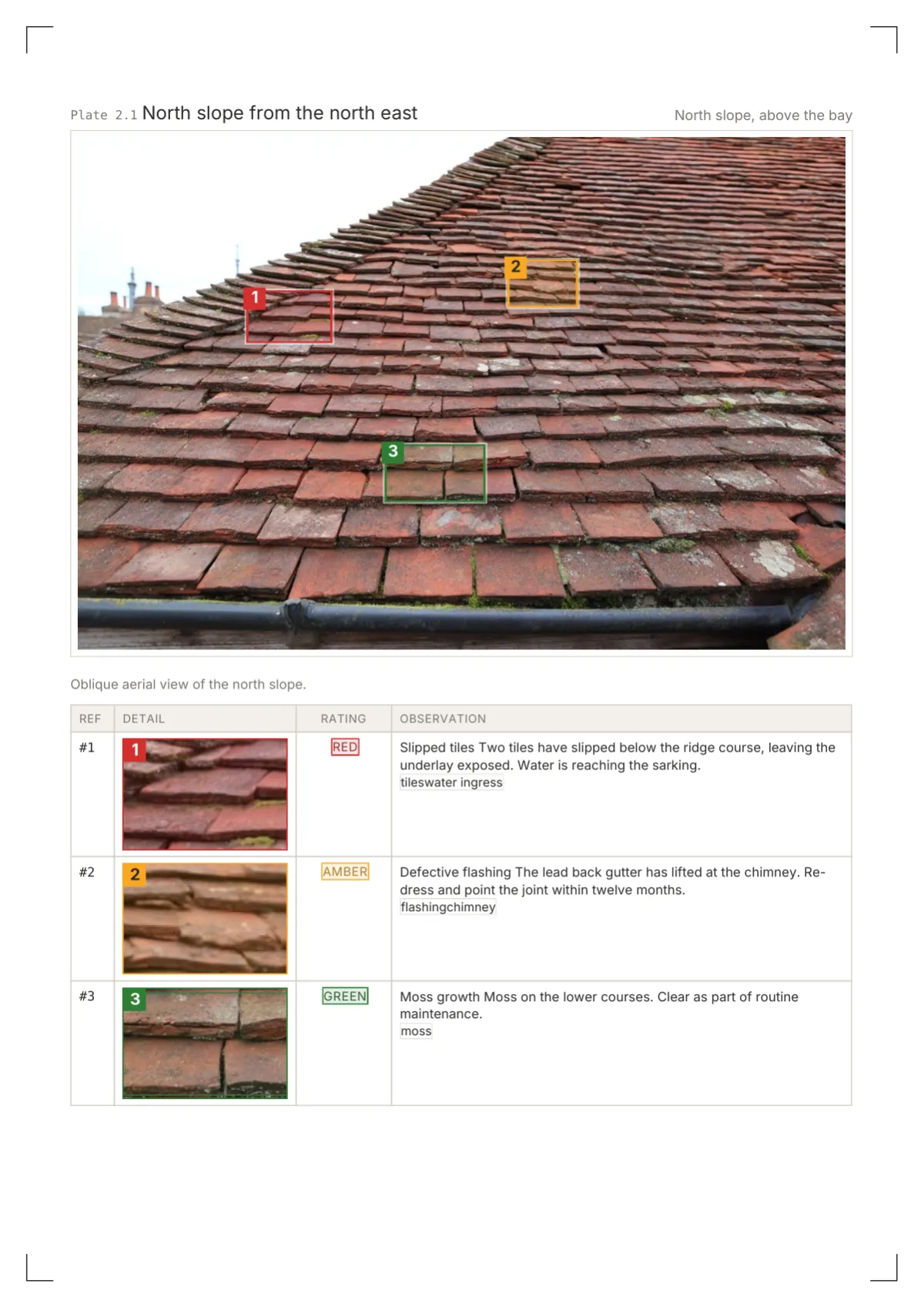
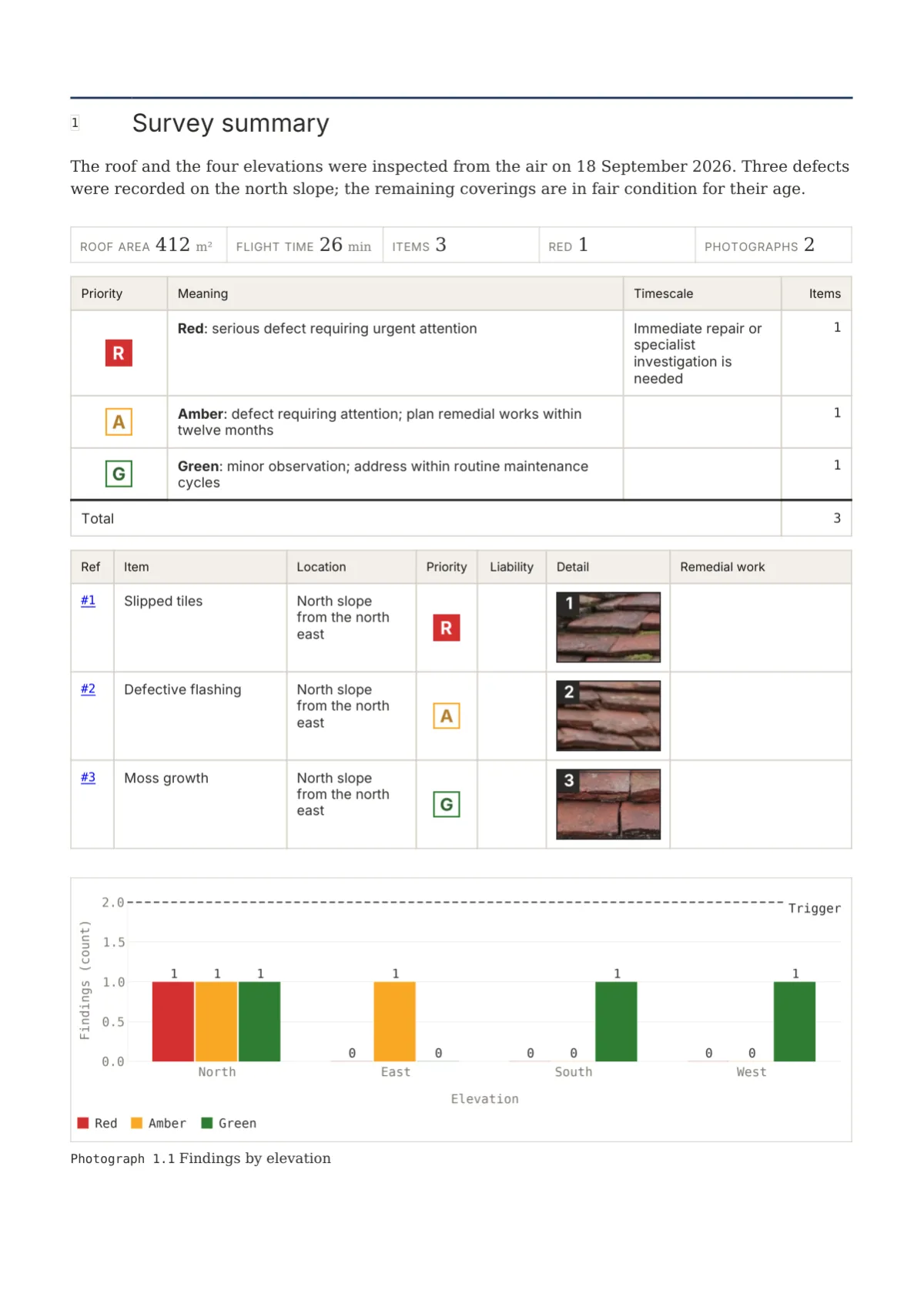
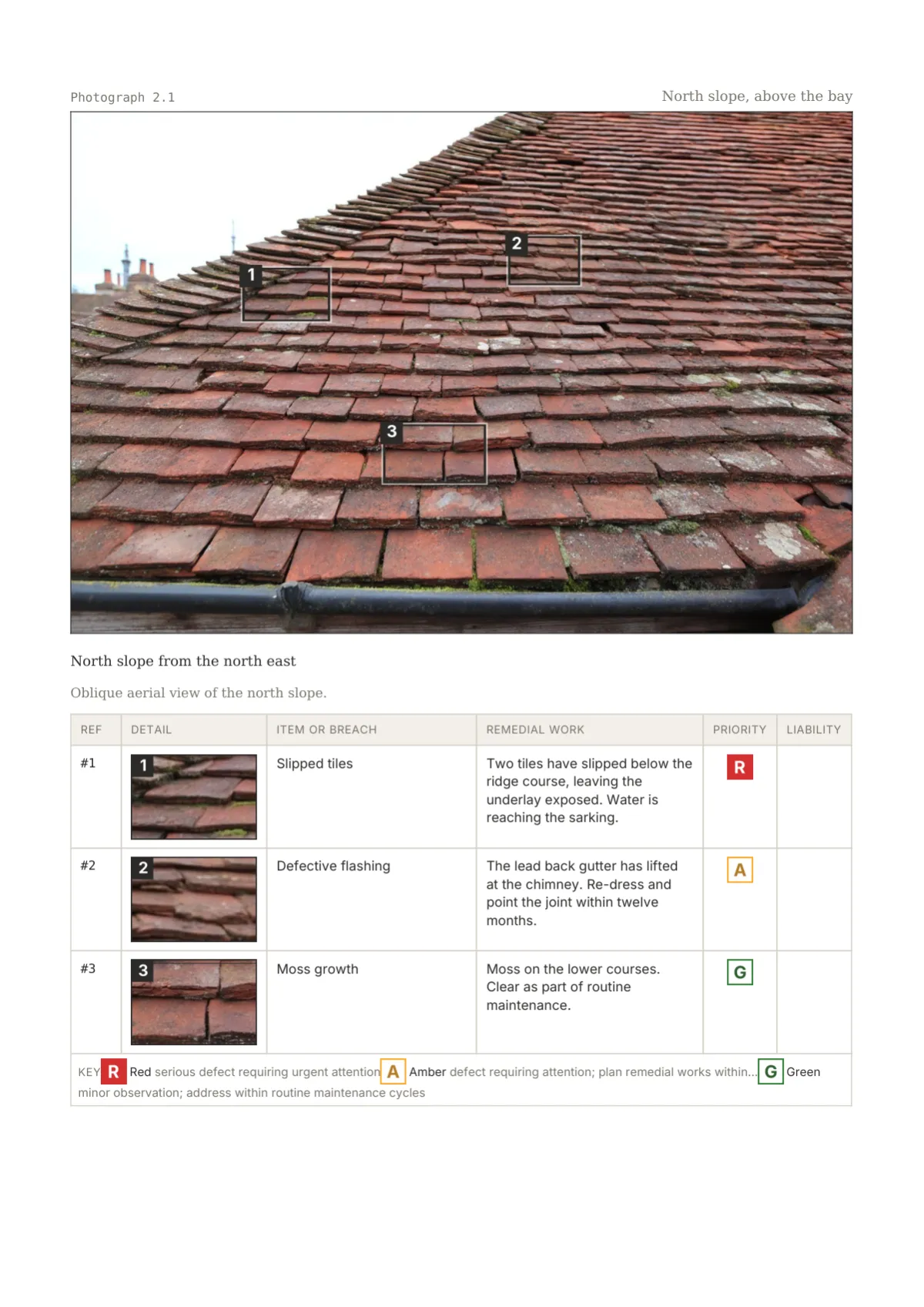
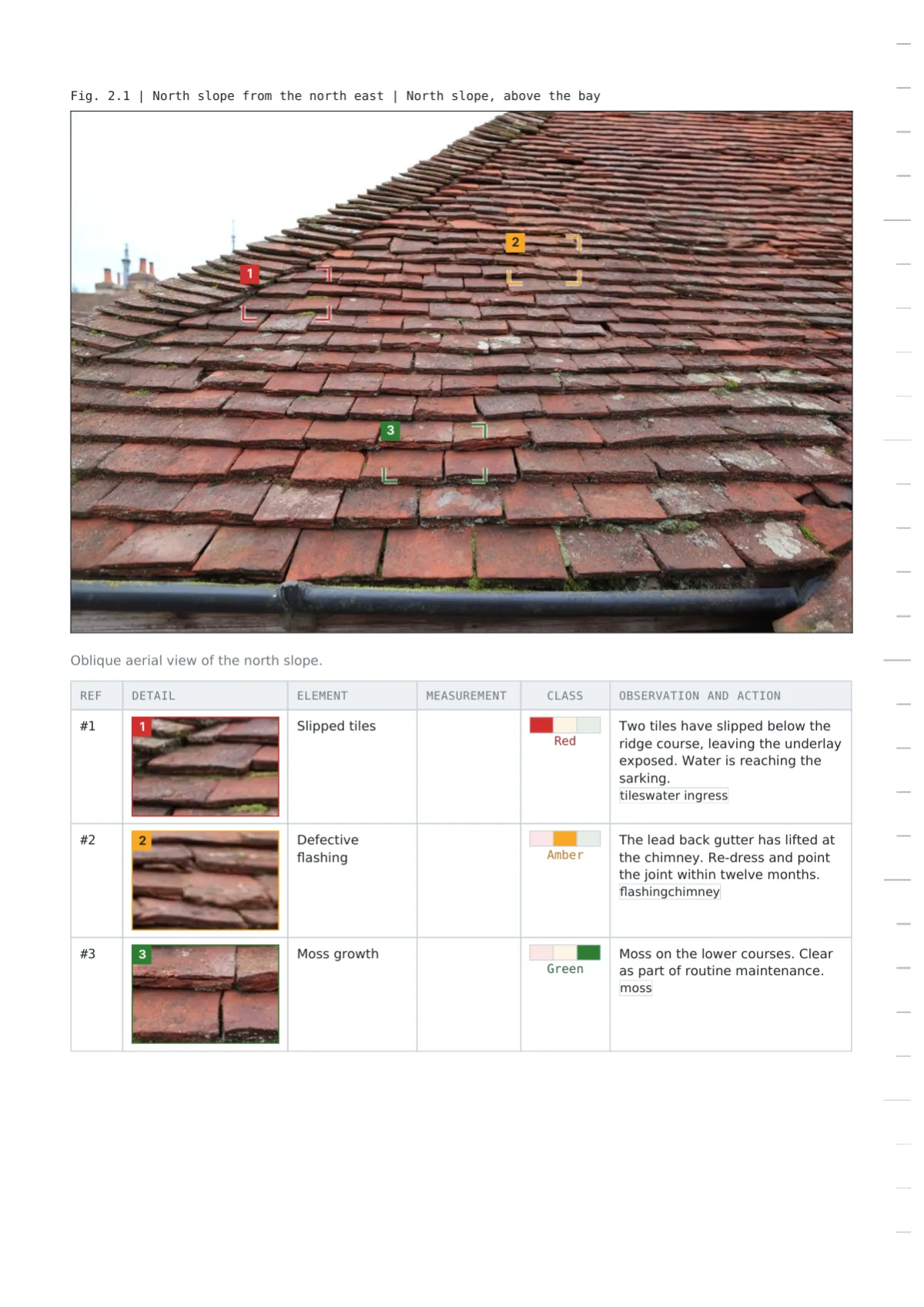
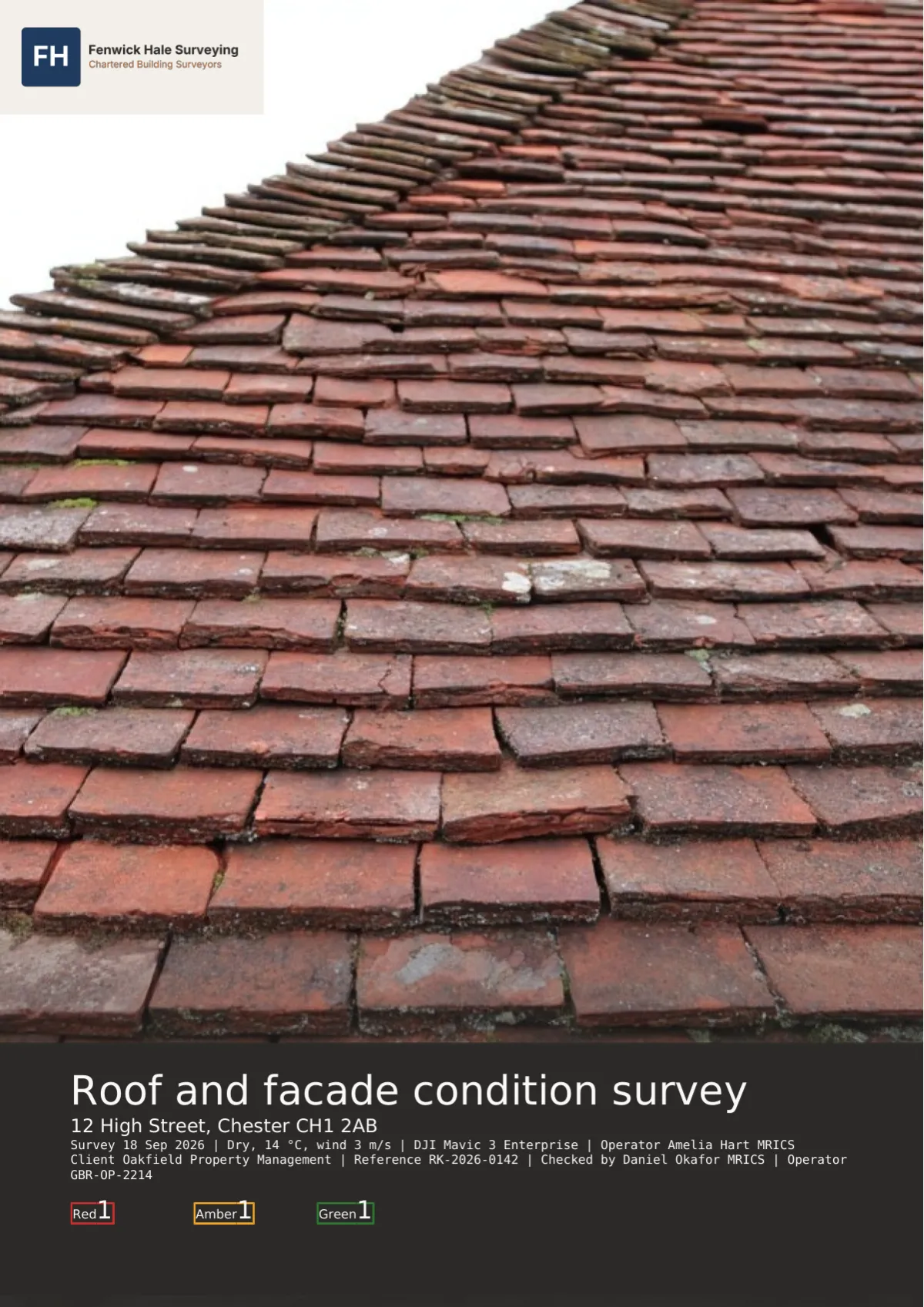
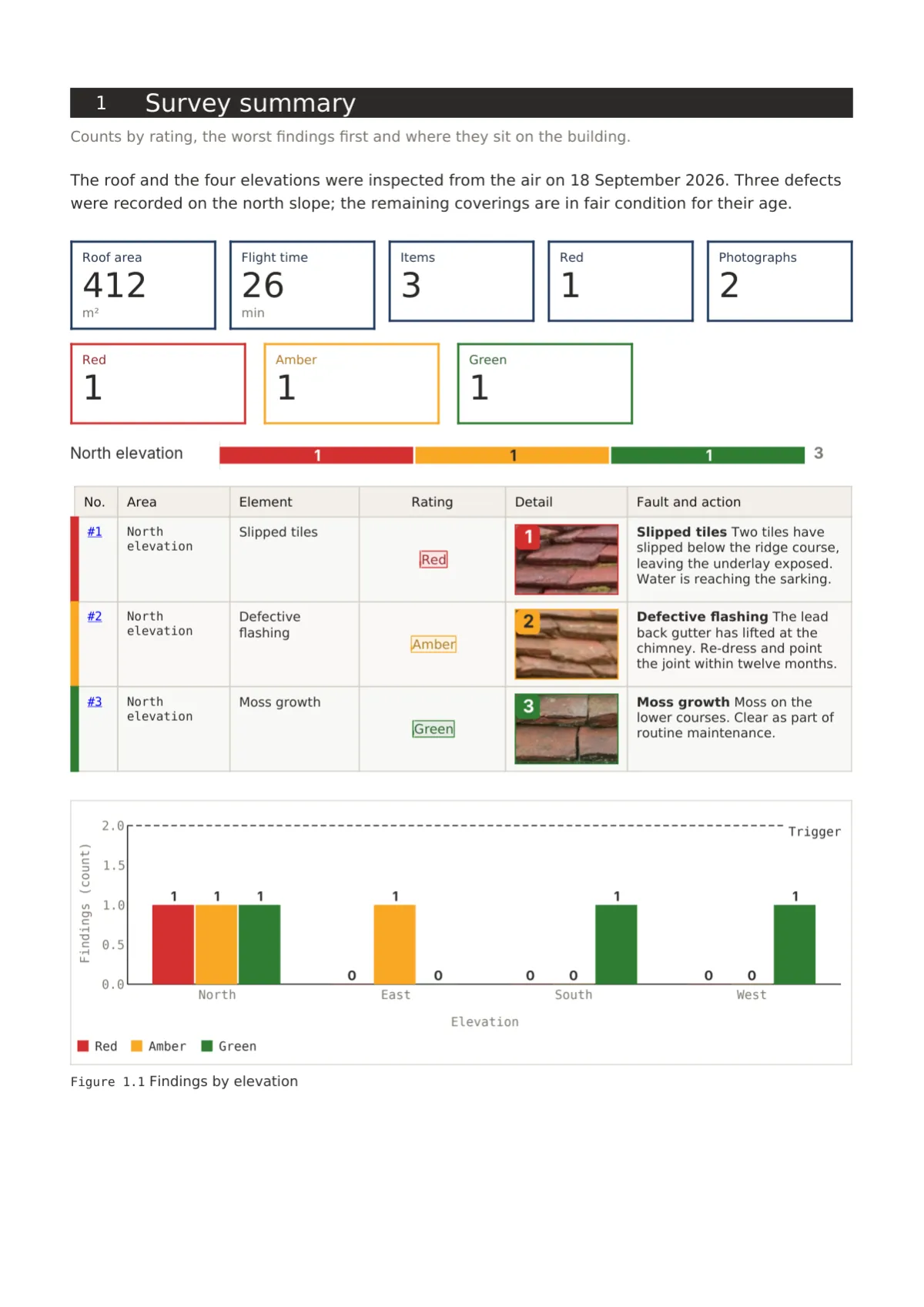
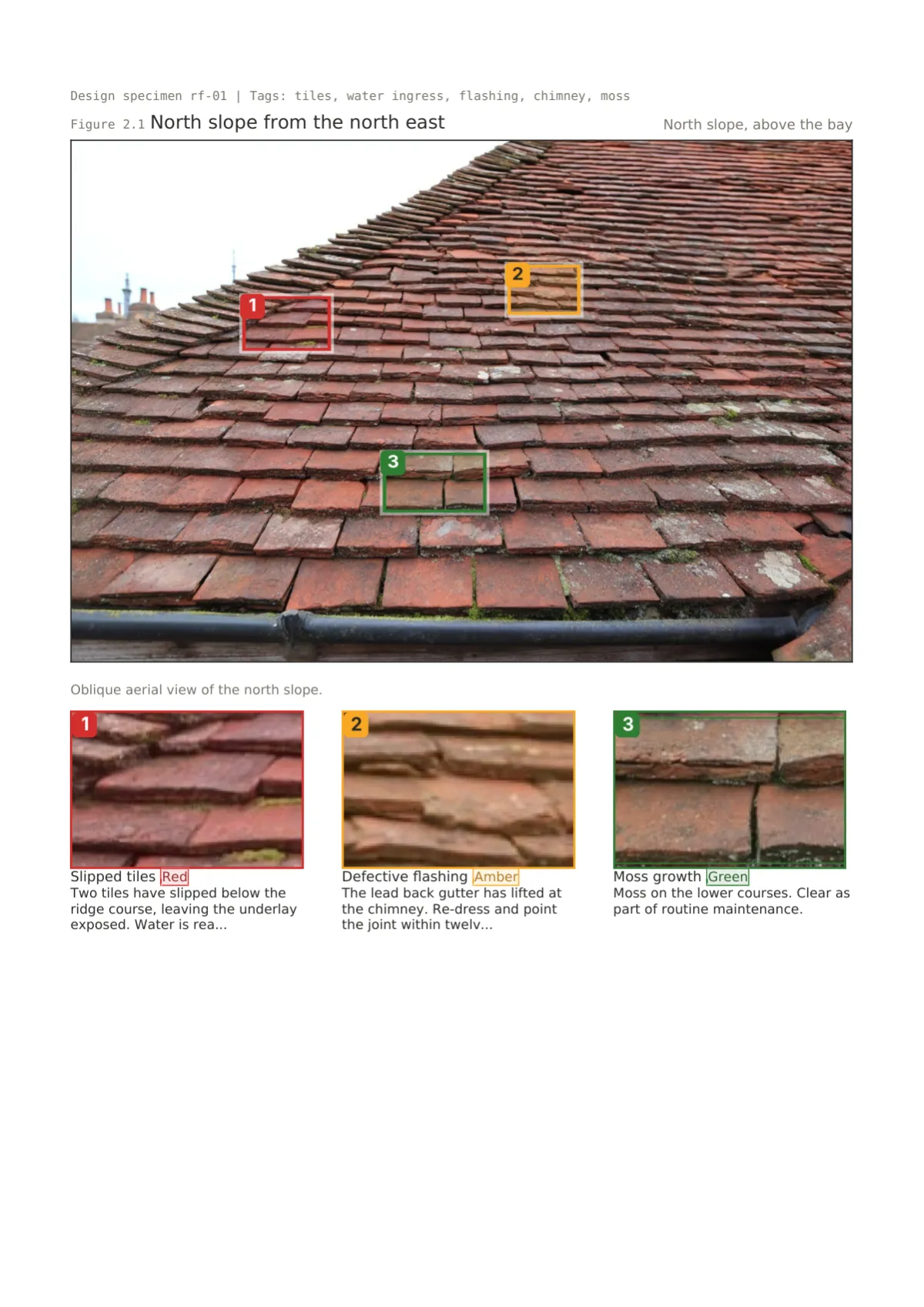
Drop the site photographs onto the page, draw a marker round each defect and give it a rating, a fault type and a note. The crop appears under the photograph, in the findings schedule and in the fault index, and the counts on the cover and in every section summary update with it.
Issue and share
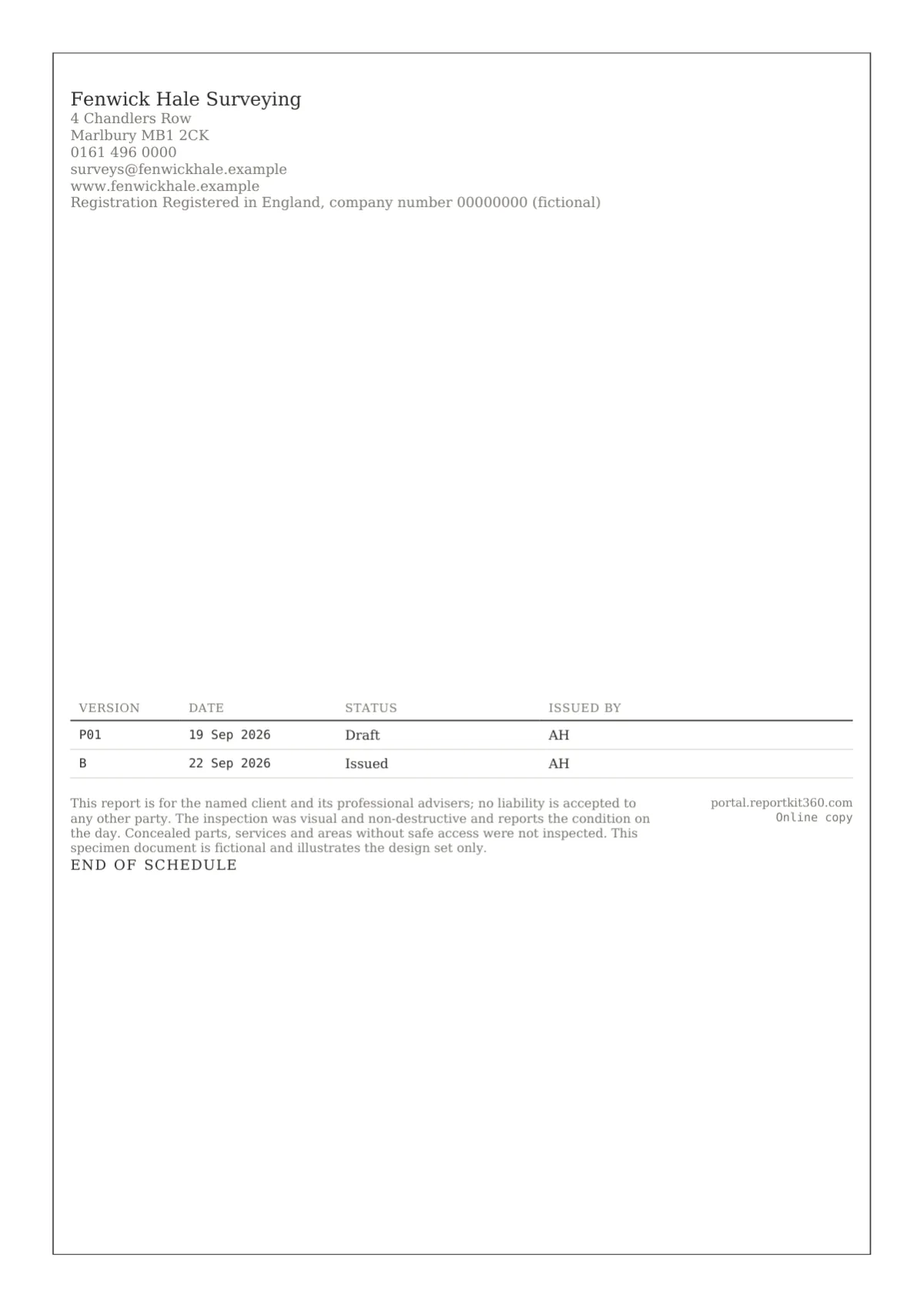
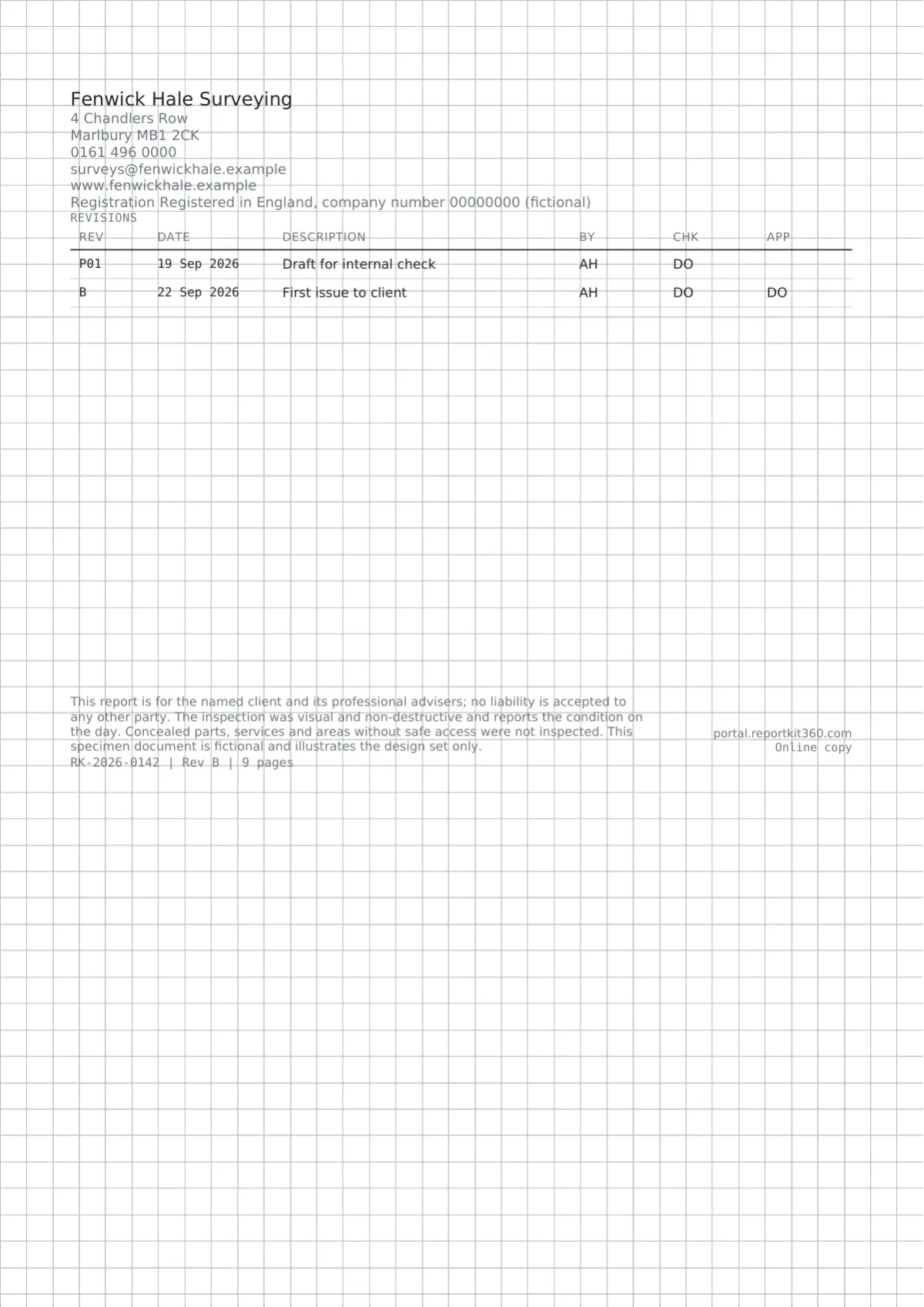
Issue freezes the report as a numbered version with its PDF and a checksum, and the share page gains a Verify link showing that version’s fingerprint. Clients open a private link in any browser, with a password, expiry and view limit if you want them, and you see views, downloads and time on page.
Report designs
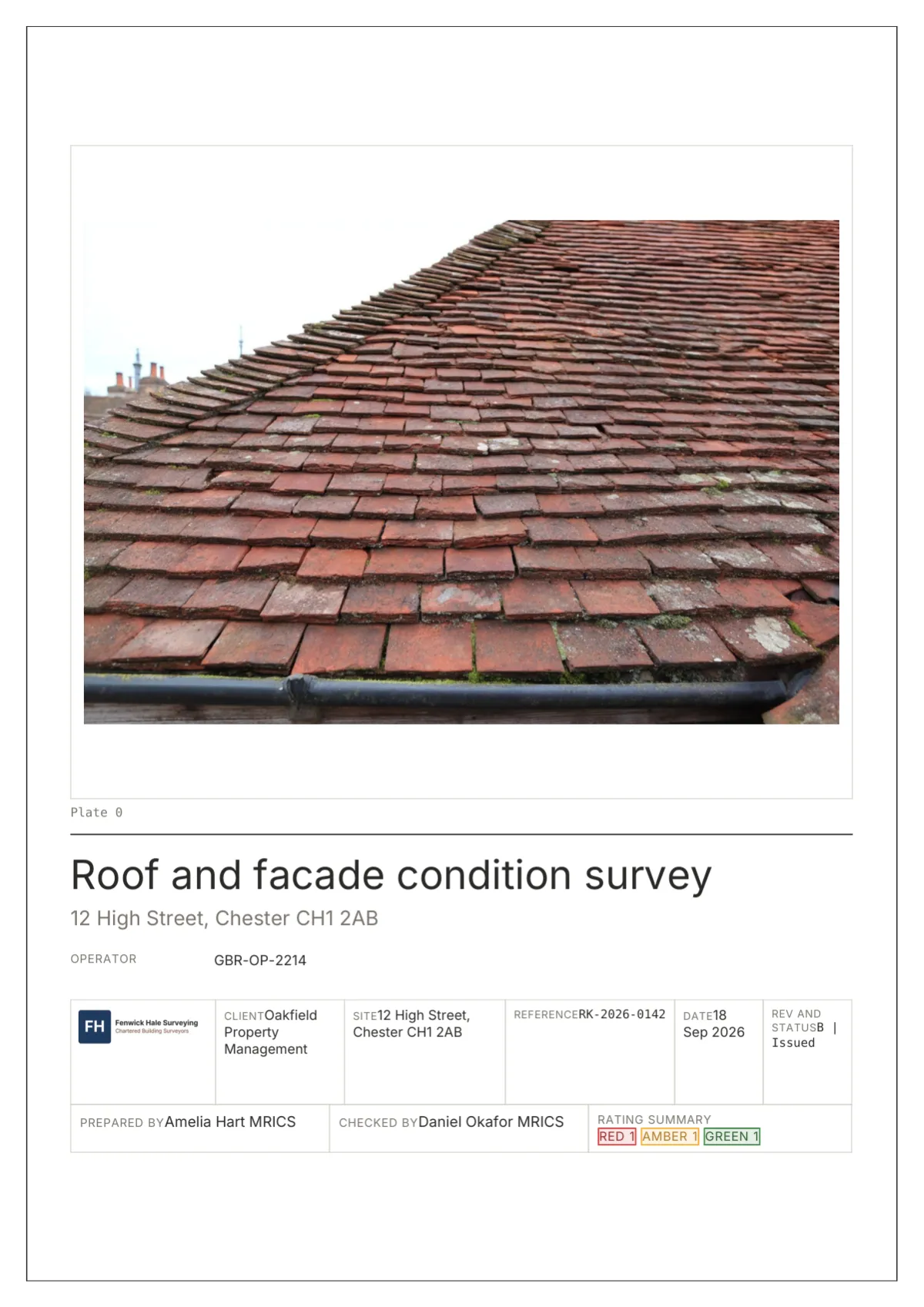
Drawing Office, Folio, Register, Gridline and Fieldbook each change the cover, the rating element, the photograph pages, the tables and the back page. Basic picks any set; Pro tunes every element.
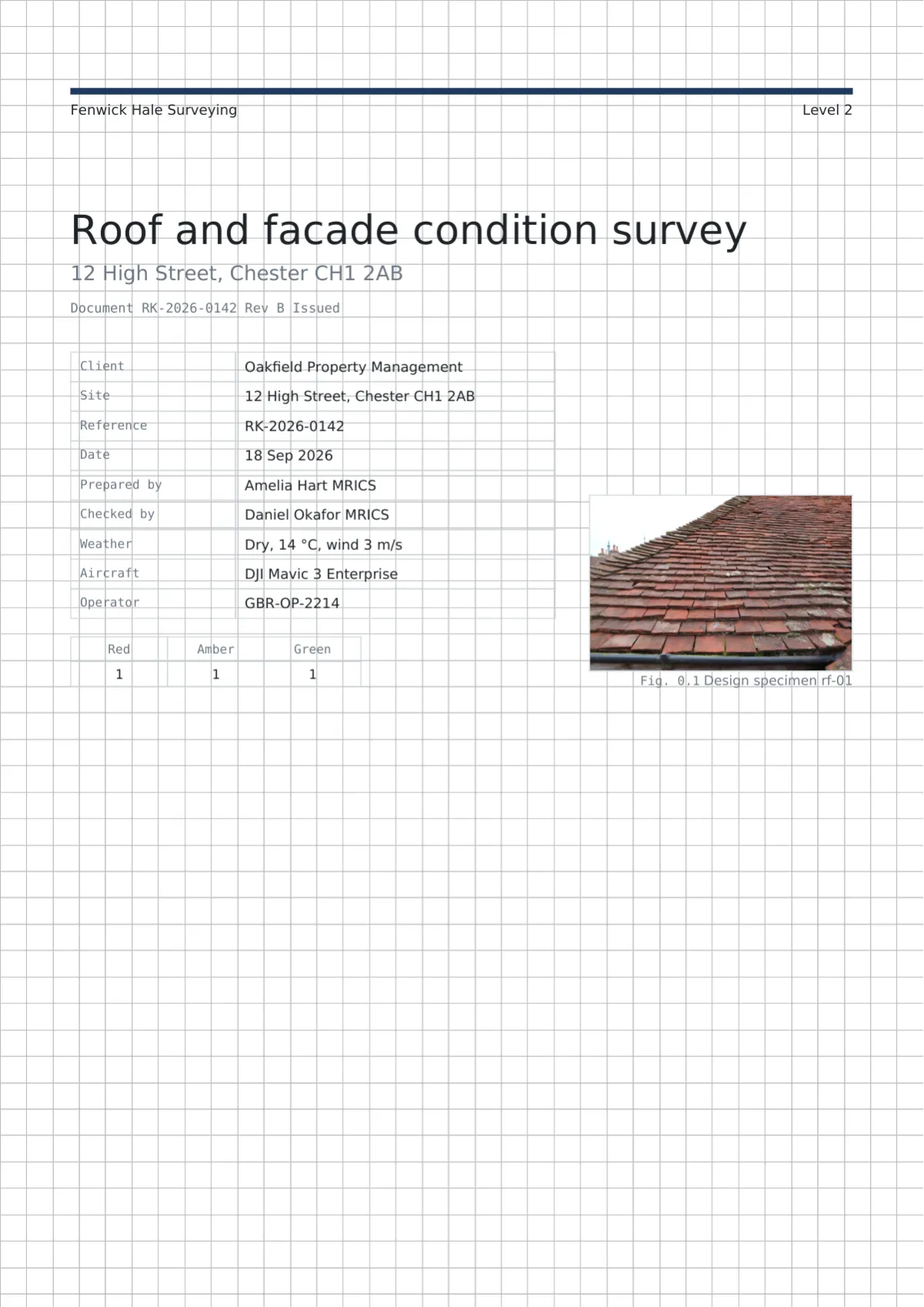
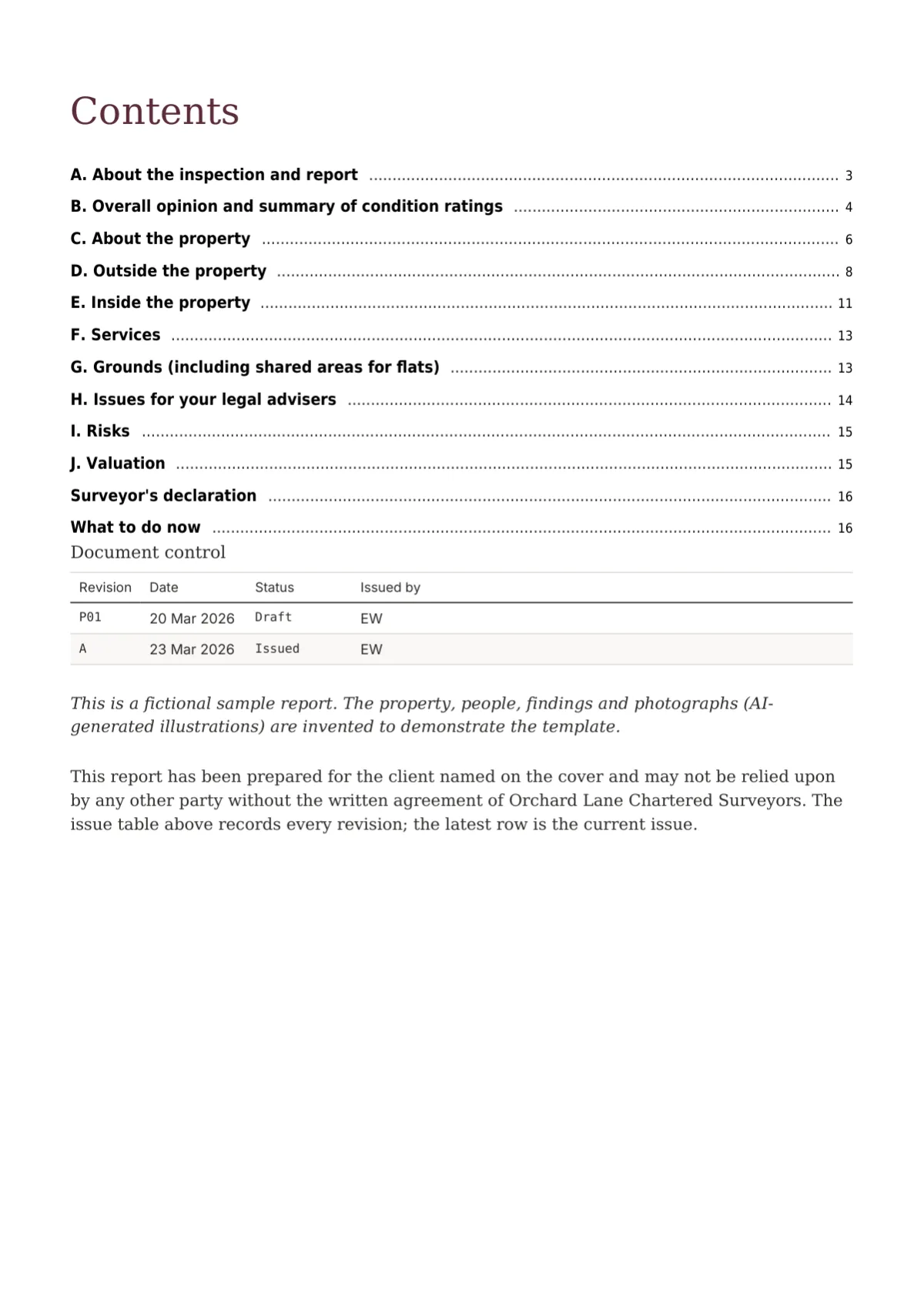
Cover
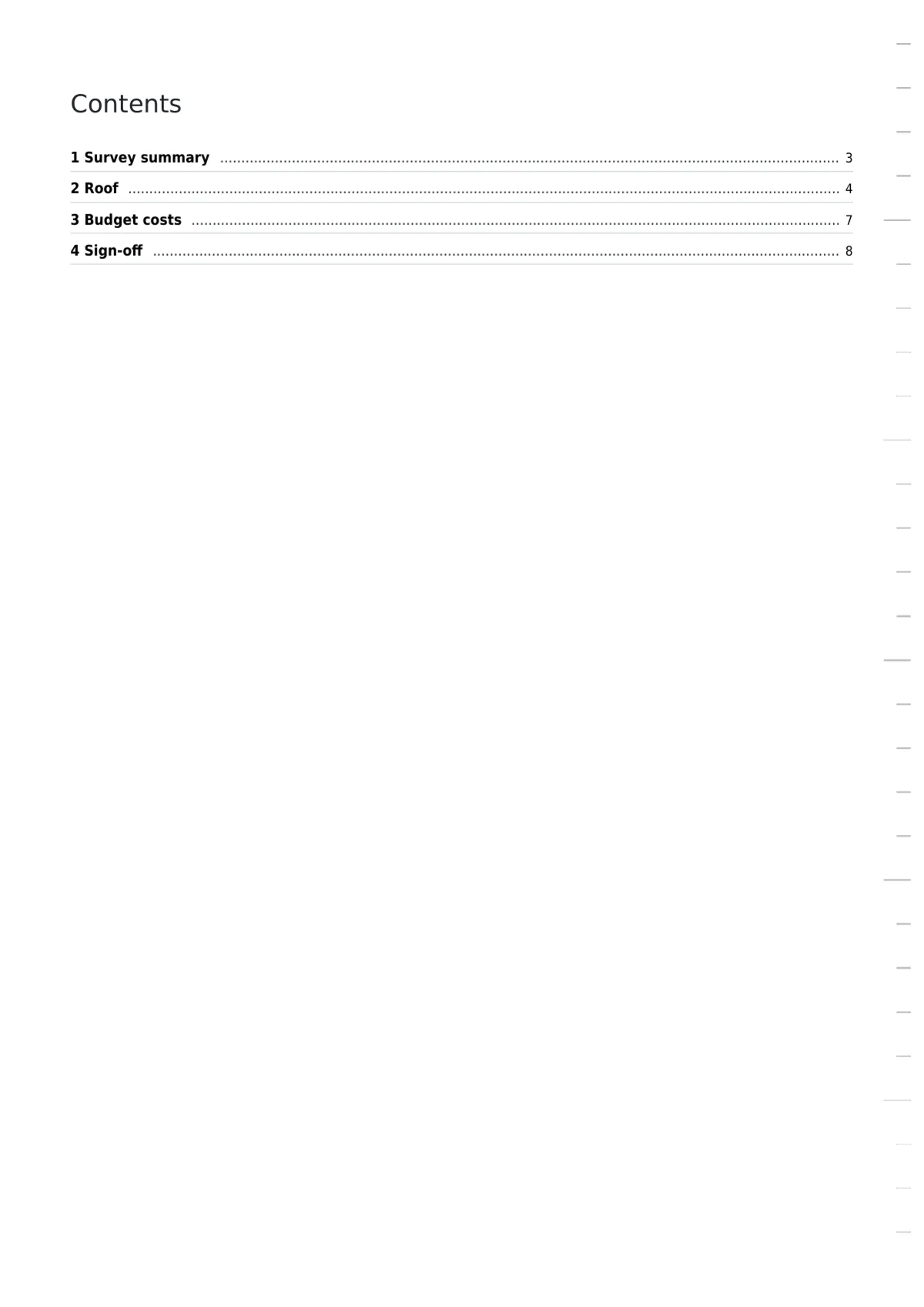
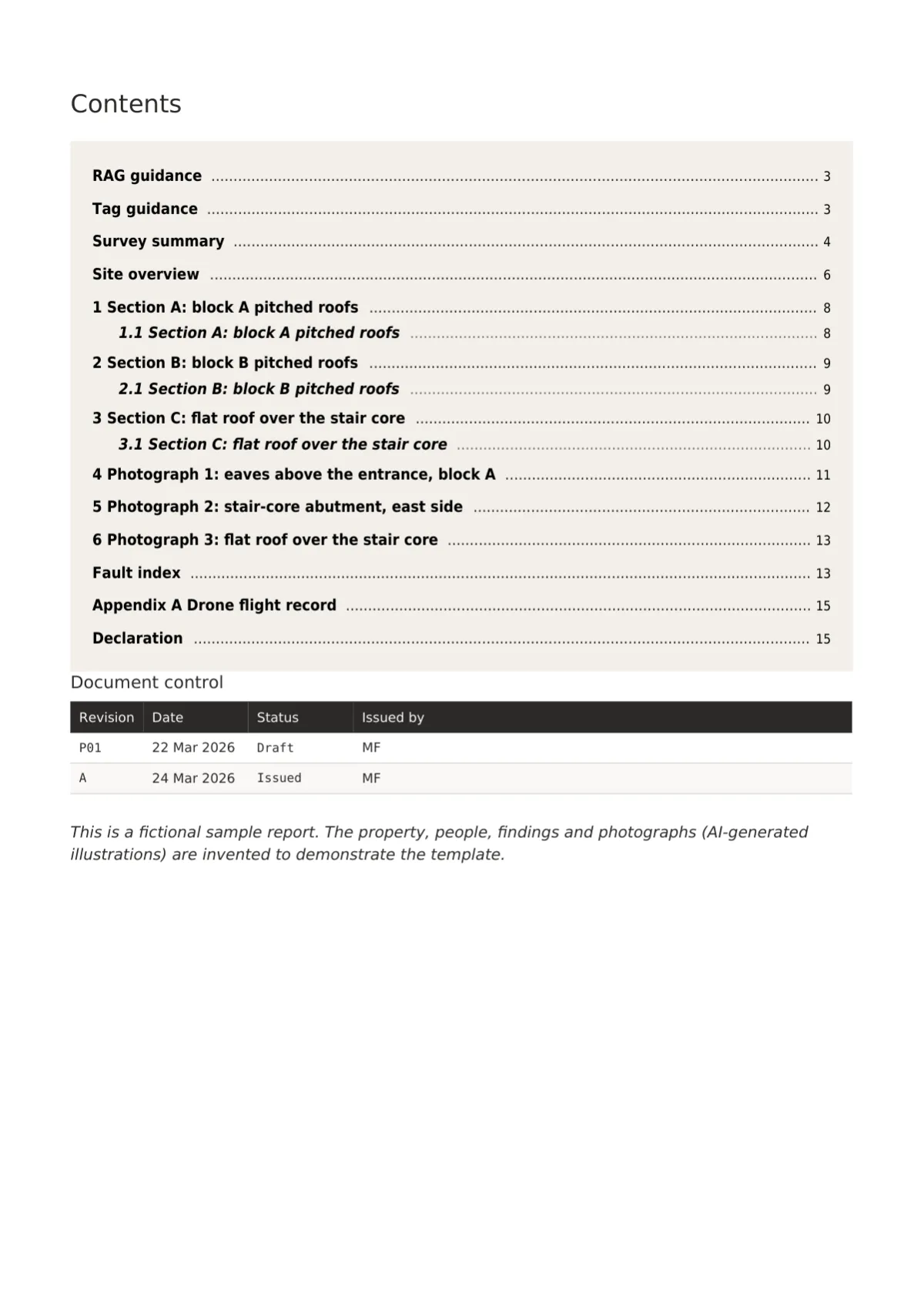
Contents
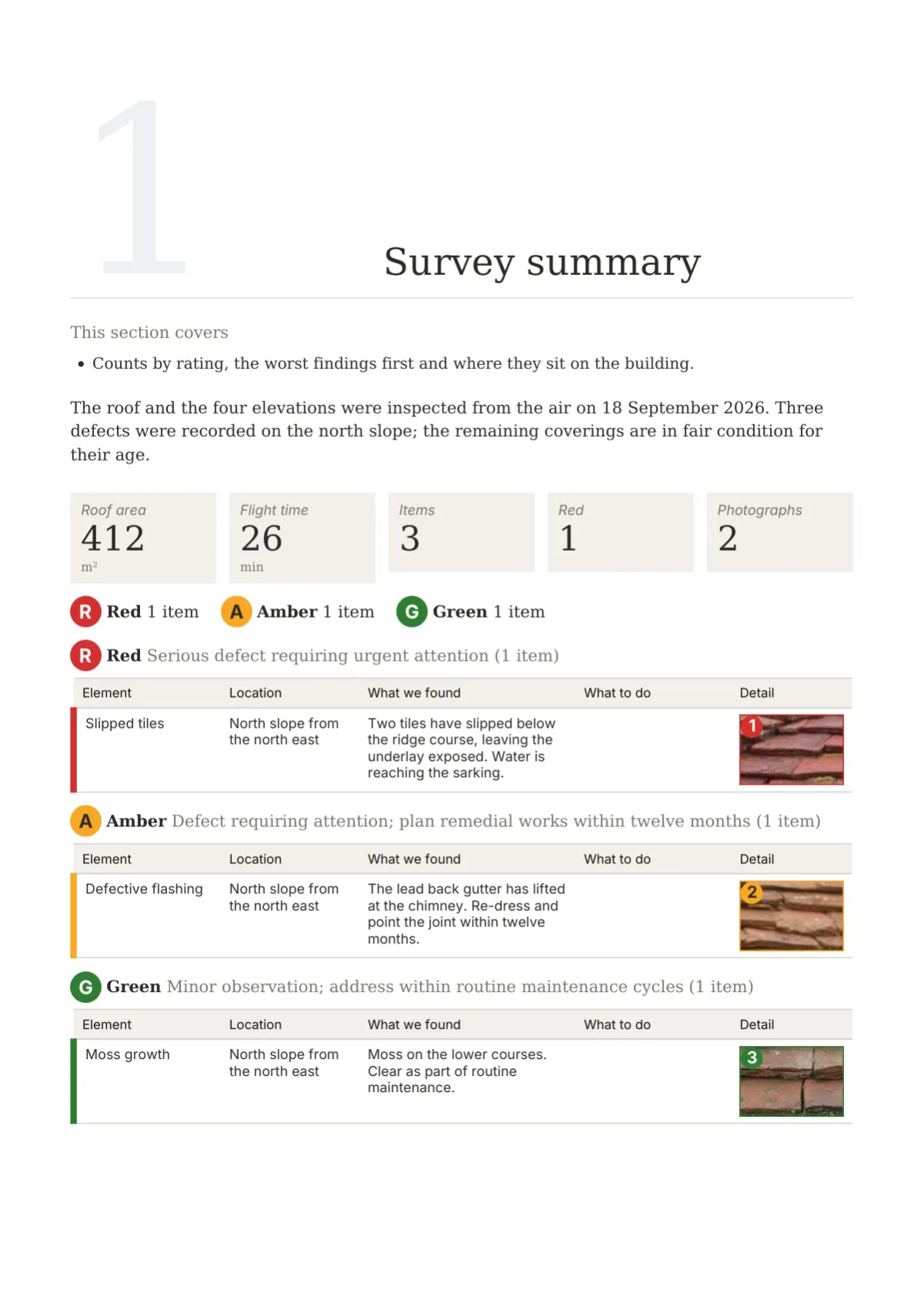
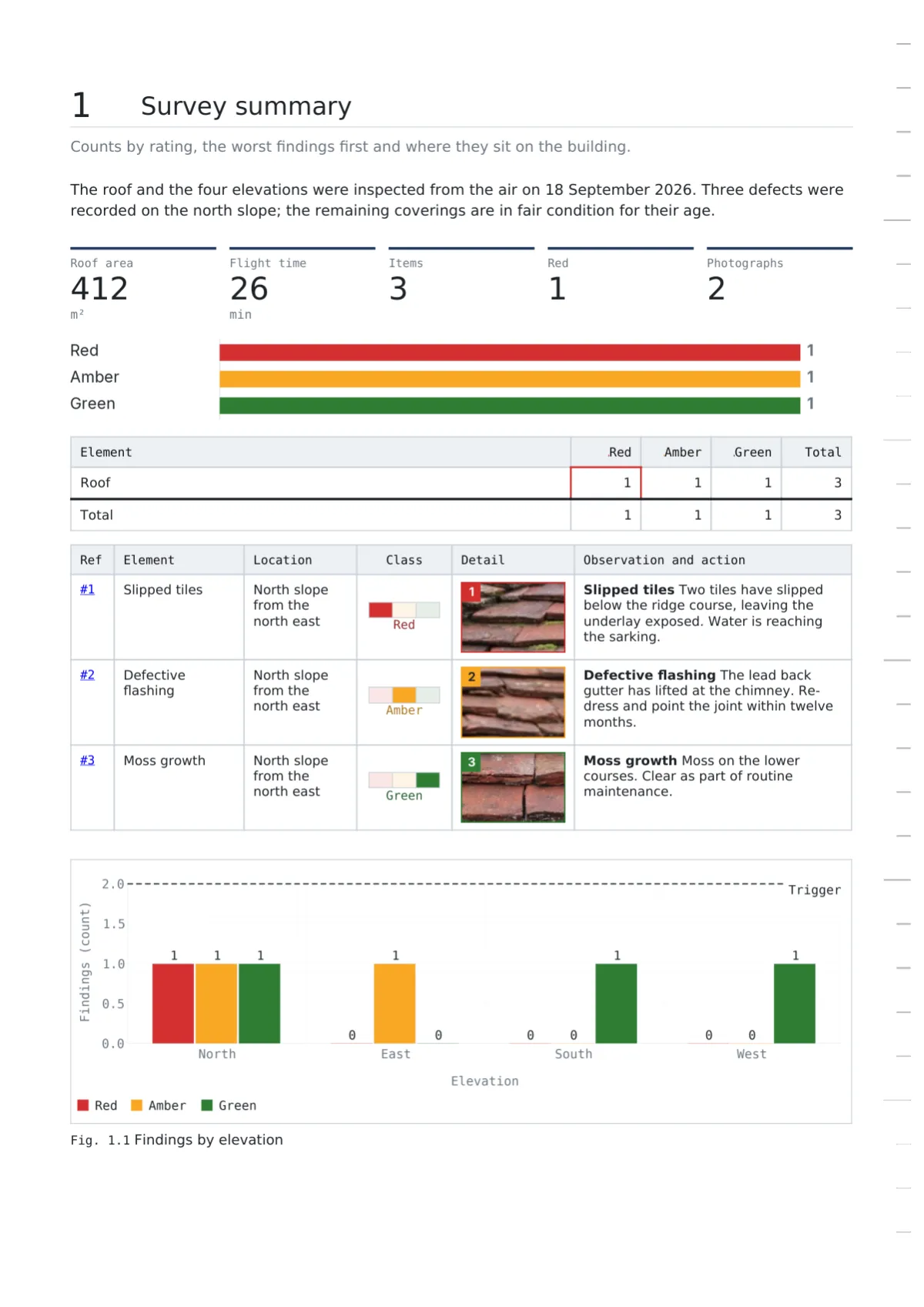
Summary
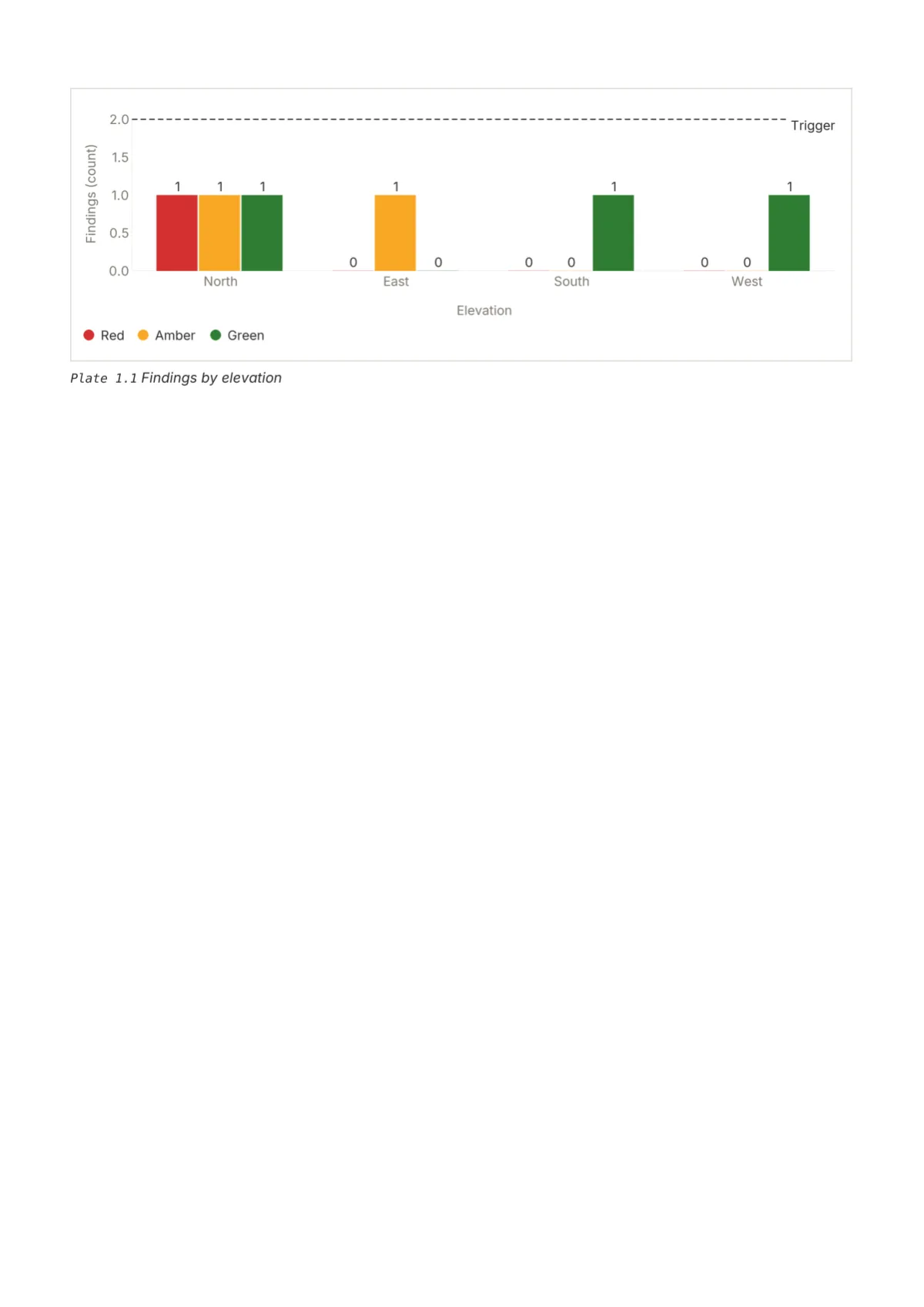
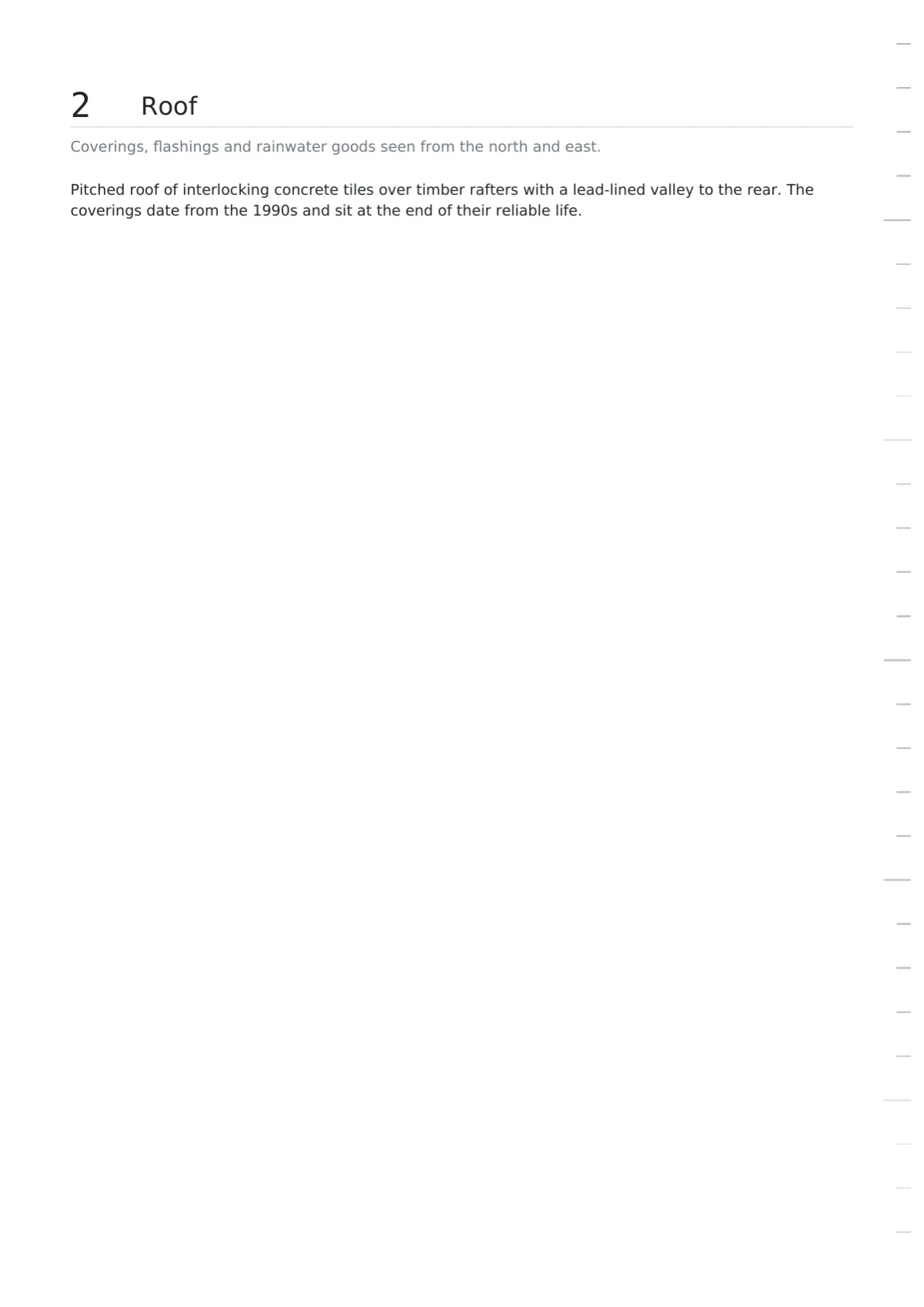
Plate page
Table page
Back page
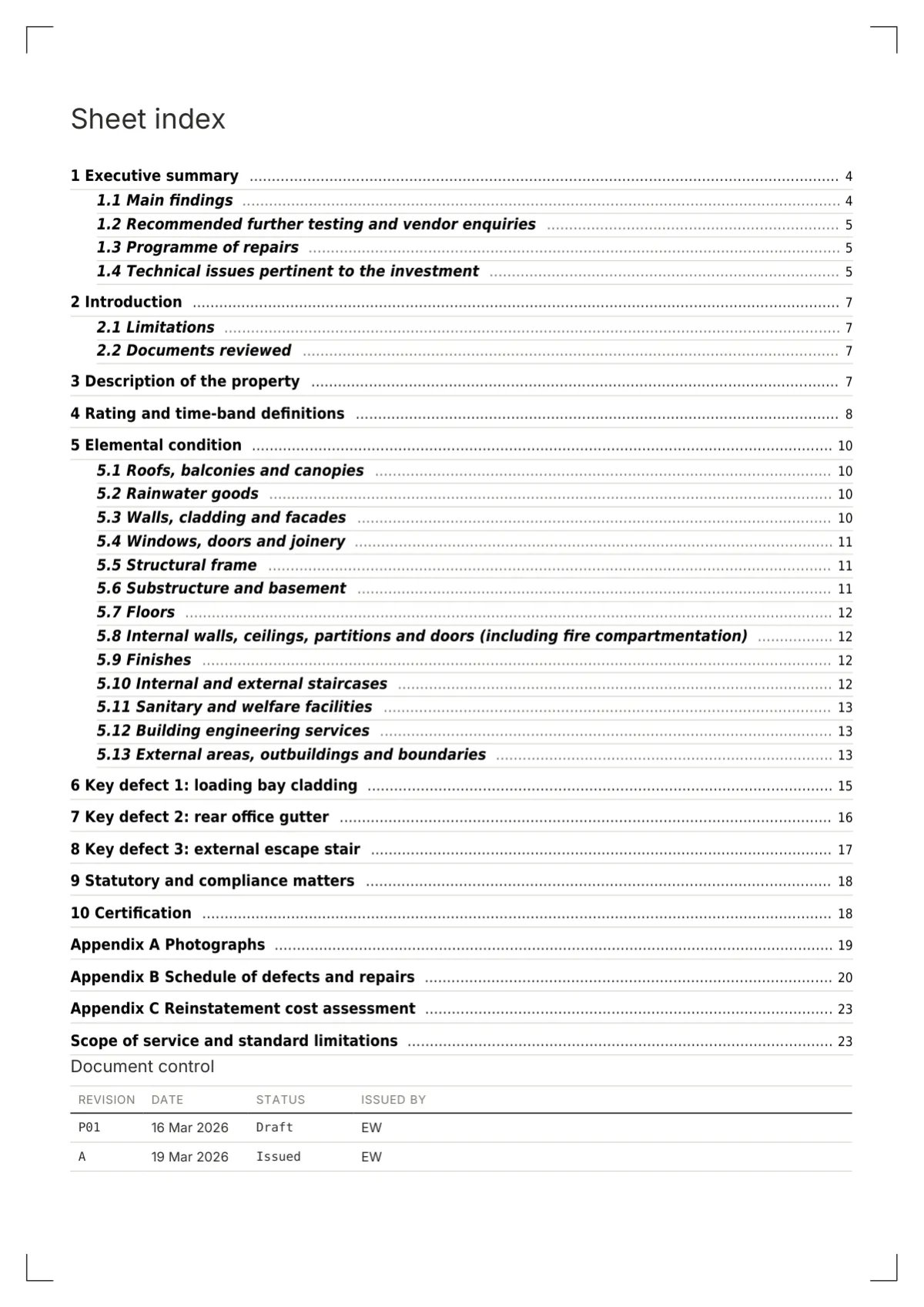
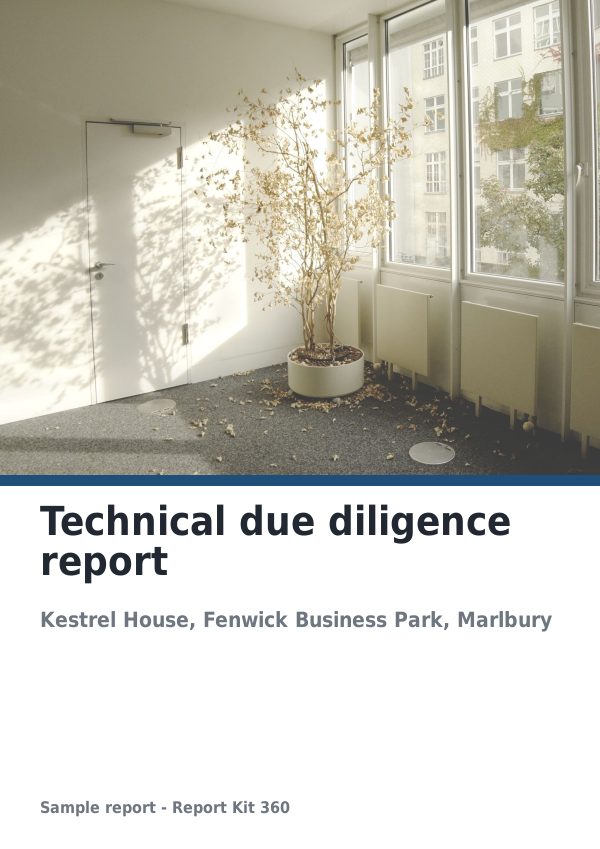
Technical due diligence, structural inspections, condition schedules and technical reports
Cover
Contents
Summary
Plate page
Table page
Back page
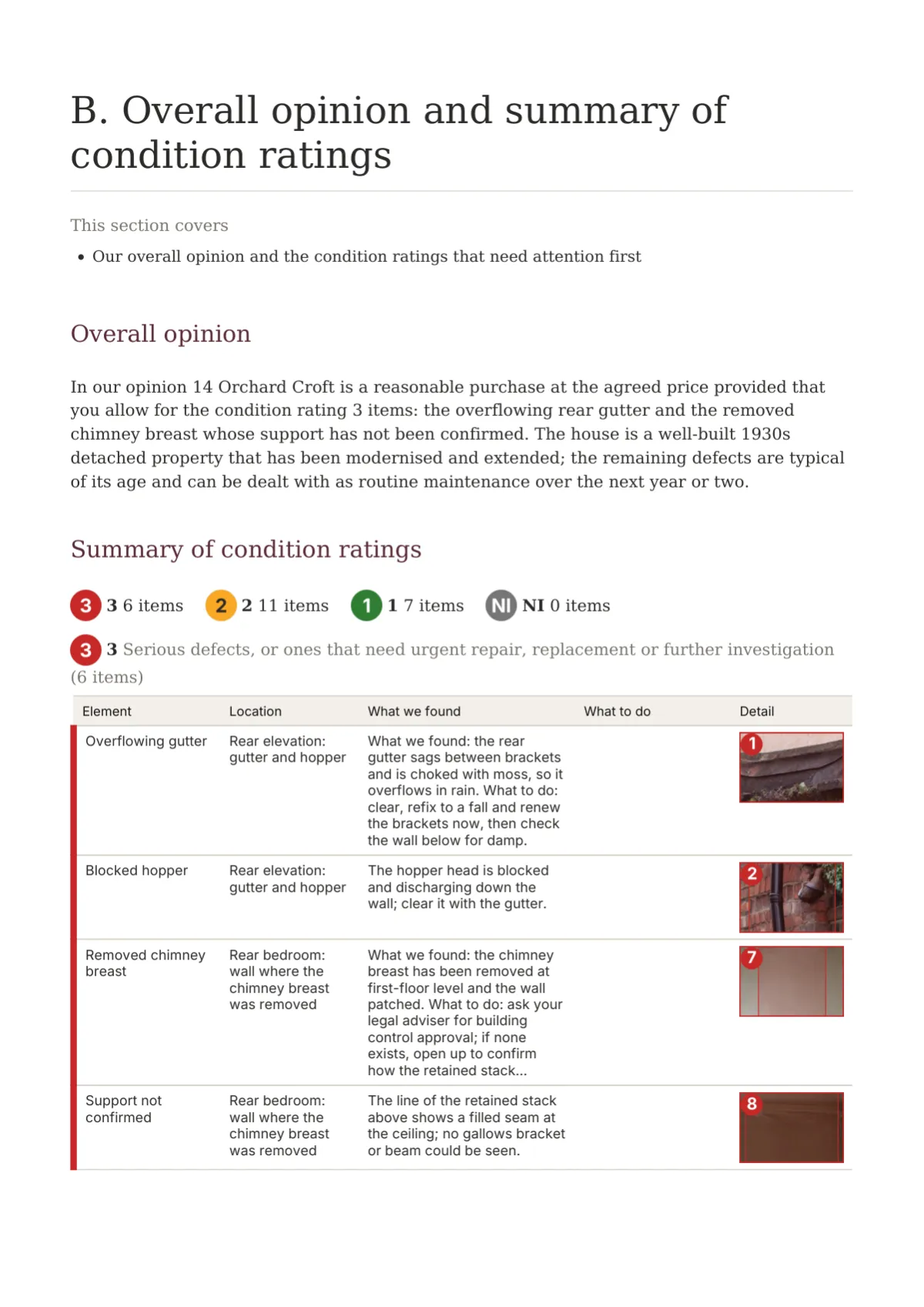
RICS-style home surveys at levels 1 to 3, heritage reports and anything a lay client reads
Cover
Contents
Summary
Plate page
Table page
Back page
Dilapidations, lease schedules of condition and party wall schedules
Cover
Contents
Summary
Plate page
Table page
Back page
Thermography, solar PV verification, stockpile volumes and M and E reporting
Cover
Contents
Summary
Plate page
Table page
Back page
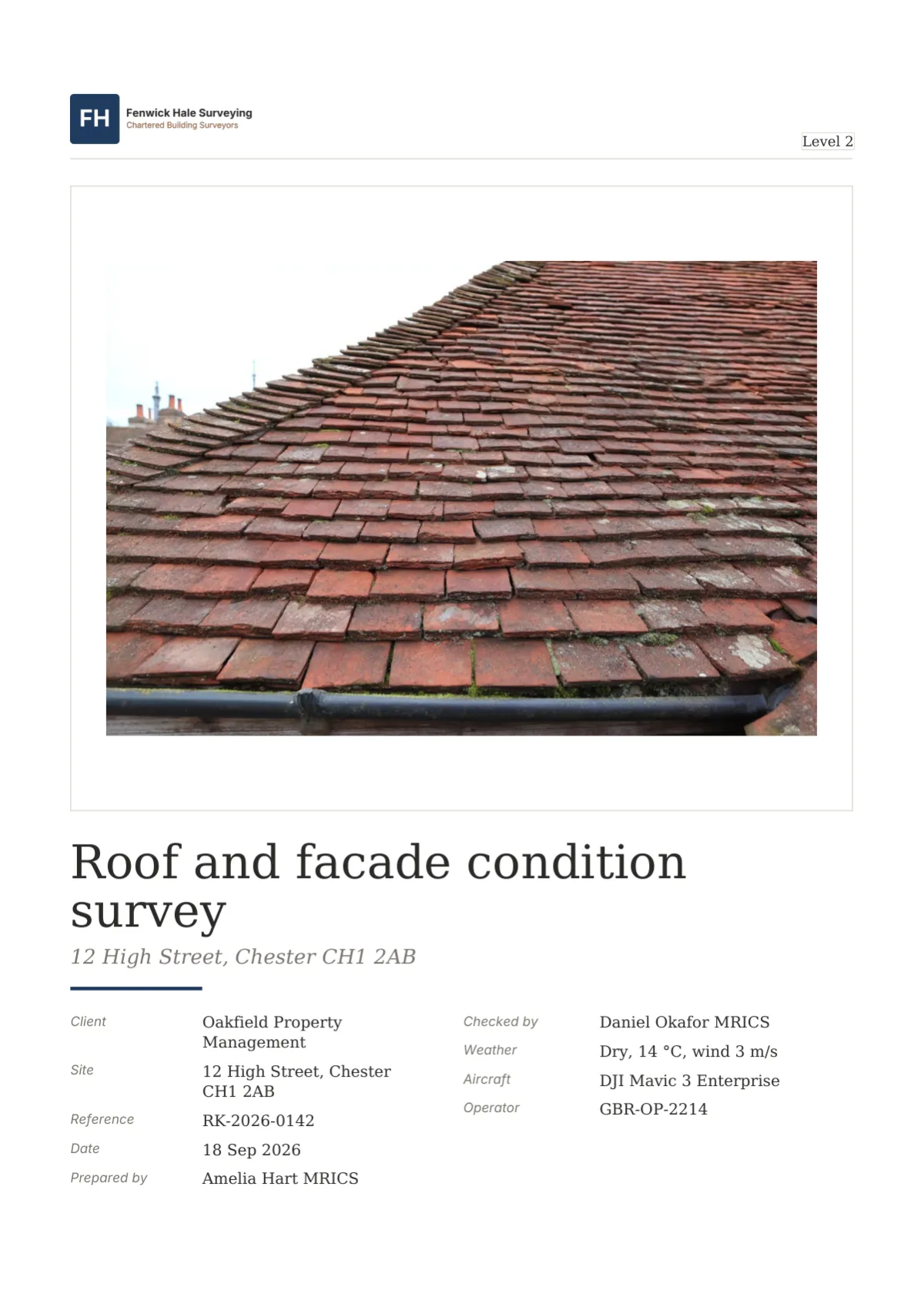
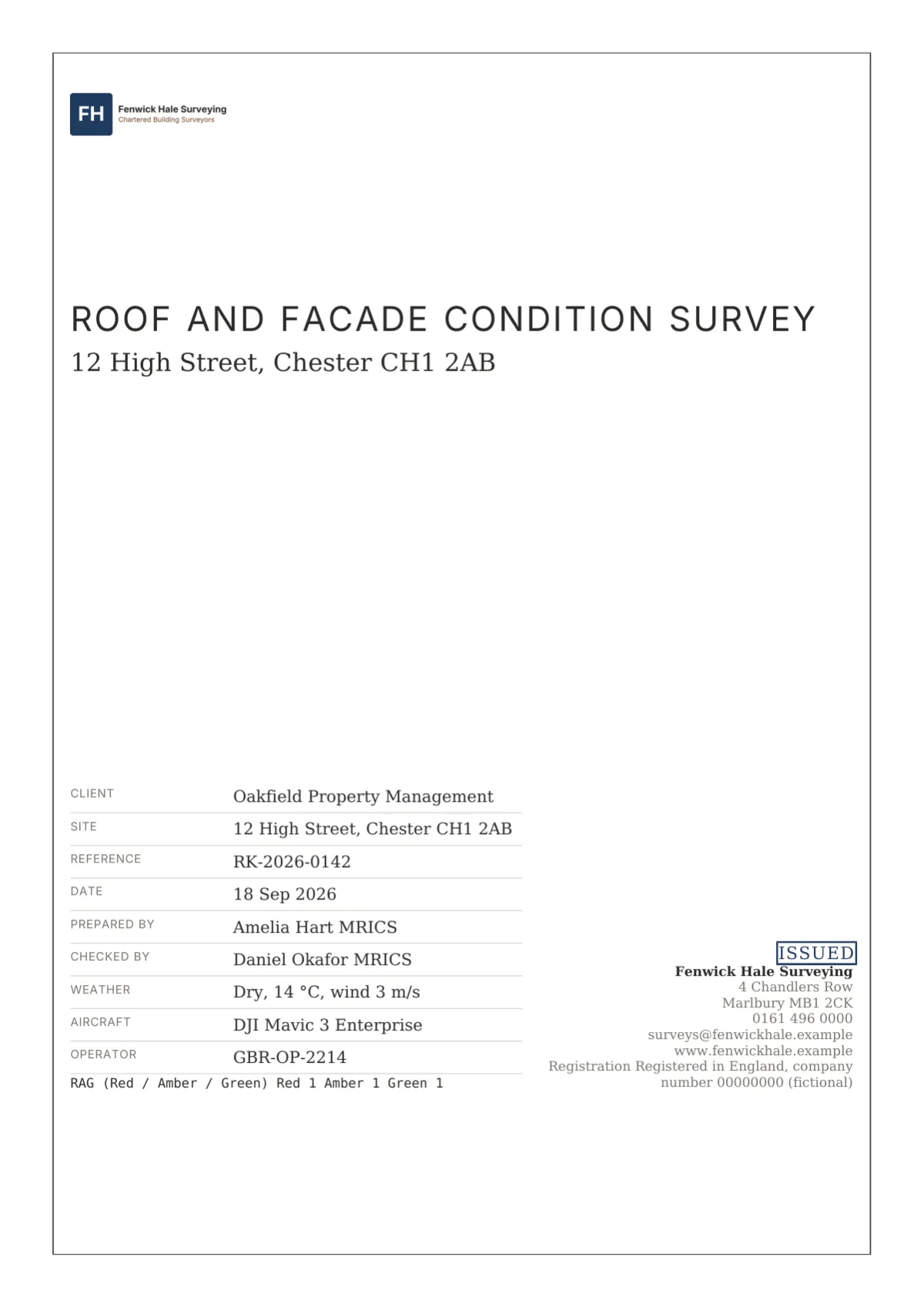
Drone surveys, roof and facade RAG inspections, snagging and access audits
How it works
01
Choose from 15 templates grouped by industry. Sections, rating scheme, required fields and checks come with it.
02
Upload in batches, mark up each defect with a rating and fault type, fill the schedules. The Checks panel lists what is missing.
03
Preview the server-rendered pages, switch the design set, and on Pro move the report through review with block comments.
04
Issue the numbered PDF with its checksum, send a share link with a password or expiry, and watch it being read.
Industries
Twelve industry pages, each with its template, a worked example and the plan it needs.
Example reports
Every example is a fictional report issued in Report Kit 360. Open one to read every page, see which blocks it uses and download the PDF.
Roof and facade inspections / Basic
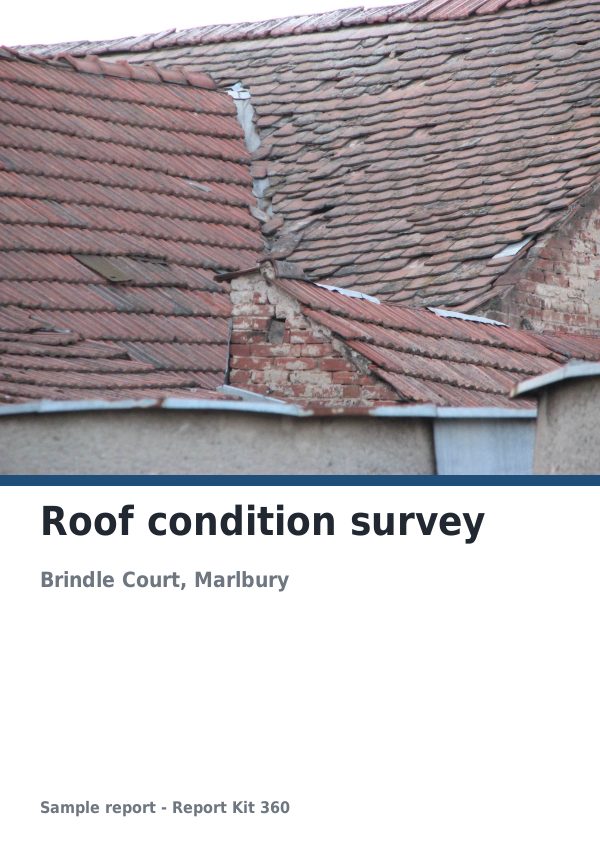
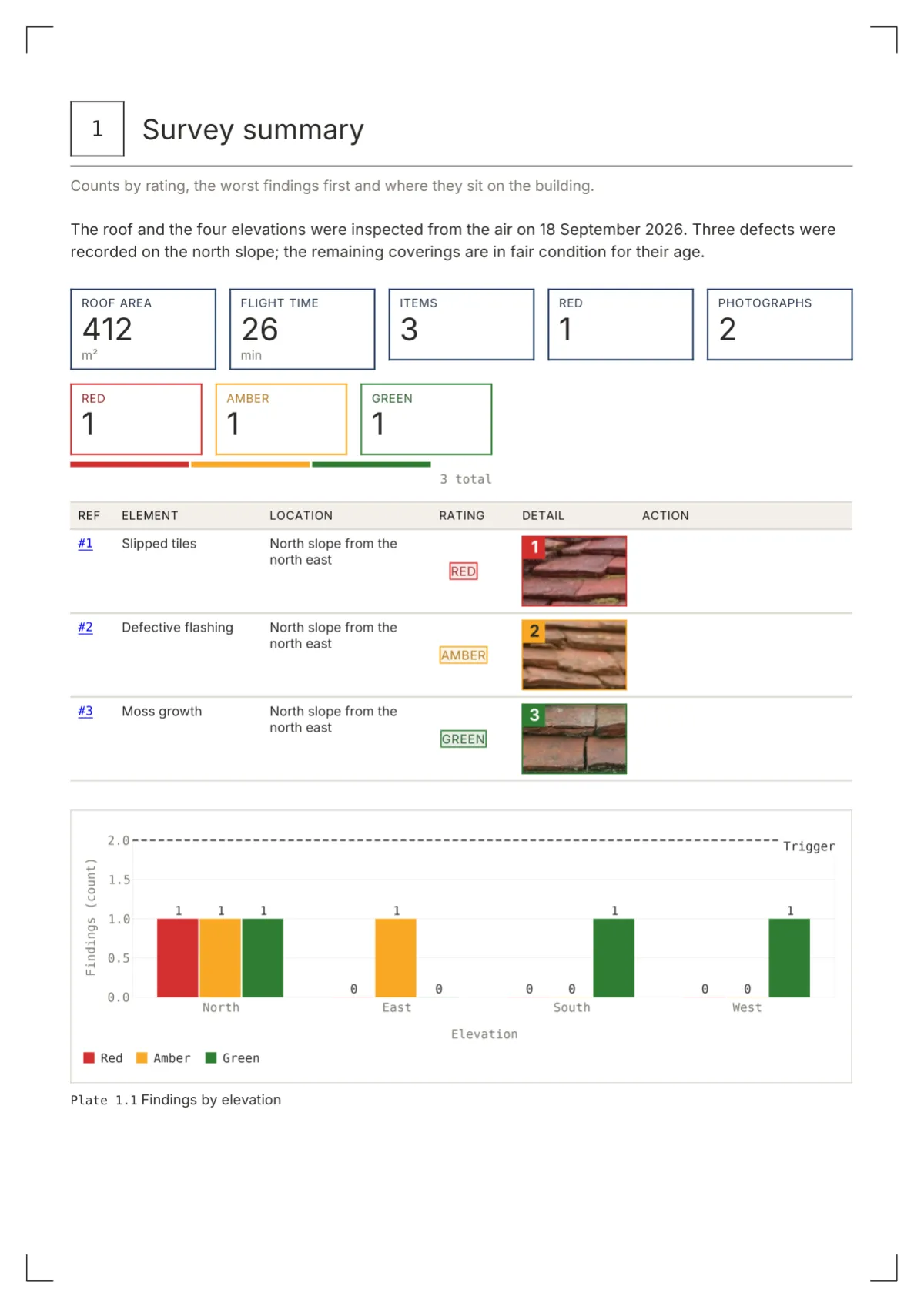
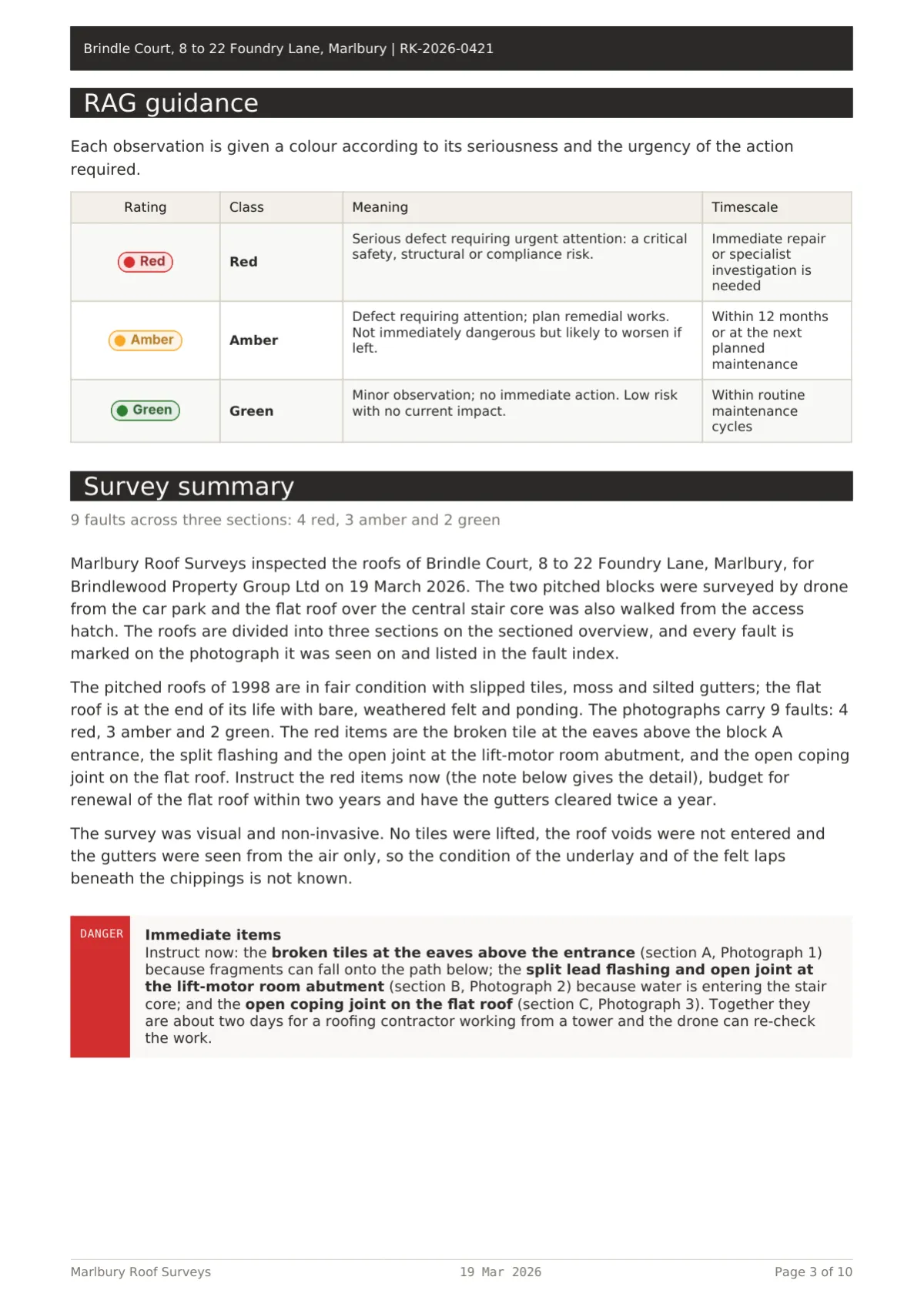
Fictional roof condition survey in Report Kit 360: RAG counters, a sectioned overview, filmstrip crops on three photograph pages and a fault index.
RICS-style home surveys / Basic
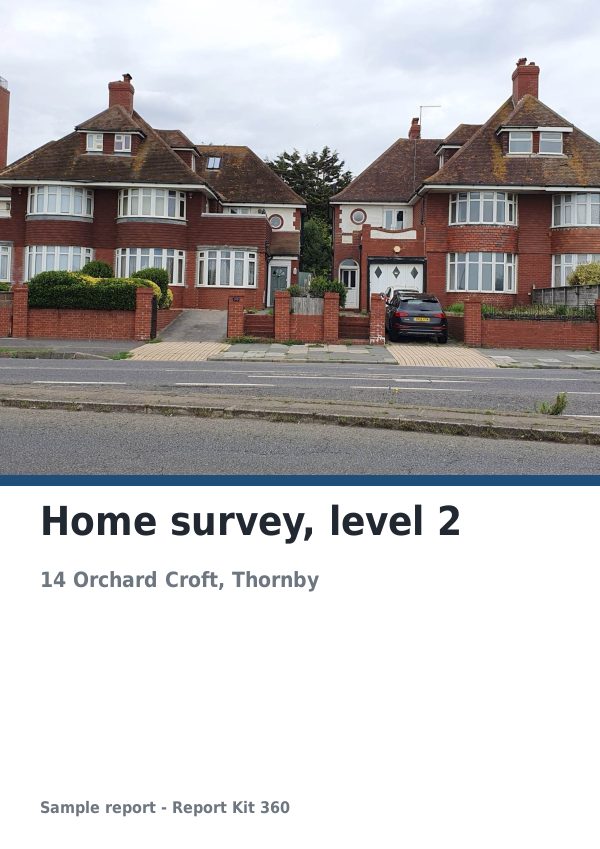
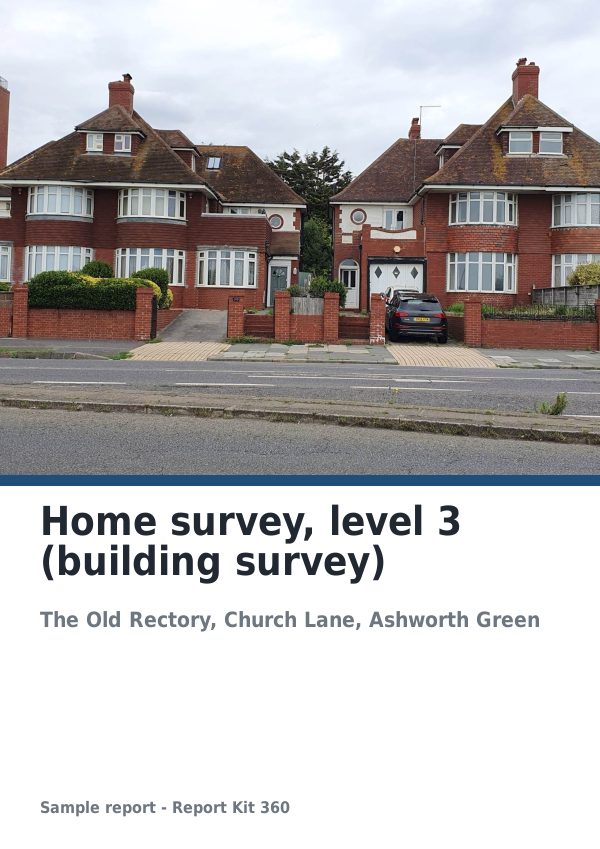
Fictional RICS-style level 2 survey in Report Kit 360: ratings 2, 8 and 5, three plates with eight markers, a callout for the solicitor and a valuation.
Technical reports / Basic
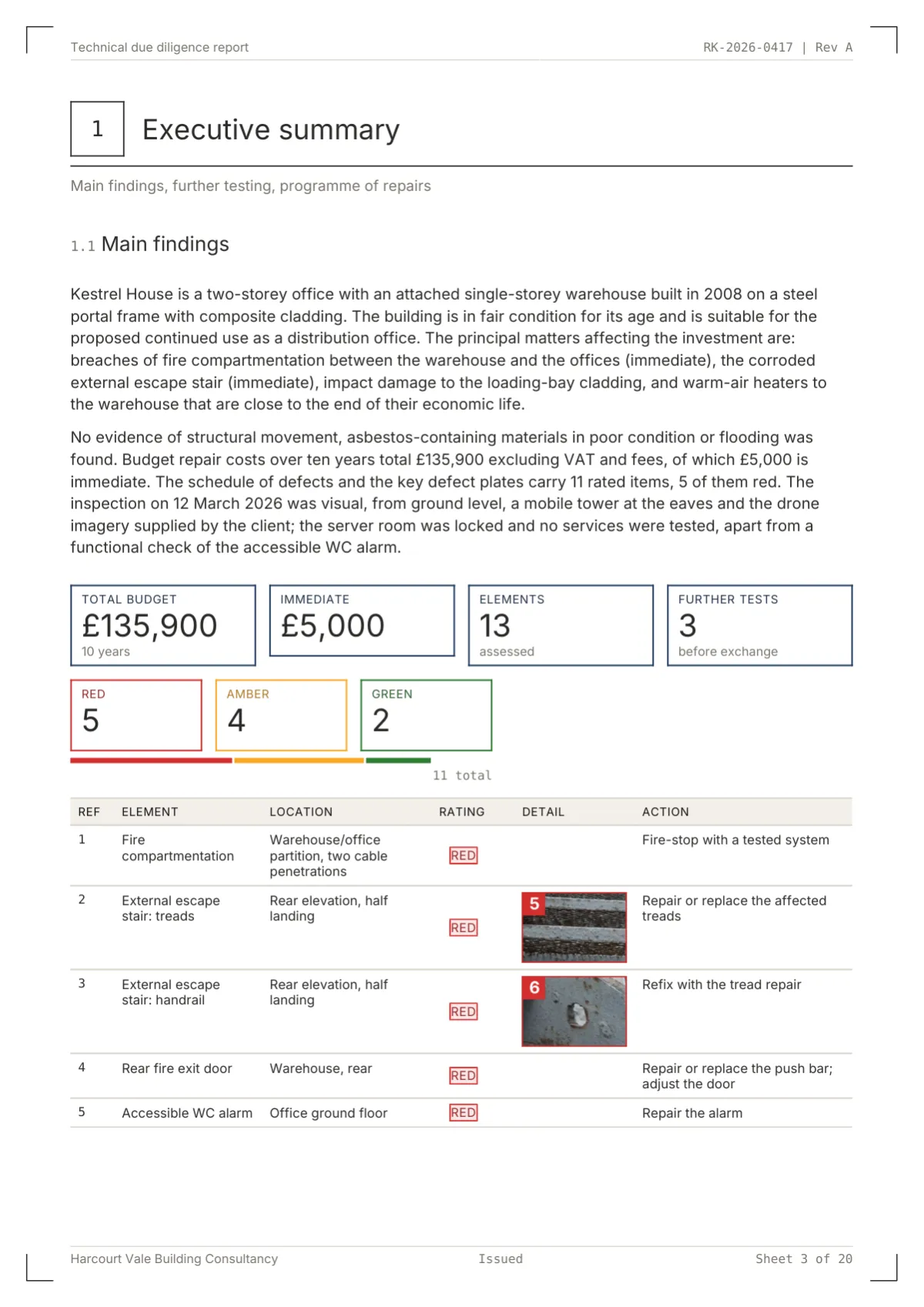
A fictional technical due diligence report built in Report Kit 360: 13 elements, three key defect plates, a £135,900 budget in time bands and a cost chart.
Solar PV inspections / Pro
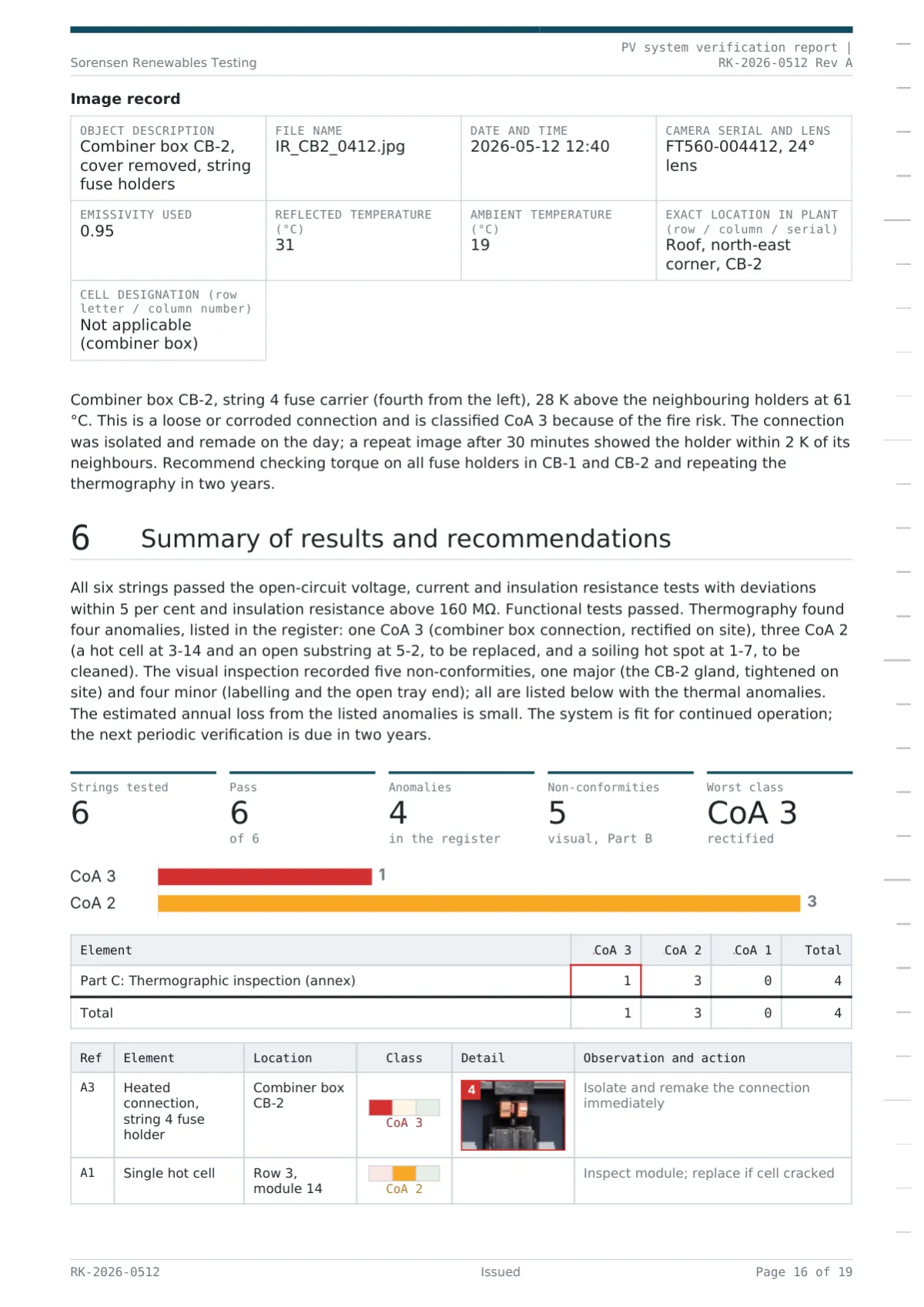
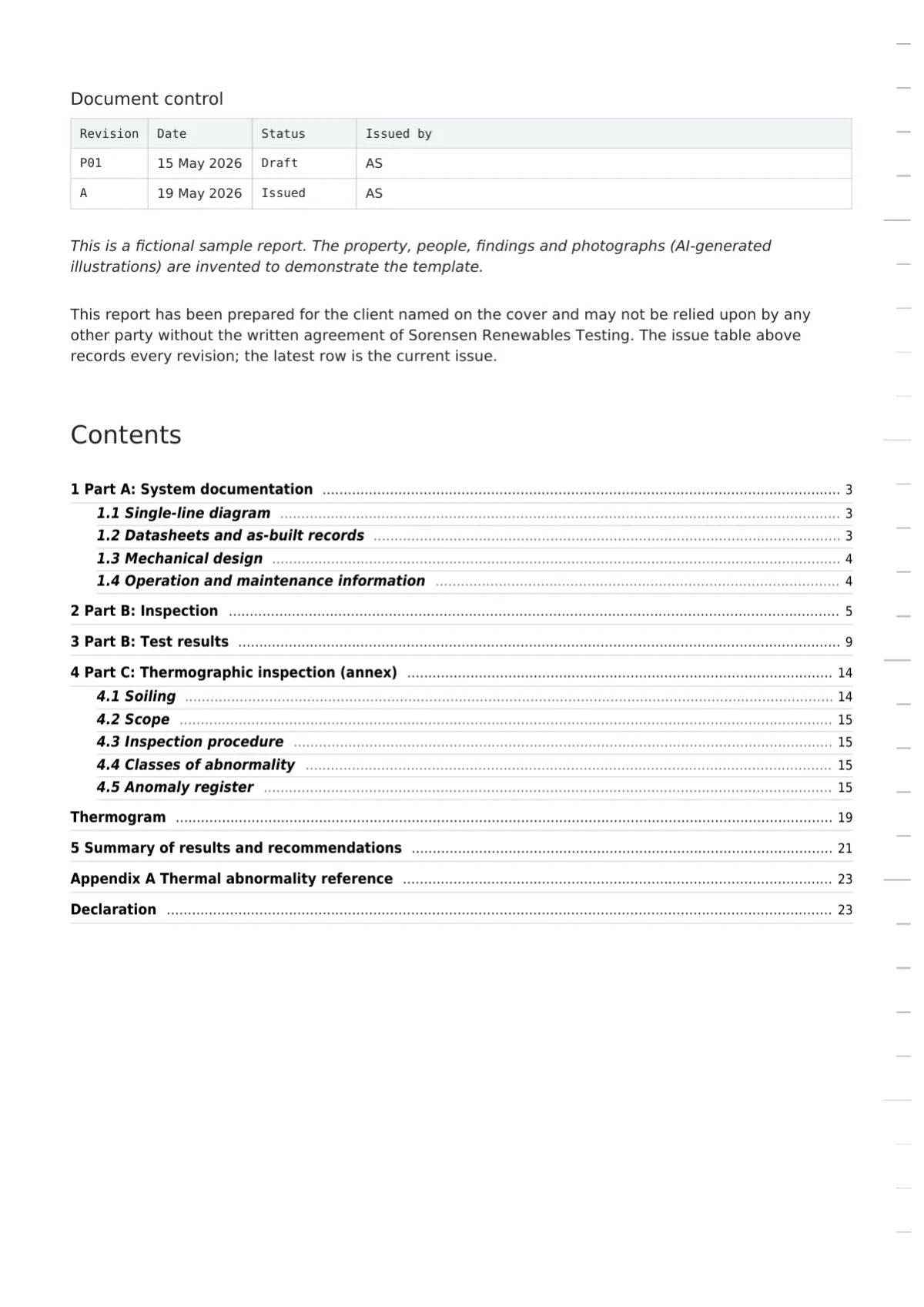
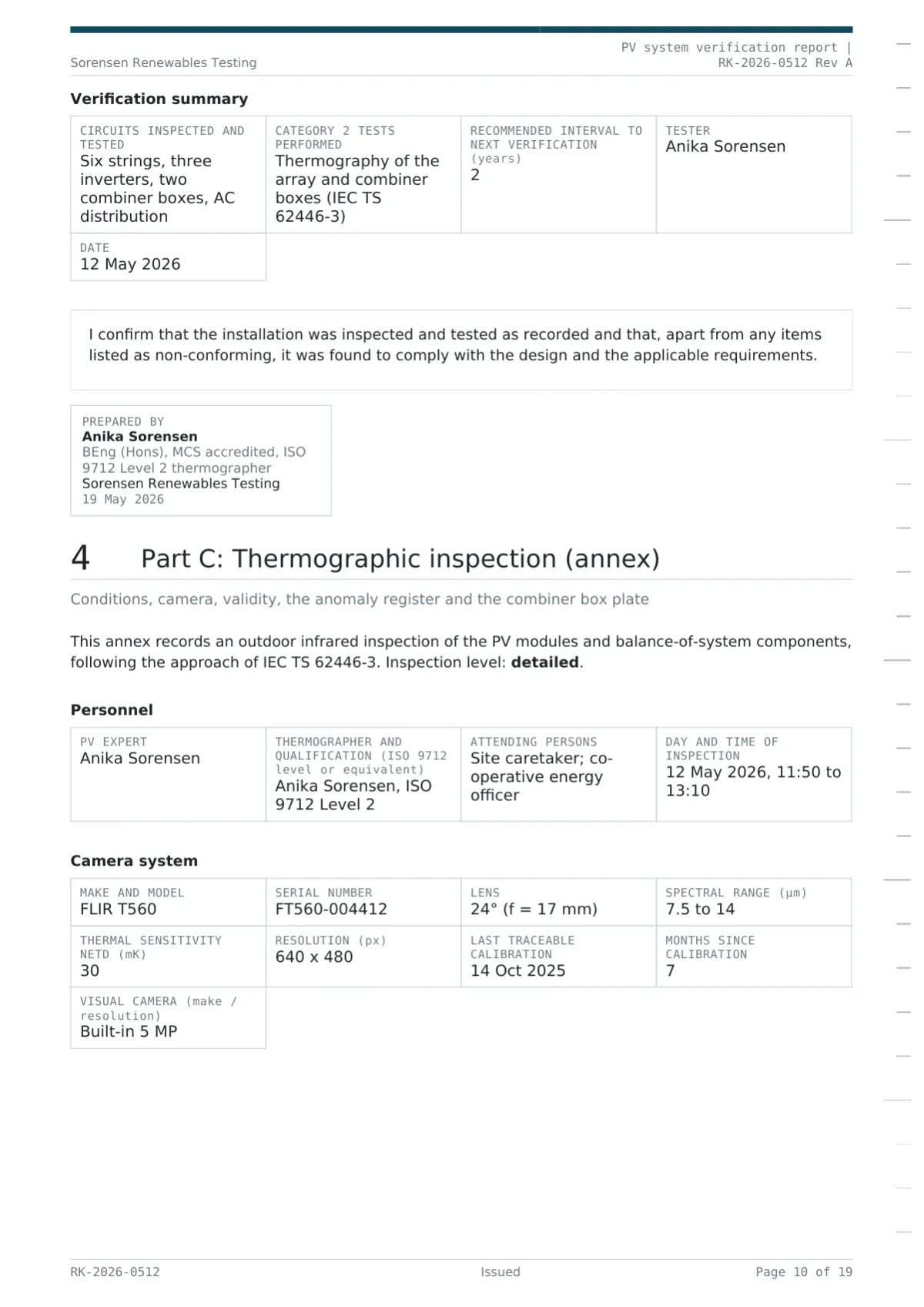
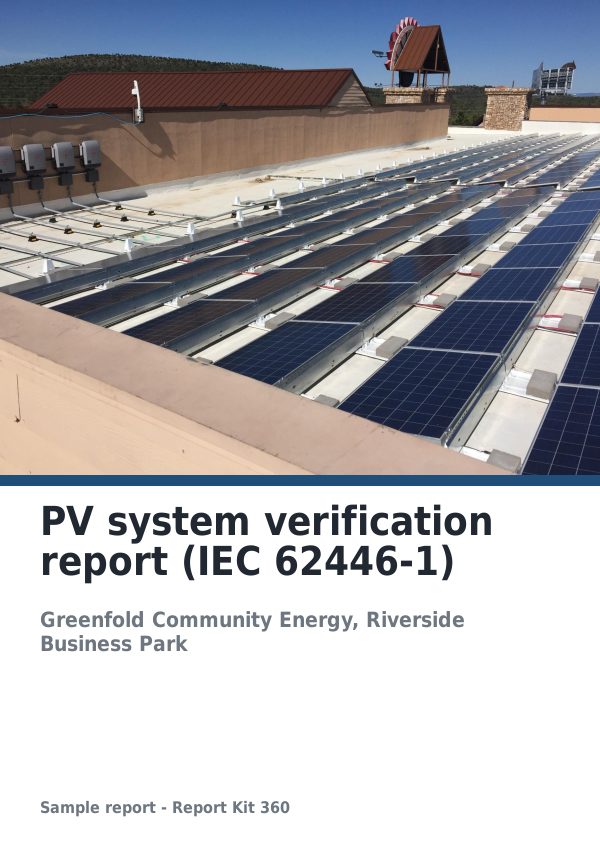
Fictional PV verification report in the IEC 62446-1 pattern from Report Kit 360: string test formula tables, an anomaly register and a thermogram.
Drone surveys / Basic
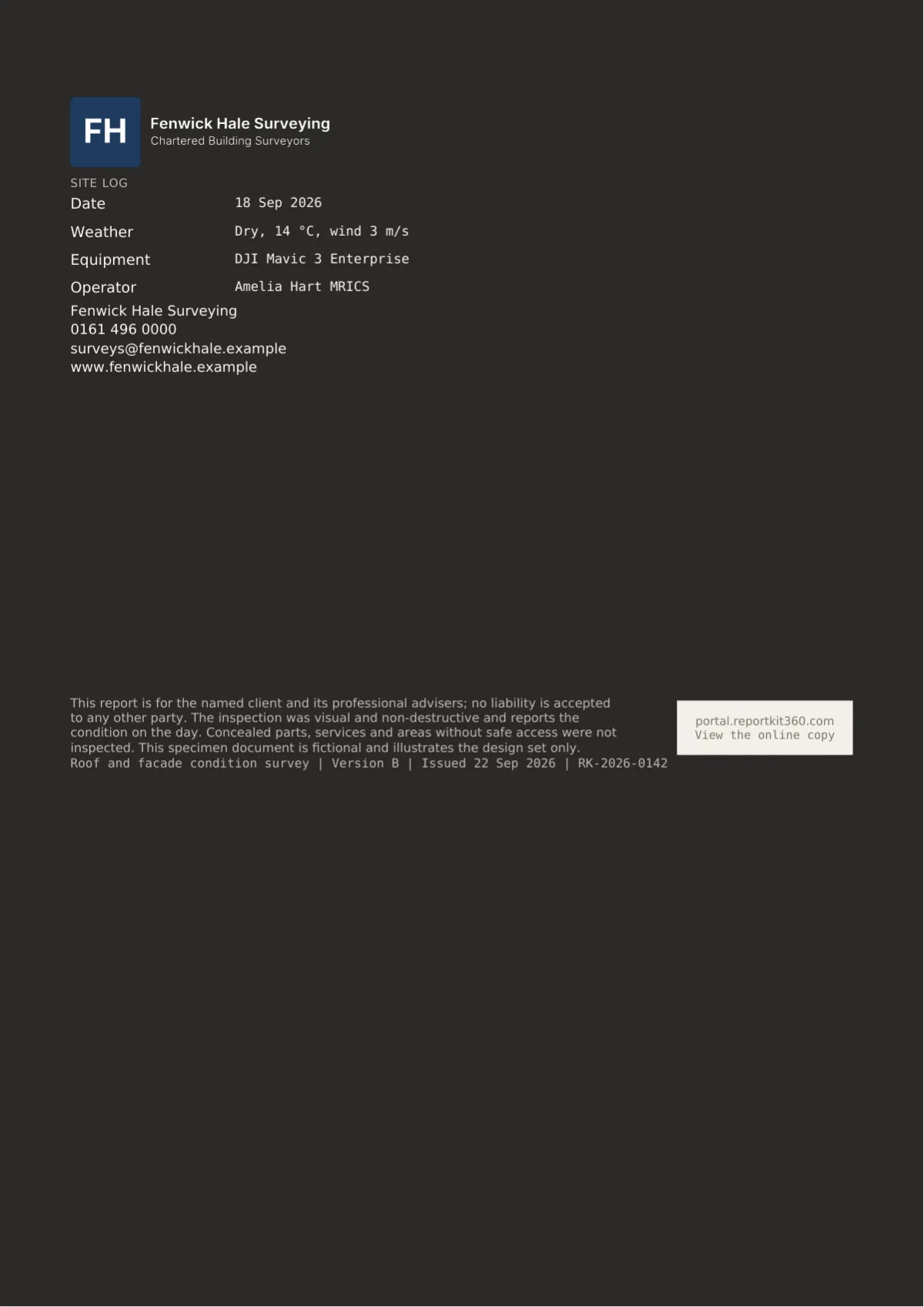
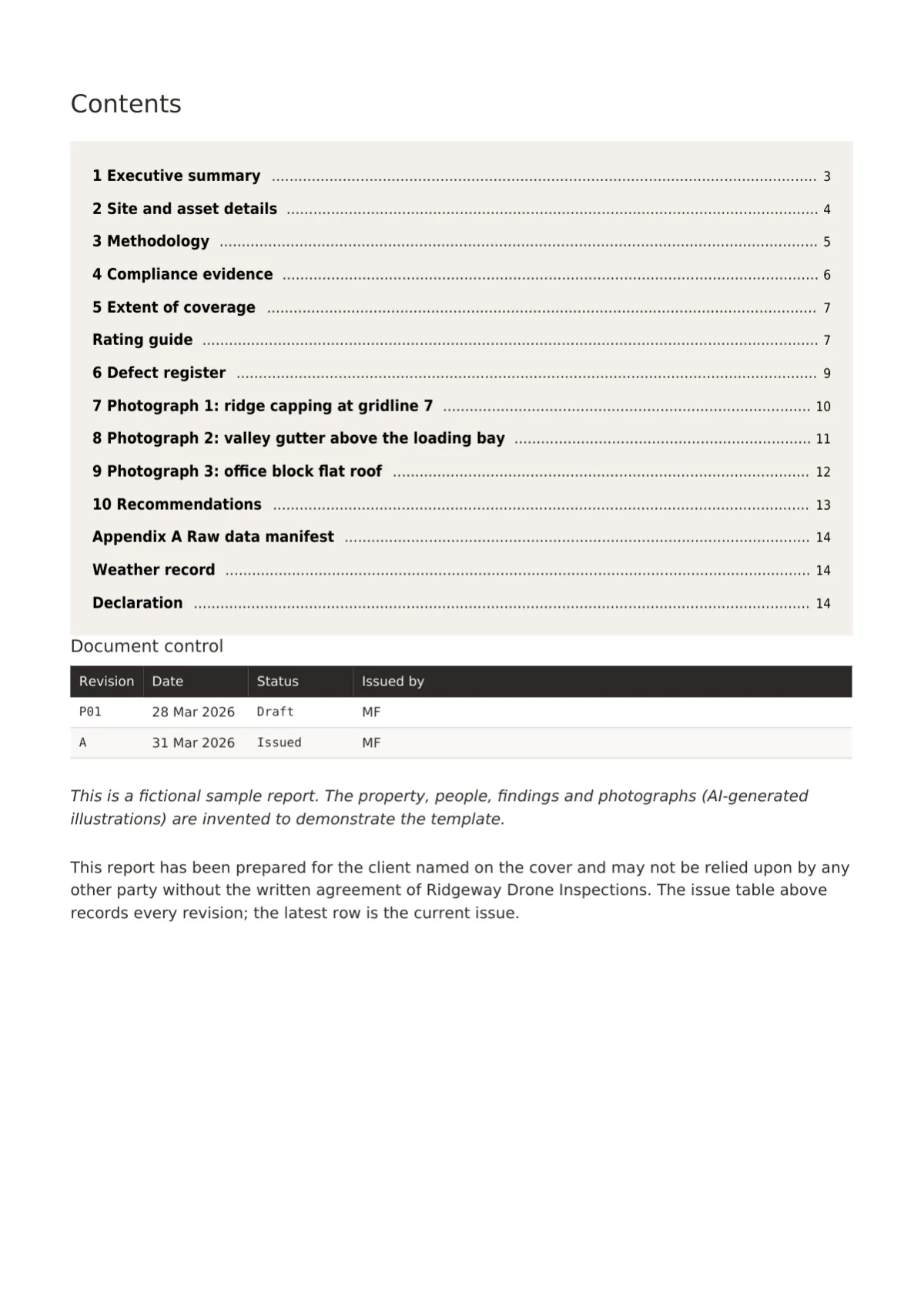
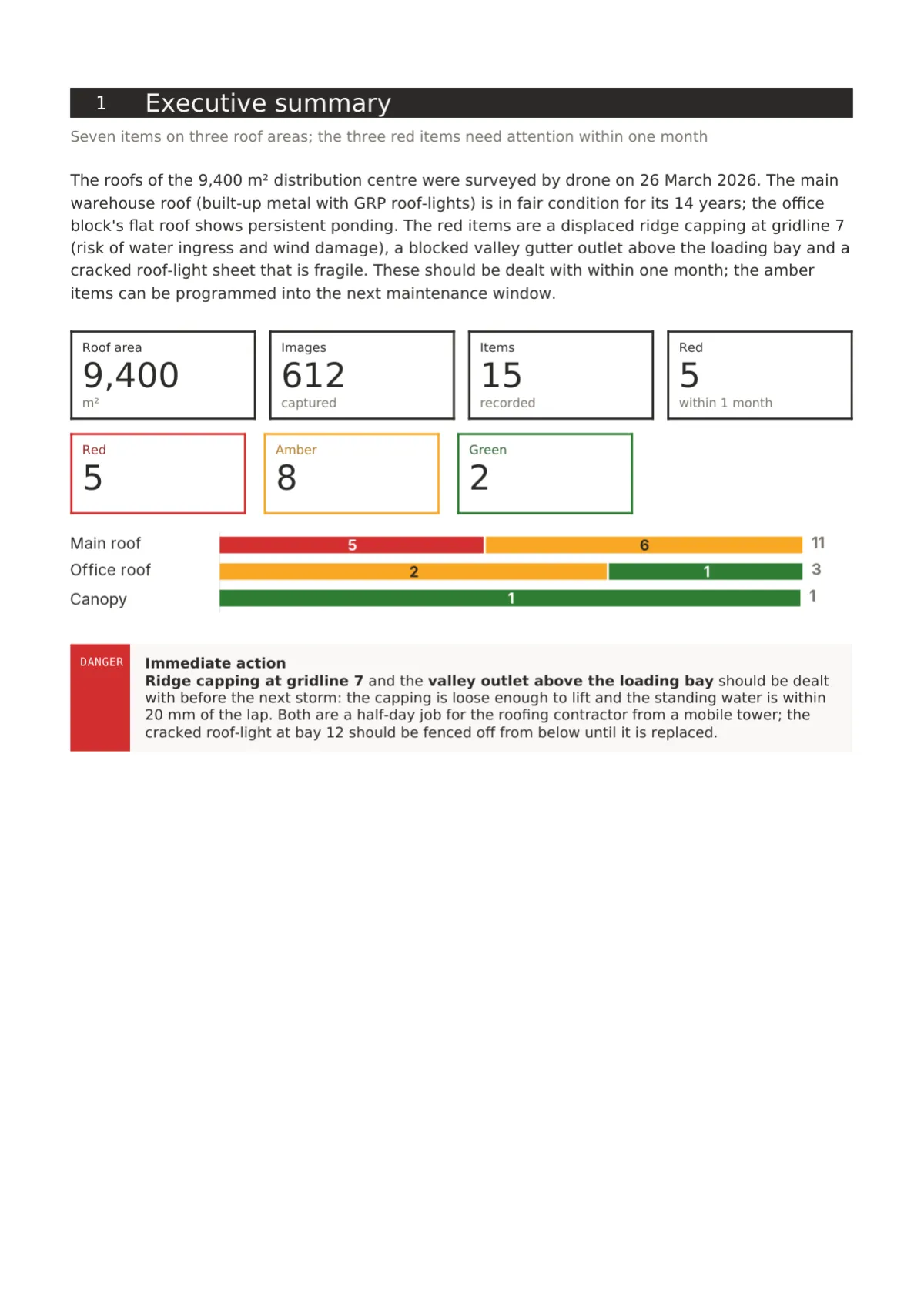
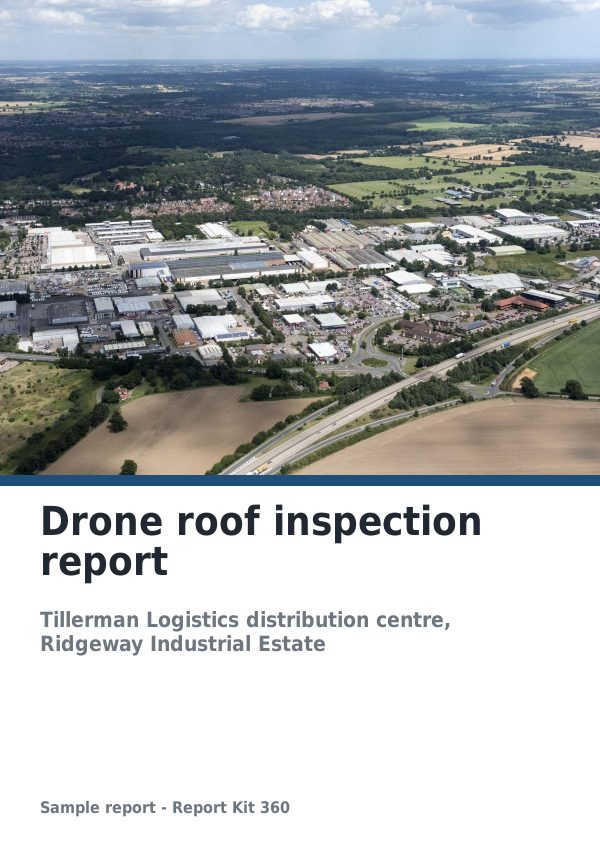
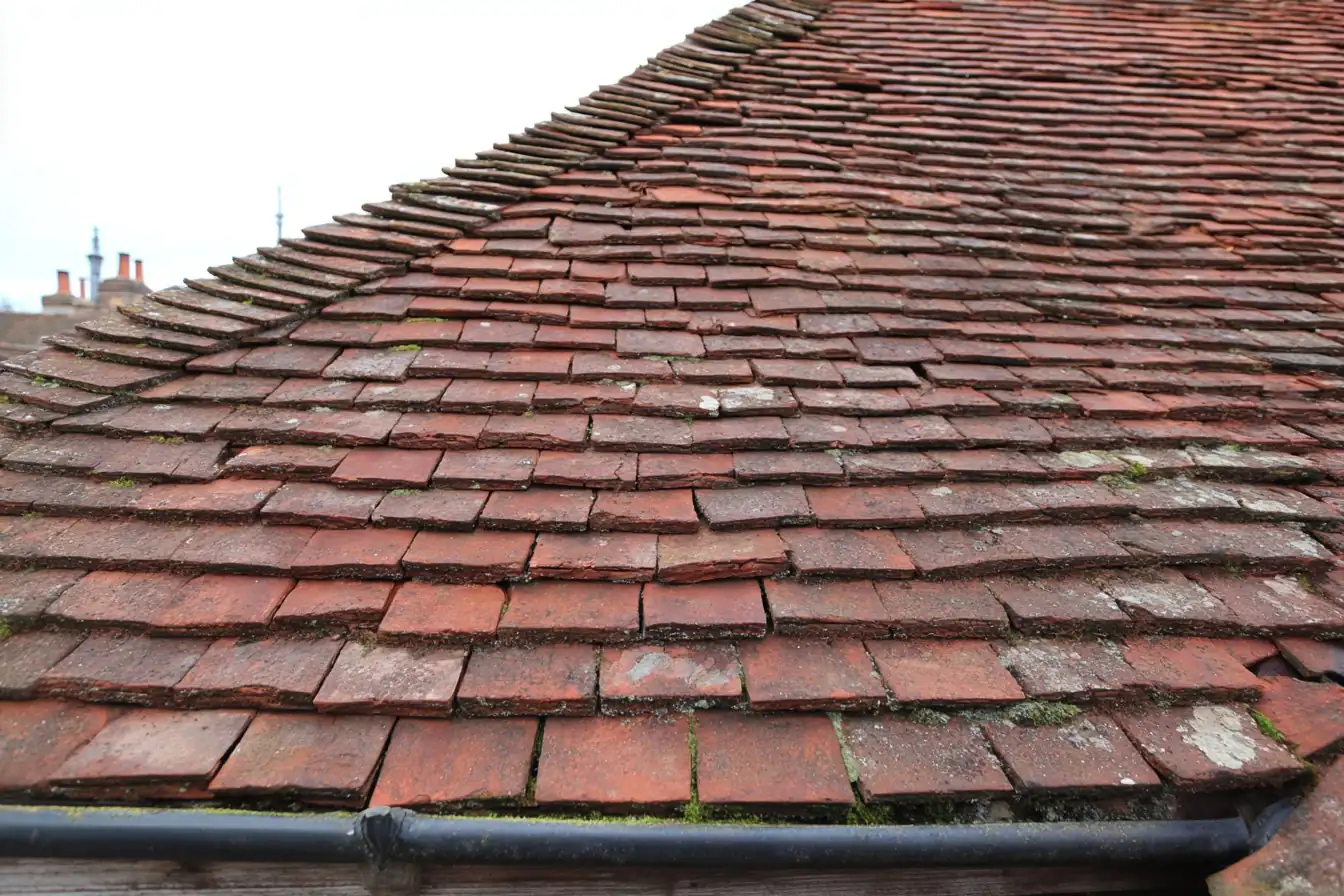
Fictional drone roof inspection report in Report Kit 360: flight record, coverage plan, a RAG register of nine items with crops and filmstrip photographs.
Dilapidation reports / Basic
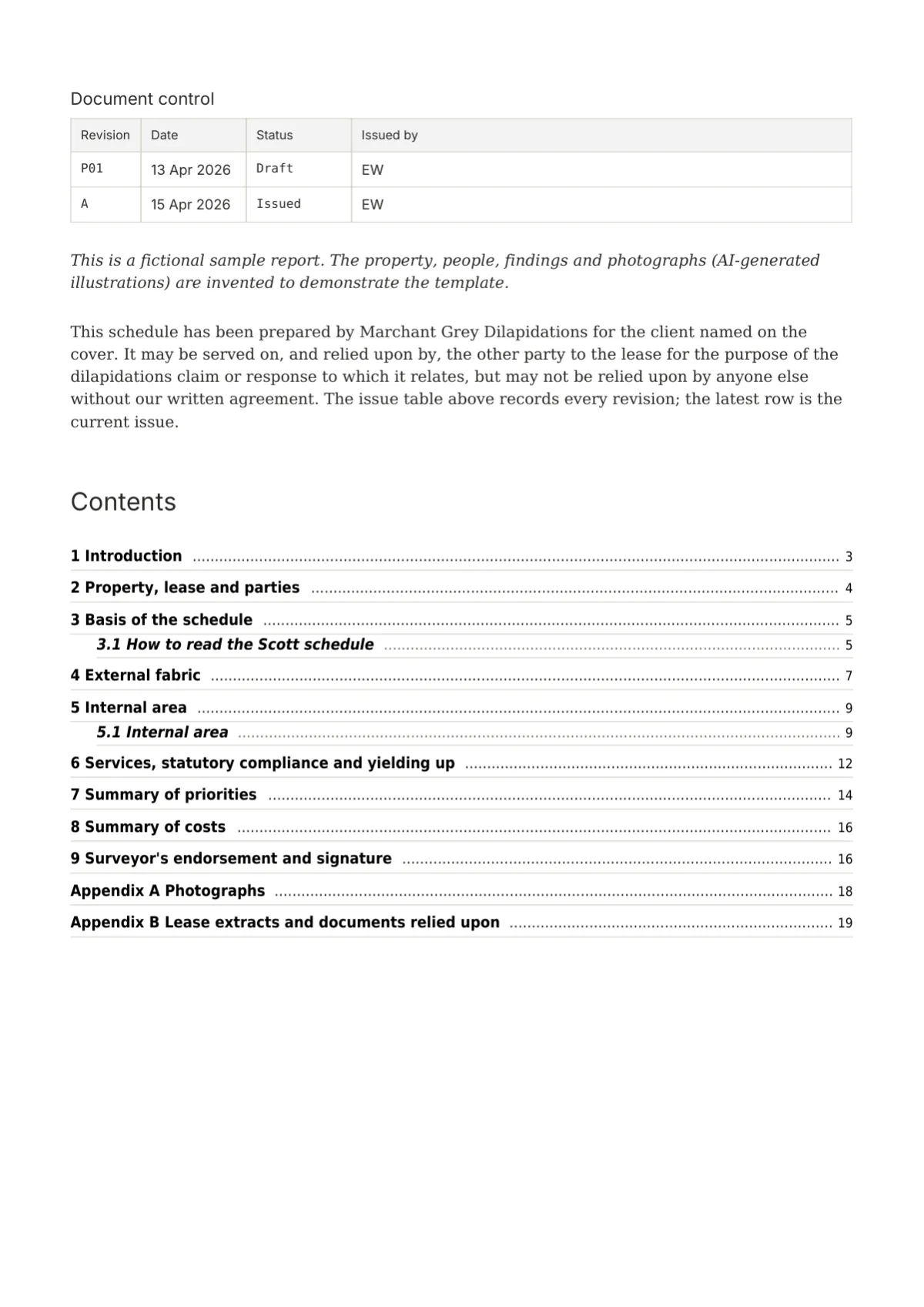
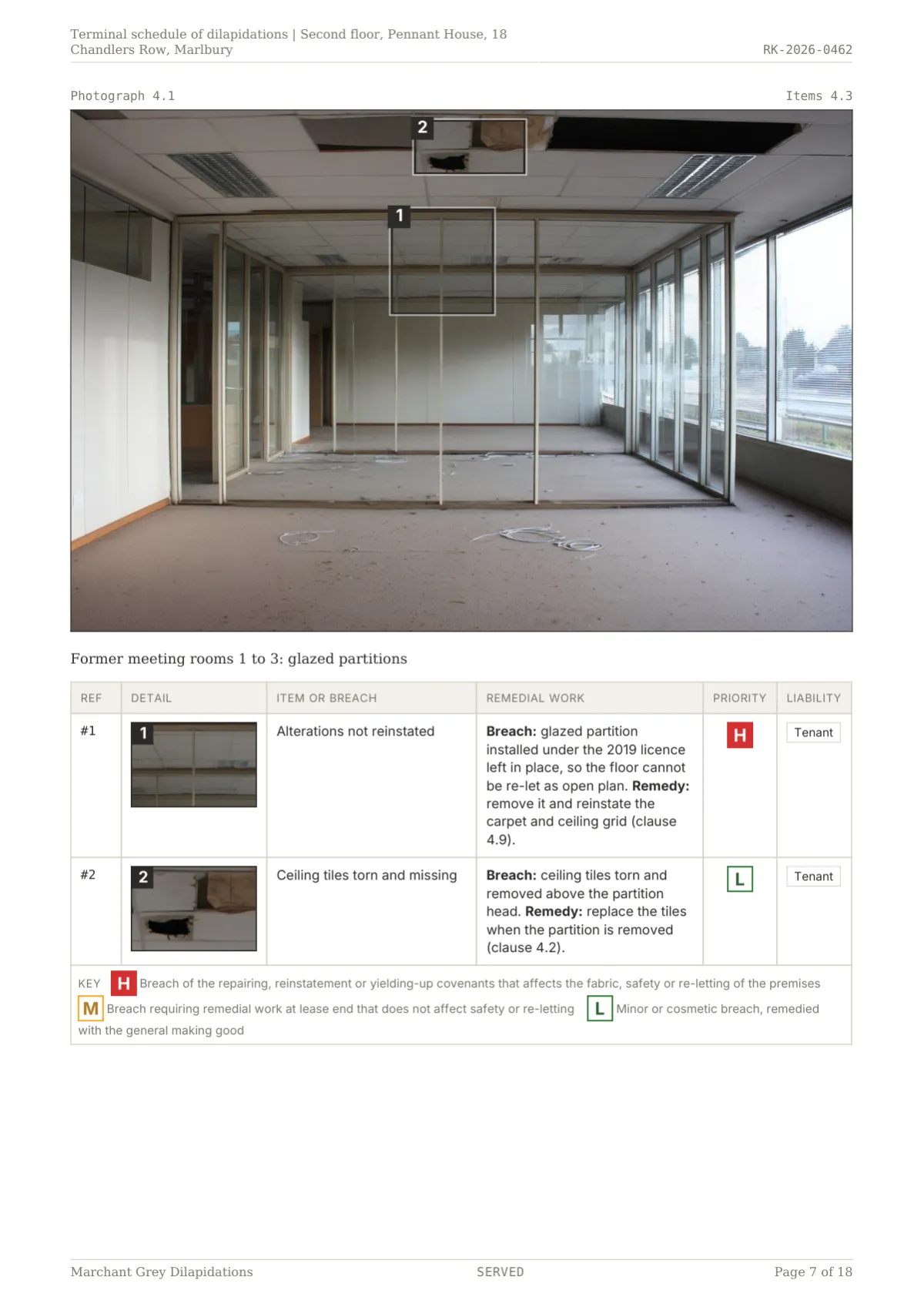
Fictional terminal schedule of dilapidations in Report Kit 360: Scott-style registers with response columns, priority chips and a £21,070 claim summary.
Pricing
Basic is £14.99 a month or £149 a year for one user with 10 new reports a month and every Basic template. Pro is £49 a month or £470 a year with no monthly report limit, the four Pro templates, white label, review workflow, AI assist with your own key and seats at £19 a month each.
No per-report fees on Pro. Cancel at any time. 30 days to export.
Features
Questions
No. Report Kit 360 is not affiliated with, approved by or endorsed by RICS, the IEC, ISO, BRE, the CAA or any professional body. The templates follow the structure each report type expects, in our own wording and without reproducing any proprietary material. Your professional obligations remain yours.
Basic includes eleven templates: RICS-style levels 1, 2 and 3, TDD, schedule of condition, dilapidations, access audit, snagging, roof and facade RAG, drone and generic technical. Pro adds solar PV, thermography, structural and volumetric, which rely on formula tables, charts, calculated fields and the thermal block.
Creating a report, including duplicating one, counts; editing, exporting and sharing existing reports never do. The counter resets on the first of the month and you can add 5 reports for £4.99 up to twice a month. Pro has no monthly limit.
No. You send a private share link that opens in any browser on any device, with an optional password, expiry date and view limit. The share page shows the report as rendered, offers the PDF unless you switch that off on Pro, and carries a Verify link showing the issued version’s checksum.
Drawing Office, Folio, Register, Gridline and Fieldbook: five sets that change the cover, section openers, tables, rating element, photograph pages and back page as a whole, with fonts and a palette to match. Basic picks any set and adds a logo and primary colour; Pro can clone a set and change every element.
There is no free trial at present; you choose Basic or Pro and pay monthly or annually through Stripe. Cancel at any time and the subscription runs to the end of the paid period, after which you keep 30 days to export everything before the workspace is removed.
Next step
Pick a plan, add your logo, and issue your first report today.