Register design set
Register report design
The legal schedule: even-handed, boxed where another party responds, with a status stamp on the cover and End of schedule on the back page.

Personality
A schedule of dilapidations layout built for the reply
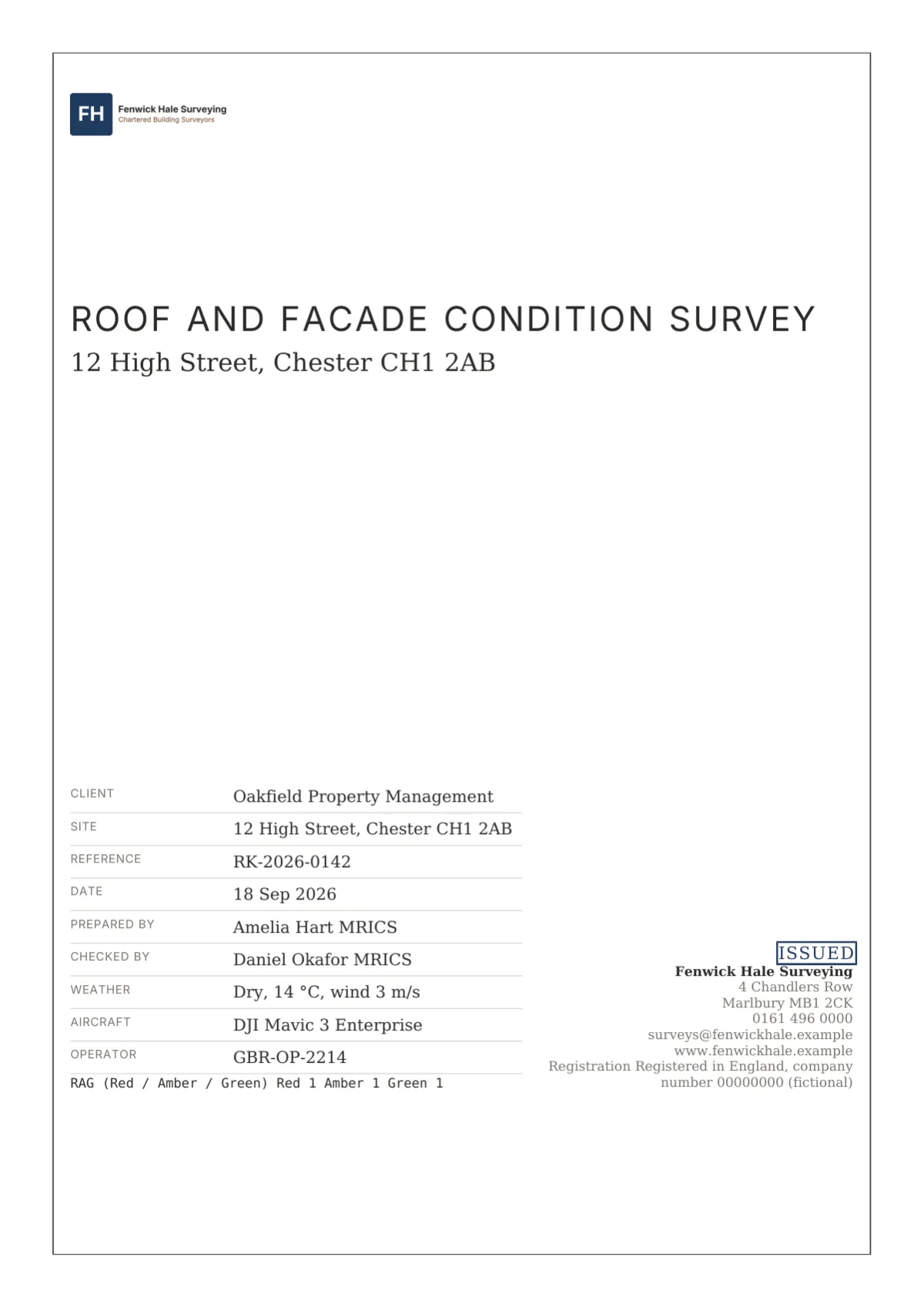
Register is for the document that another party will answer line by line: a schedule of dilapidations, a schedule of condition attached to a lease, a party wall schedule. It is deliberately even-handed. The cover carries no photograph, only a hairline frame inset 12 mm, the title in tracked capitals, the property in serif and a facts block of property, lease, landlord, tenant, instruction and dates, with the report’s status, Served or Final, in a bordered stamp above the firm block.
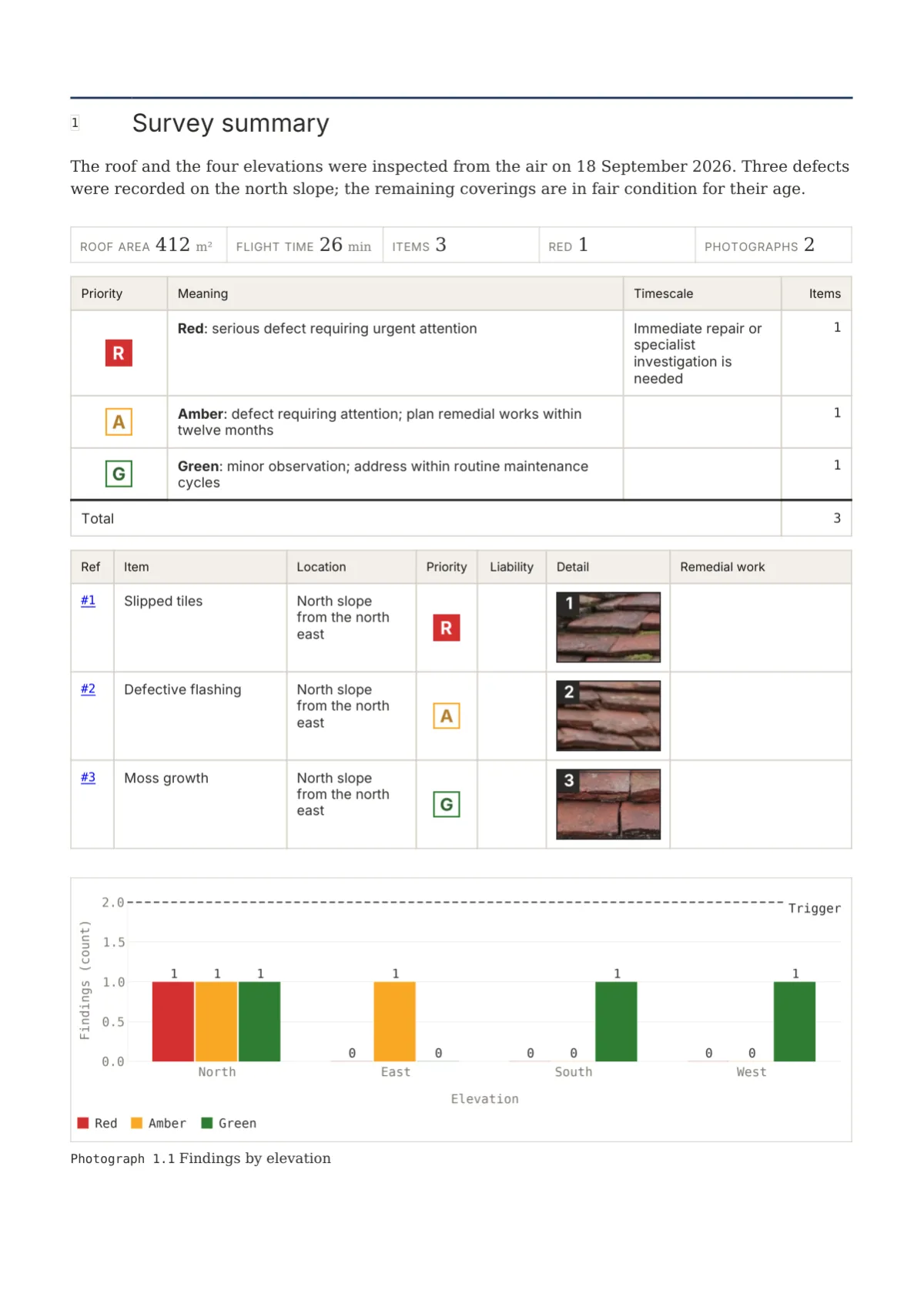
Tables are boxed: hairlines on every cell, the header in a faint primary tint, costs in mono and right-aligned. Any column flagged fillable, or named for the landlord’s comments or the tenant’s response, is tinted warm and left blank. When a register has more than six columns it moves to a landscape page with its header repeating. Computed figures print in the primary colour with a note beneath saying so, so nobody mistakes a calculated total for a typed one.
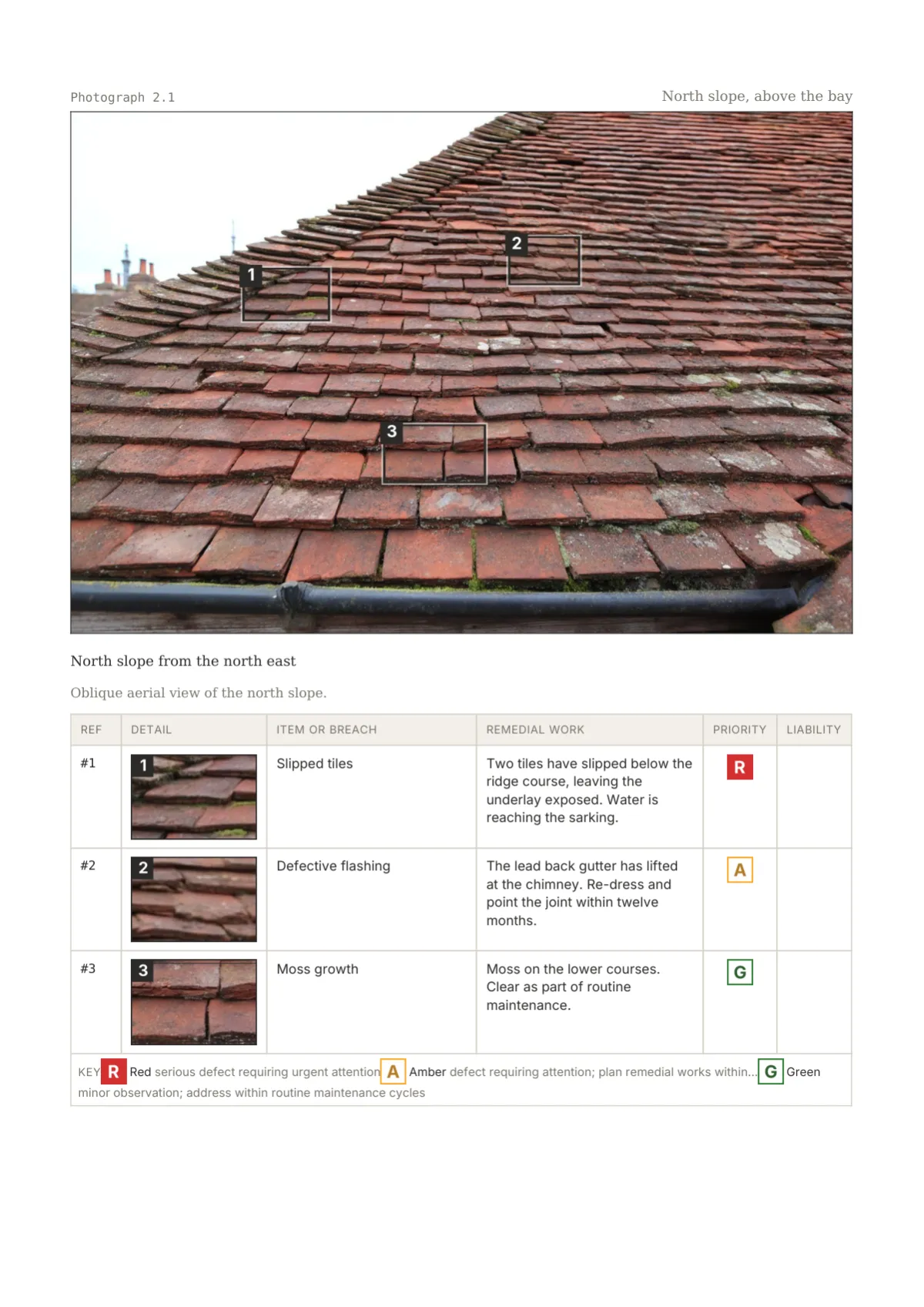
Photographs are evidence, not decoration: an ink keyline, markers and tags stroked in ink rather than the priority colour, and a crop table beneath repeating each item’s breach, remedy, priority tile and liability chip. Ratings are 6 mm tiles with only the worst class filled solid. The back page ends with END OF SCHEDULE in tracked capitals.
Element tour
Twelve elements of the Register design
Cropped from the specimen report at 1600 px; Register is a white-paper set.
Page 1. Framed facts cover: hairline frame inset 12 mm, title in tracked Inter Bold capitals, the property in serif, the facts block lower left and the status stamp above the firm block.
Page 2. Ruled contents with hierarchical mono numbers, serif titles and mono page numbers; the document control table sits above on the same page.
Page 3. Priority table: tile, meaning, timescale, items and estimated cost with totals, followed by the worst-first list; the key repeats in the foot of every rating table.

Page 4. Defect photo table as a crop table: Photograph 2.1 in mono, the items it supports right, ink keyline, ink markers, then ref, crop, item, remedial work and priority tile.
Page 6. Boxed costs table: tinted header, mono costs with the currency in the header, calculated figures in the primary colour, totals in Bold on a double rule and the note beneath.
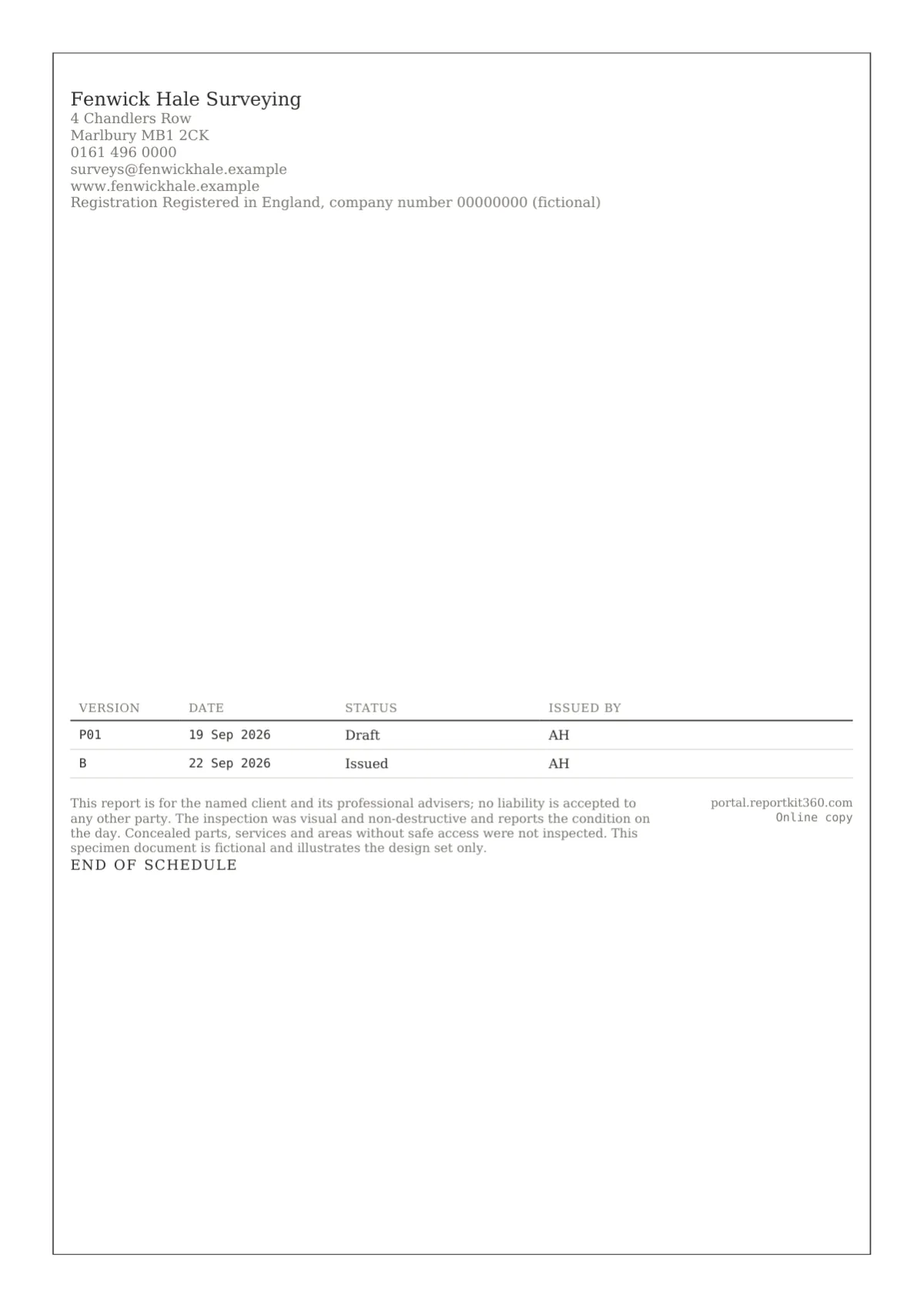
Page 7. Framed back page: firm block, the Notice panel in a hairline box, the document control strip, a 22 mm QR and END OF SCHEDULE centred at the foot.
In a full report
See the Register design in two sample schedules
A served terminal schedule and an agreed schedule of condition, both fictional and both built on the shipped templates.
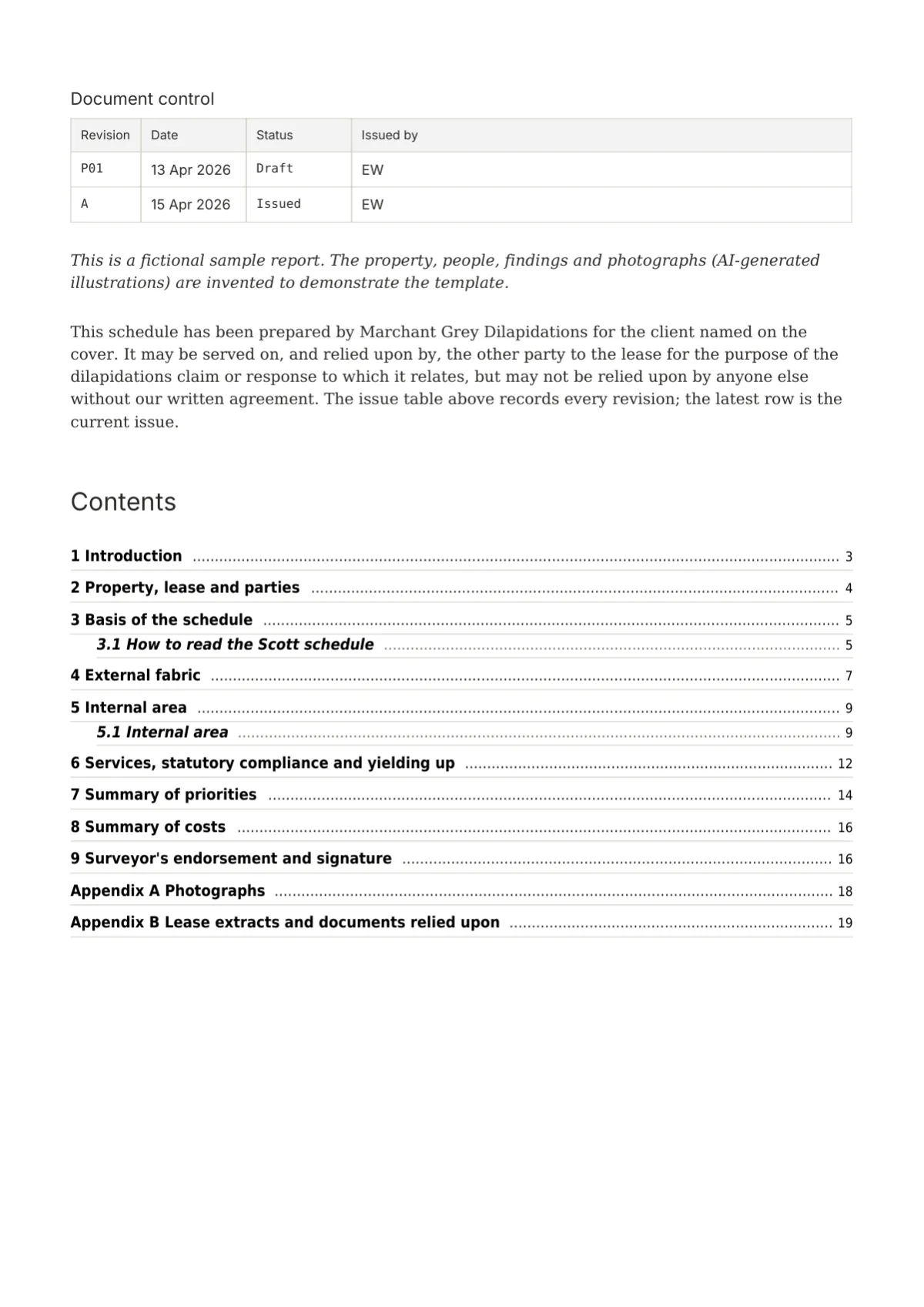
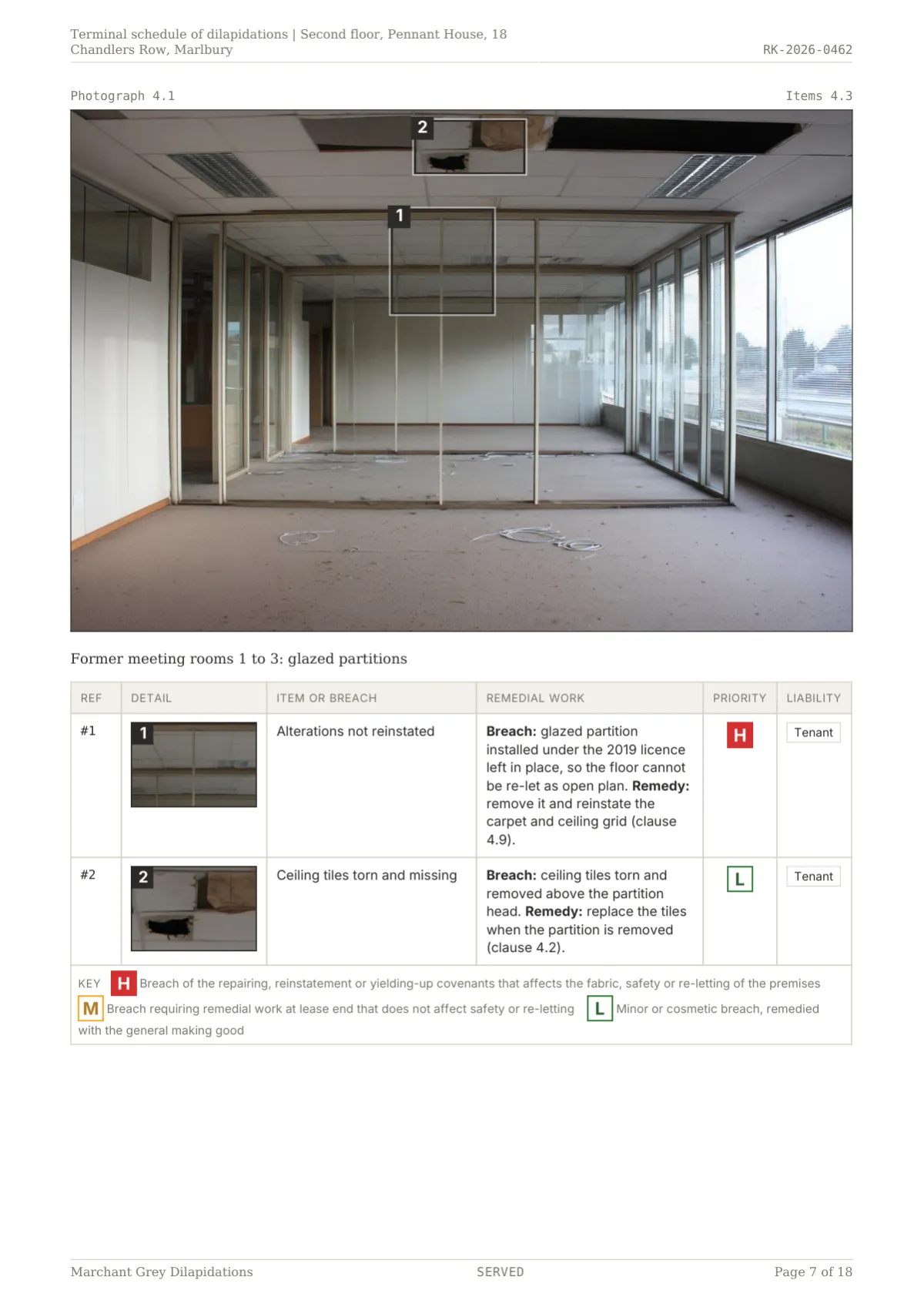
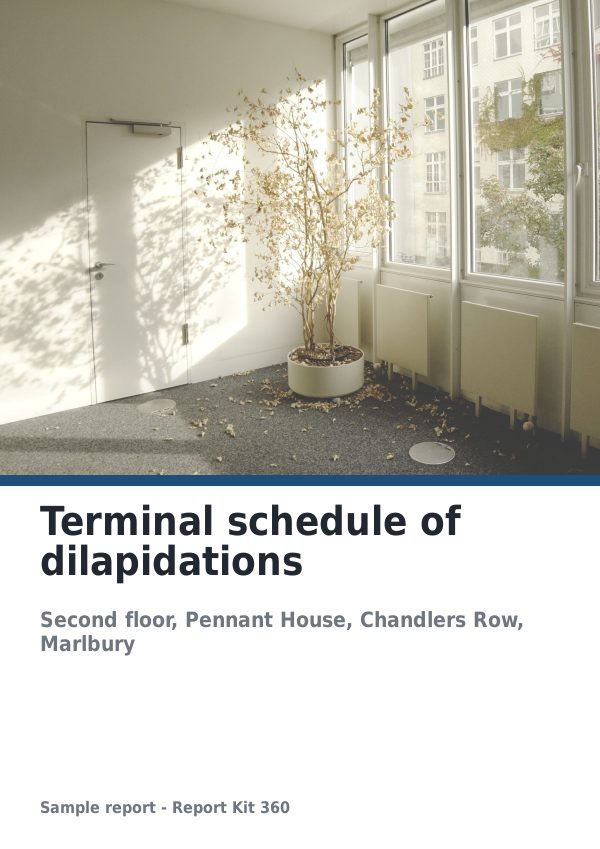
Dilapidation reports / Basic
Fictional terminal schedule of dilapidations in Report Kit 360: Scott-style registers with response columns, priority chips and a £21,070 claim summary.
- 18 pages
- Priority High 1, Medium 5, Low 4
- Status stamp SERVED
- Claim £21,070 with fees
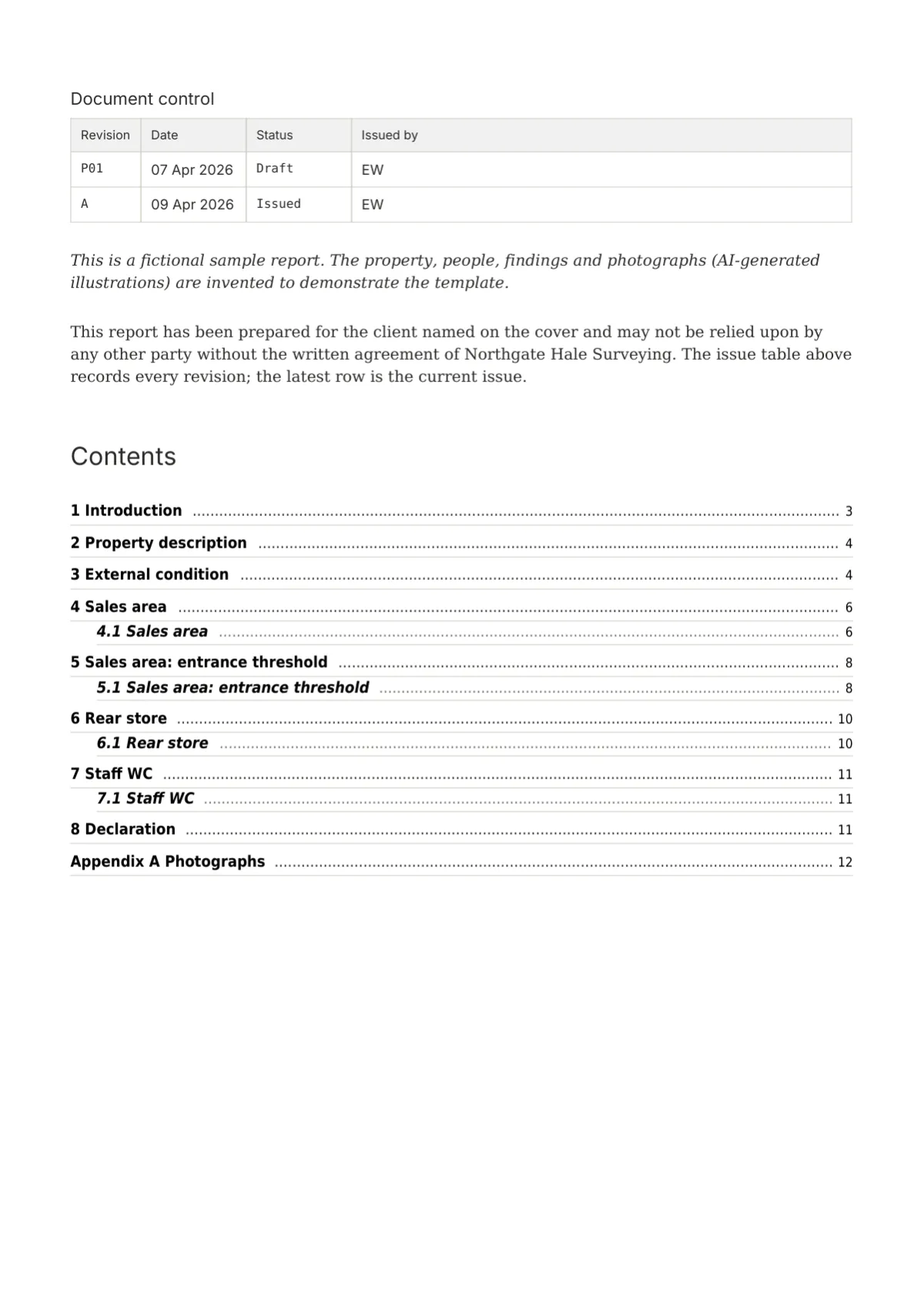
Schedule of condition / Basic
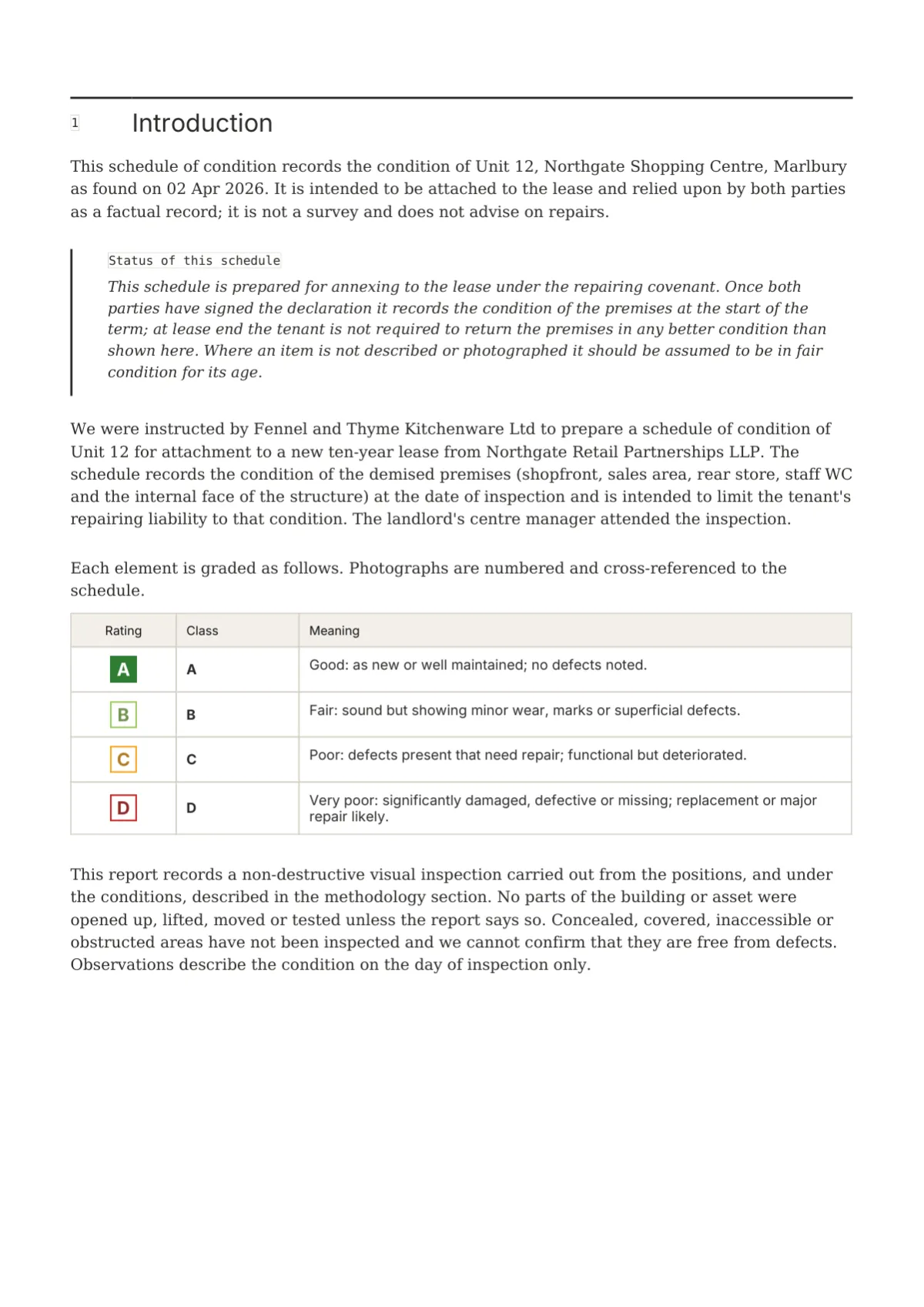
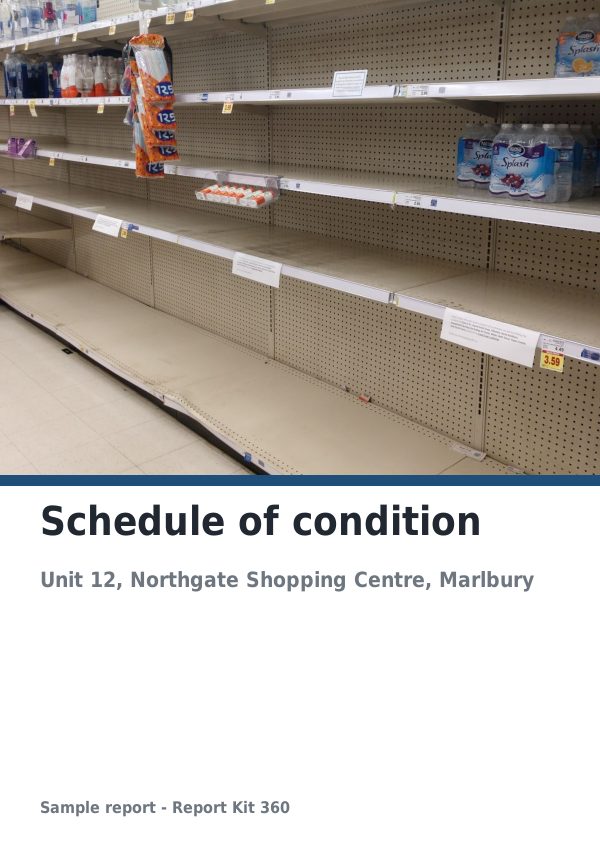
Fictional schedule of condition in Report Kit 360: grades A to D as tiles, sixteen graded elements in four room sections with crops and a signature grid.
- 12 pages
- Grade A 1, B 7, C 7, D 1
- Status stamp FINAL
- Four room sections, each with a register
How to use it
Pick the set on Basic, tune every element on Pro
On Basic you choose Register in the Design step, add your logo and primary colour and set the report’s status label, Served, Final or your own word up to 24 characters; the Report Kit 360 mark sits in an outlined box inside the cover frame opposite the firm block. On Pro you can clone the set and change any element, for example a crop list instead of the crop table, a different rating shape, or the chart style; fillable columns and the landscape switch are available on both plans. The dilapidations sample is available as a PDF.
Sample PDF
Download a Register sample
Questions
Frequently asked questions
Can I use my own logo with the Register design?
Yes, on both plans. The logo sits top left on the cover at 12 mm tall inside the frame and top left on the back page beside the firm block. Because Register has no photograph on the cover, the logo and the title carry the first page, so a wordmark or a logo with clear lettering works well here.
Can I change the accent colour with Register?
Your workspace accent becomes the primary, which Register uses for the status stamp border, the opener rule, the table header tint, the clause callout rule and every calculated figure. The suggested primary is a dark brown-grey, #3B2F2F, chosen so computed costs read as emphasis rather than alarm. Priority colours come from the rating scheme, not the design.
Does the Register web view match the PDF?
Yes. The share page uses the same renderer, so the boxed tables, tinted response columns, ink-stroked markers and crop tables are identical, and the frame is drawn behind the cover in the browser as it is in print. Landscape registers show at full width on screen rather than on a turned page.
Can I change the rating element from tiles?
On Pro, yes. Clone Register into a custom theme and set the rating badge to stamps, roundels, scale bands or tags, and the summary to a schedule, grouped tables or a matrix. The liability chip beside each tile comes from the findings row’s responsibility field and stays available whatever shape you choose.
Is cream paper available with Register?
No. Register is white paper only, because a schedule that may be produced in a dispute should photocopy cleanly and read the same on any printer. The 0.2 mm hairline grid and the 12 mm frame print well on office machines, and the tinted response columns come out as a light grey that still reads as a blank field.
Keep reading
Related pages
Next step
Your next report, start to finish.
Pick a plan, add your logo, and issue your first report today.