Write on the page your client will read
An editor that shows you the finished page
The Report Kit 360 editor lays out white pages at page width with your theme applied, so what you build is what the PDF shows. Drop in photos, mark up defects, fill the schedule and let the checks tell you what is still missing.
What you get
What you see is the PDF
The canvas renders your pages with the chosen theme, and Preview shows the exact server-rendered pages before you export. There is no separate print view to surprise you at the end.
27 block types, grouped by job
Text, media, data, technical and structure blocks cover everything from a paragraph to a thermal pair. Every block is edited in place with move, duplicate, delete and lock controls on hover.
An annotation studio that numbers the faults for you
Draw a marker round each defect, give it a rating, a fault type, tags and a note. Fault numbers run in report order automatically and appear on the photo, in the table under it and in the fault index.
Snippets, tokens and versions
Insert the limitations, methodology and disclaimers you reuse from the snippet library, and let tokens such as client name and report date fill themselves in. Every save is kept as a version you can open and restore.
Checks before you can issue
The Checks panel runs the template's conditions live: required fields and blocks, a document-control row, a signature, red items with a photo and recommendation. Errors block issuing; warnings do not.
How it works
Pick a template and open the editor
Give the report a title, choose a client, reference, date and page size. The template’s sections, boilerplate, variables and checks are already in place.
Add blocks and photos
Use the outline to reorder sections, the palette to add blocks and the canvas to edit in place. Drop photos straight onto the page; large batches upload in chunks with retries.
Check, then issue
Open Checks to see what is missing, fix it, and press Issue. The report is frozen as a numbered version with its PDF and checksum.
See an example: Roof condition survey
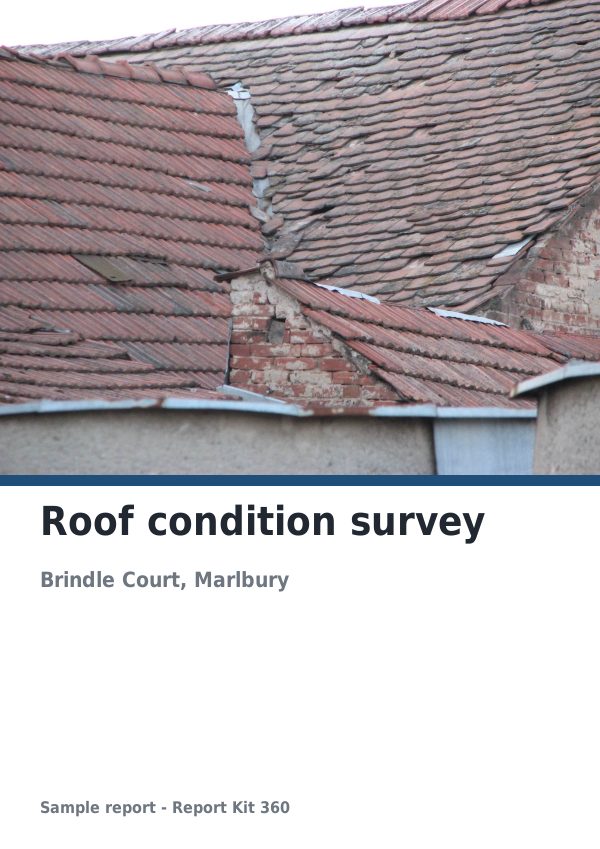
A finished report built from the Roof and facade RAG survey template (Basic). Scroll through it below, or download the issued PDF.
This is a fictional sample produced in Report Kit 360 to show the template. The property, people and findings are invented. Photographs are from Wikimedia Commons under licences that permit reuse; see the image credits.
Editor and blocks on Basic and Pro
Basic
£14.99 a month
Every text, media and structure block; table (CSV import up to 50 rows), key-value list, checklist and findings schedule; rectangle, ellipse, polygon and point markers; up to 3 imported PDF pages in an appendix; 5 automatic versions per report; 200 snippets.
Pro
£49 a month
Adds formula tables with spreadsheet-style functions and industry presets, calculated fields, charts, thermal pairs, the map block, unlimited imported PDF pages, arrow, freehand and measurement markers, 50 versions per report, unlimited snippets with CSV and XLSX import, and the right to edit locked template boilerplate through custom templates.
Pro blocks stay visible on Basic, greyed with an Upgrade prompt. Nothing is hidden, and nothing is deleted if you later downgrade.
Frequently asked questions
Does the editor save as I go?
Yes. Everything saves automatically within a second of you stopping, and the top bar shows the save state. Ctrl or Cmd+S saves a named version. Five automatic versions are kept on Basic, fifty on Pro, and any version can be opened read-only and restored.
What happens if a colleague opens the same report?
A banner tells you who else is editing. If two people change the report at once the later save is reconciled from the server and you see Updated from another session. It is not simultaneous live co-editing, and team members need Pro seats.
Can I edit the boilerplate the template locks?
Locked blocks are template wording such as safety text. Only Pro workspaces with custom templates may edit them; on Basic they stay as the template sets them so the wording does not drift.
Your next report, start to finish.
Pick a plan, add your logo, and issue your first report today.