Snagging reports · Basic plan
Snagging reports: a numbered photo for every snag
A snagging list by room or area with a numbered photo for every snag, a rating and the action required. Issue the PDF and send the developer a link.
What the report includes
A snagging report is only useful if the site manager can find each snag from it. That means a number, a room, a short description, a photo with the defect circled and a clear statement of what needs doing. The snagging list template in Report Kit 360 is deliberately simple: a findings schedule by room or area with those columns, and photo pages with numbered markers that match the schedule. Rate each snag so the summary counts them, insert your standard wording for finish quality and tolerances from snippets, and issue the PDF. The developer or contractor opens a share link in any browser and you can see when they did. When the snags are closed, duplicate the report for the re-inspection.
- Cover and document control: Plot or property, client, developer, inspection date and reference from tokens.
- Summary: Rating summary with the count of snags by rating and the headline items.
- Findings schedule by room or area: Snag number, room, element, description, rating, photo reference and the action required.
- Photo pages: Each photo with its numbered markers, rating, fault type and note.
- Standards and limitations: Your wording on finish quality, tolerances and what was not inspected, inserted from snippets.
- Signature: Inspector's signature block and, if required, a client acknowledgement.
Template: Snagging list (Basic). Alternatives: Schedule of condition (Basic). A simple findings schedule by room or area with photos. Duplicate the report for a re-inspection; duplicating counts as a new report on Basic.
Why snagging reports teams use Report Kit 360
Numbers that match
Snag numbers run in report order and appear on the photo, in the schedule and in the index, so nothing is misread on site.
Quick to produce
Upload the photos, choose a photo page for each, draw the marker, pick a fault type and type the action. The schedule fills from the markers.
A link the site team can open
Send a share link rather than an attachment. Add a password or expiry if needed and see views and downloads for 30 days on Basic.
Re-inspection without retyping
Duplicate the issued report, mark each snag closed or open, and issue the re-inspection as a new numbered version.
How it works
Create the report from the snagging list template
Enter the plot, client and developer details.
Photograph every snag room by room
Upload the photos and create a photo page for each. Draw a marker, rate it and describe the action.
Review the schedule
Check the room and element columns and the summary counts. Insert your standards wording.
Issue and share
Issue the numbered PDF and send the share link to the developer.
See an example: Snagging inspection report
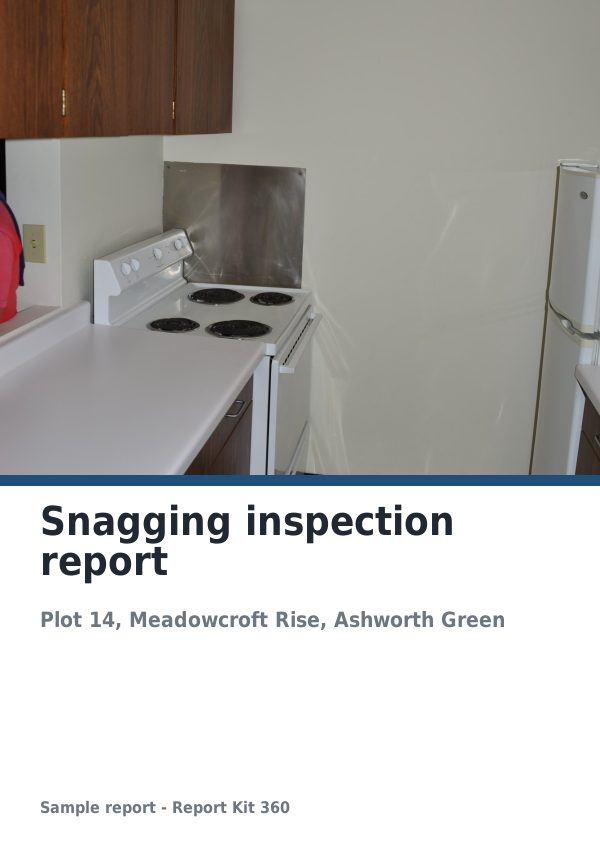
A finished report built from the Snagging list template (Basic). Scroll through it below, or download the issued PDF.
This is a fictional sample produced in Report Kit 360 to show the template. The property, people and findings are invented. Photographs are from Wikimedia Commons under licences that permit reuse; see the image credits.
Snagging reports on Basic and Pro
Basic
£14.99 a month
The Snagging list template is included on Basic, with 10 new reports a month and your logo and accent colour on every page.
Pro
£49 a month
Everything in Basic with no monthly report limit, white-label branding, formula tables and the Pro templates.
Downgrades take effect at the end of the paid period and nothing is deleted.
Frequently asked questions
Can the developer tick snags off in the report?
Not inside the issued PDF. On Pro you can export the schedule as XLSX for the site team to update, or you can duplicate the report for the re-inspection and record each snag’s status yourself.
How many snags can a report hold?
There is no limit on markers or rows. Reports with more than 25 photos or 400 blocks render their PDF in the background and you are notified when it is ready.
Does a re-inspection count as a new report on Basic?
Duplicating a report counts as creating one, so yes. Basic includes 10 new reports a month with 5 more for £4.99 up to twice a month; Pro has no monthly limit.
Can I include a tolerance standard?
You can insert your own wording about finish quality and tolerances from the snippet library. Report Kit 360 does not reproduce any third-party standard and is not affiliated with any warranty provider or standards body.
Your next report, start to finish.
Pick a plan, add your logo, and issue your first report today.