Fieldbook design set
The site record: ink bands, mono metadata and marker-coloured evidence. The photograph fills the cover and every defect gets a 54 mm crop in the rating colour.
Personality
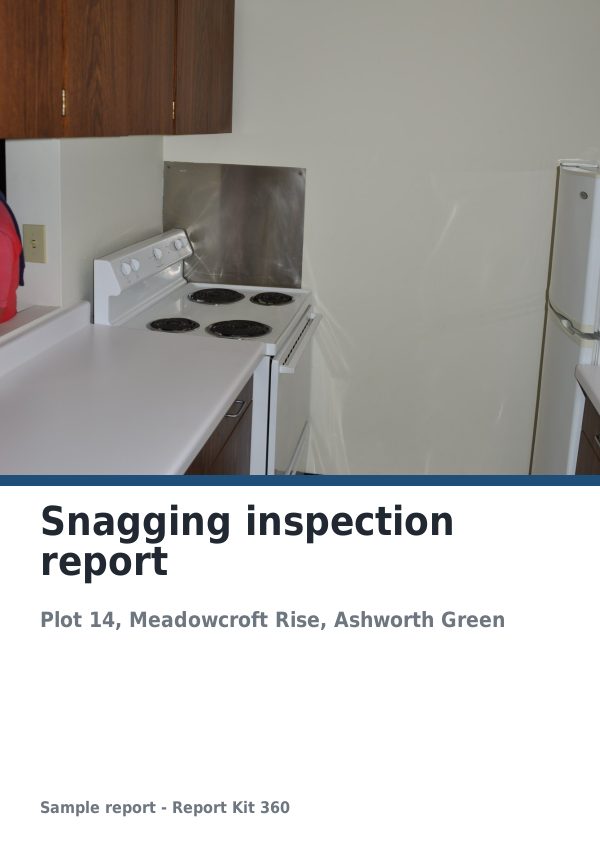
Fieldbook is for reports whose evidence is photographic and whose readers want the count first: managing agents, facilities managers and purchasers. The cover is the site photograph itself, cropped to the full page with a dark ink band across the lower 58 mm. In the band sit the title in cream Lato Bold, the site line, a mono metadata strip of date, weather, aircraft and operator, and outline count tiles, one per rating class.
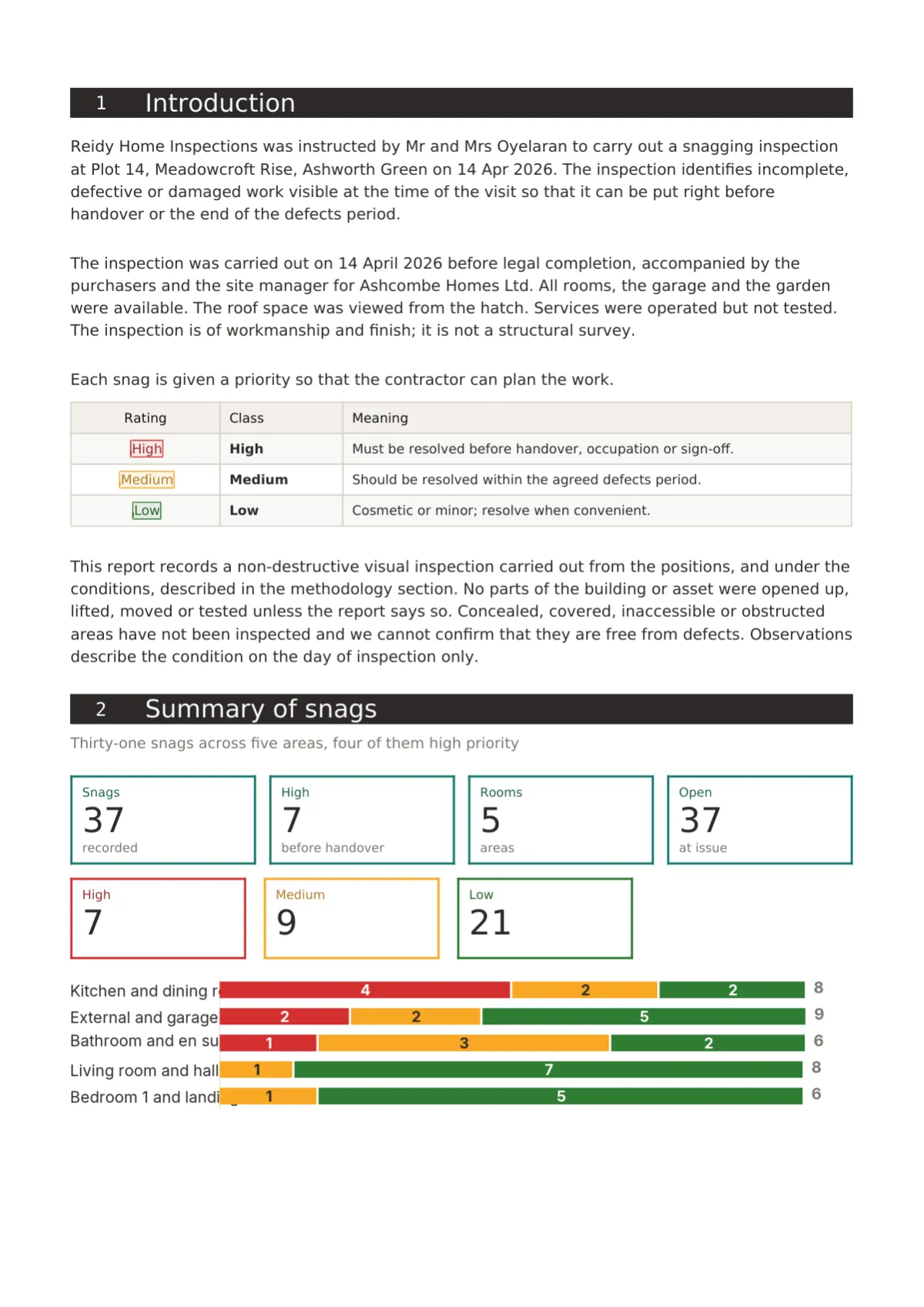
Each section opens with a full-width ink band carrying its number and title. Tables have an ink header and faintly tinted alternate rows. Ratings are tags, rounded chips with a filled dot and a sentence-case label, and summaries use outline tiles and a stacked bar of red, amber and green by section or area.
Photographs carry a mono metadata strip, a keyline, tag markers and a filmstrip beneath: up to six 54 mm crops framed in their rating colour. The back page is ink with the light logo, a site log strip and the QR, or a light mount page on Basic. It suits roof RAG surveys, drone inspections, snagging lists and access audits.
Element tour
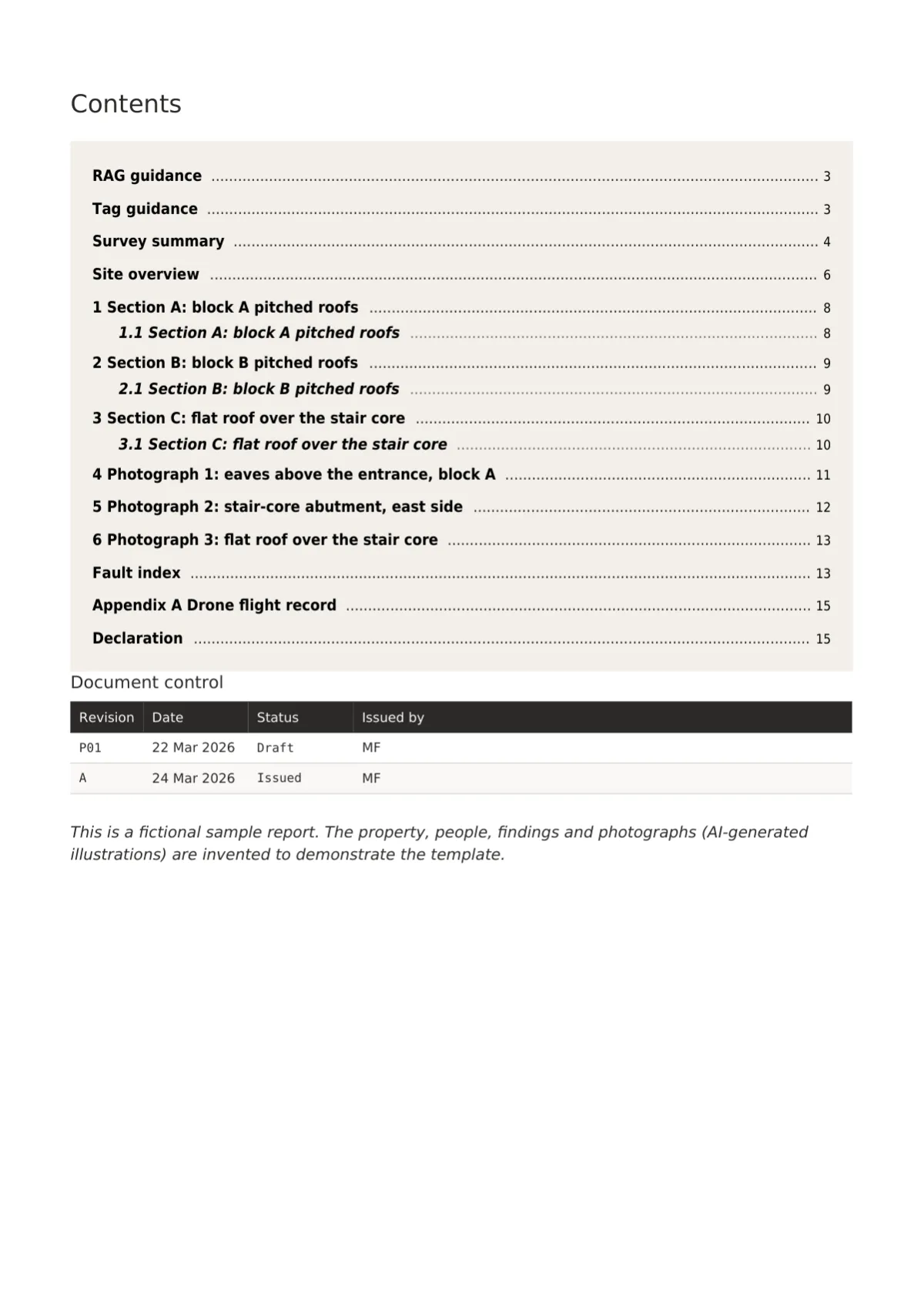
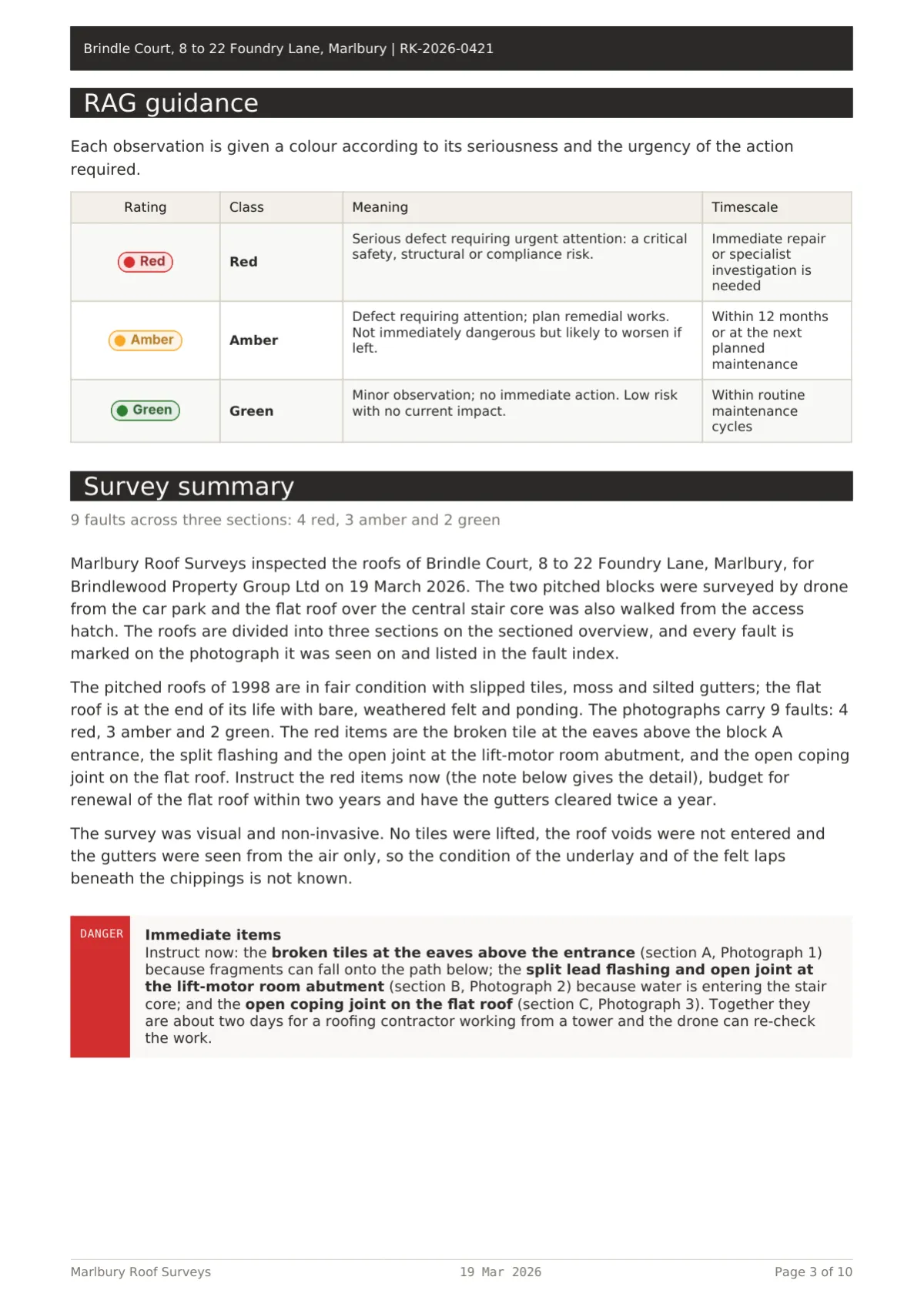
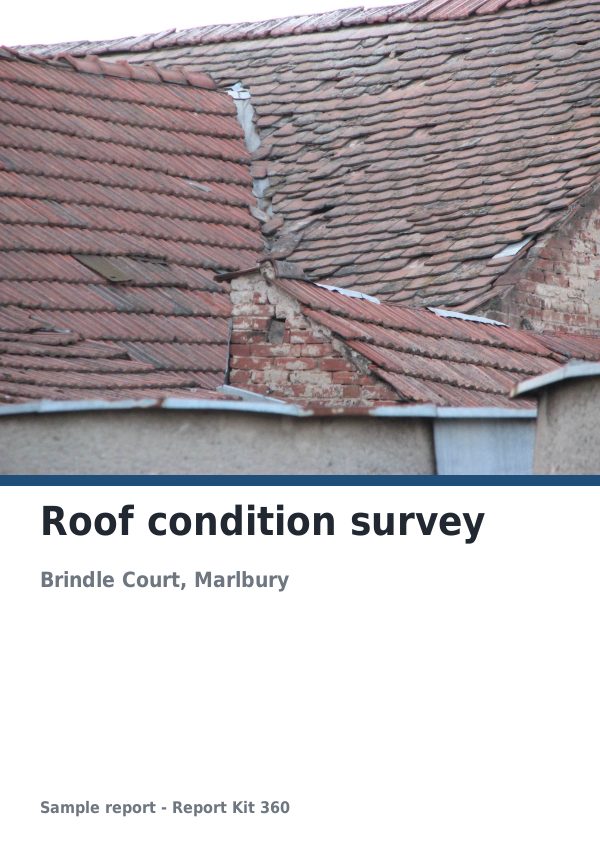
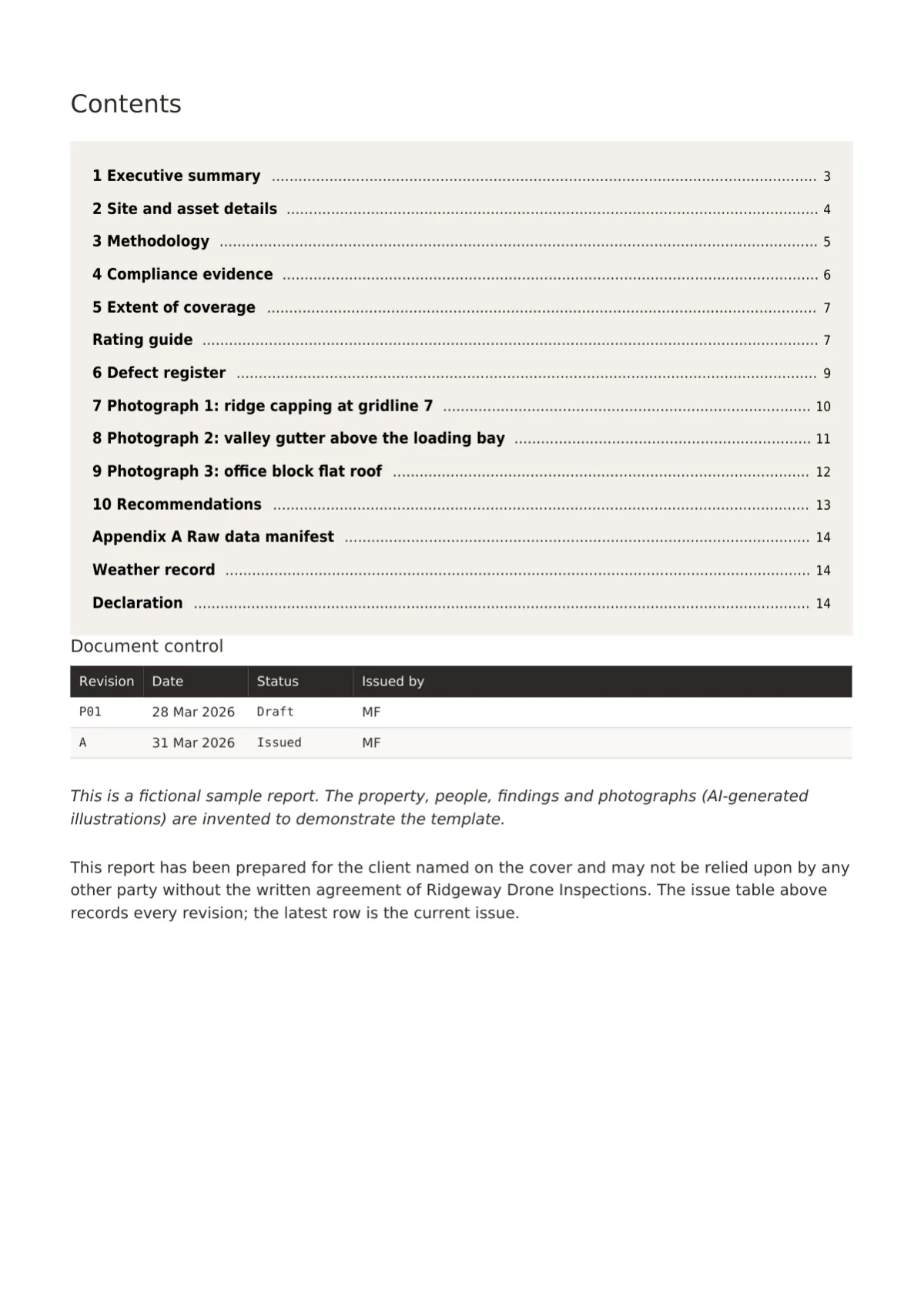
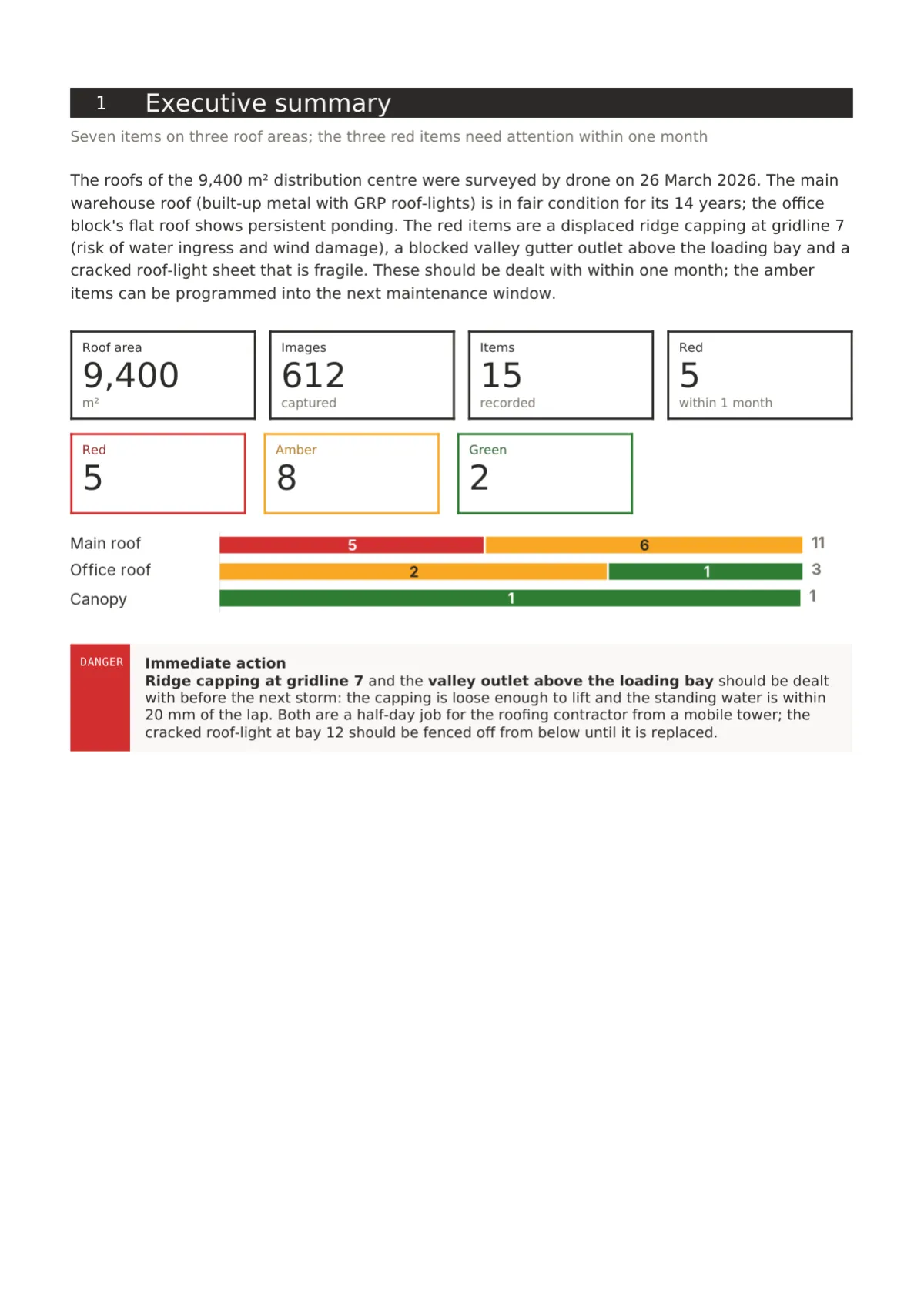
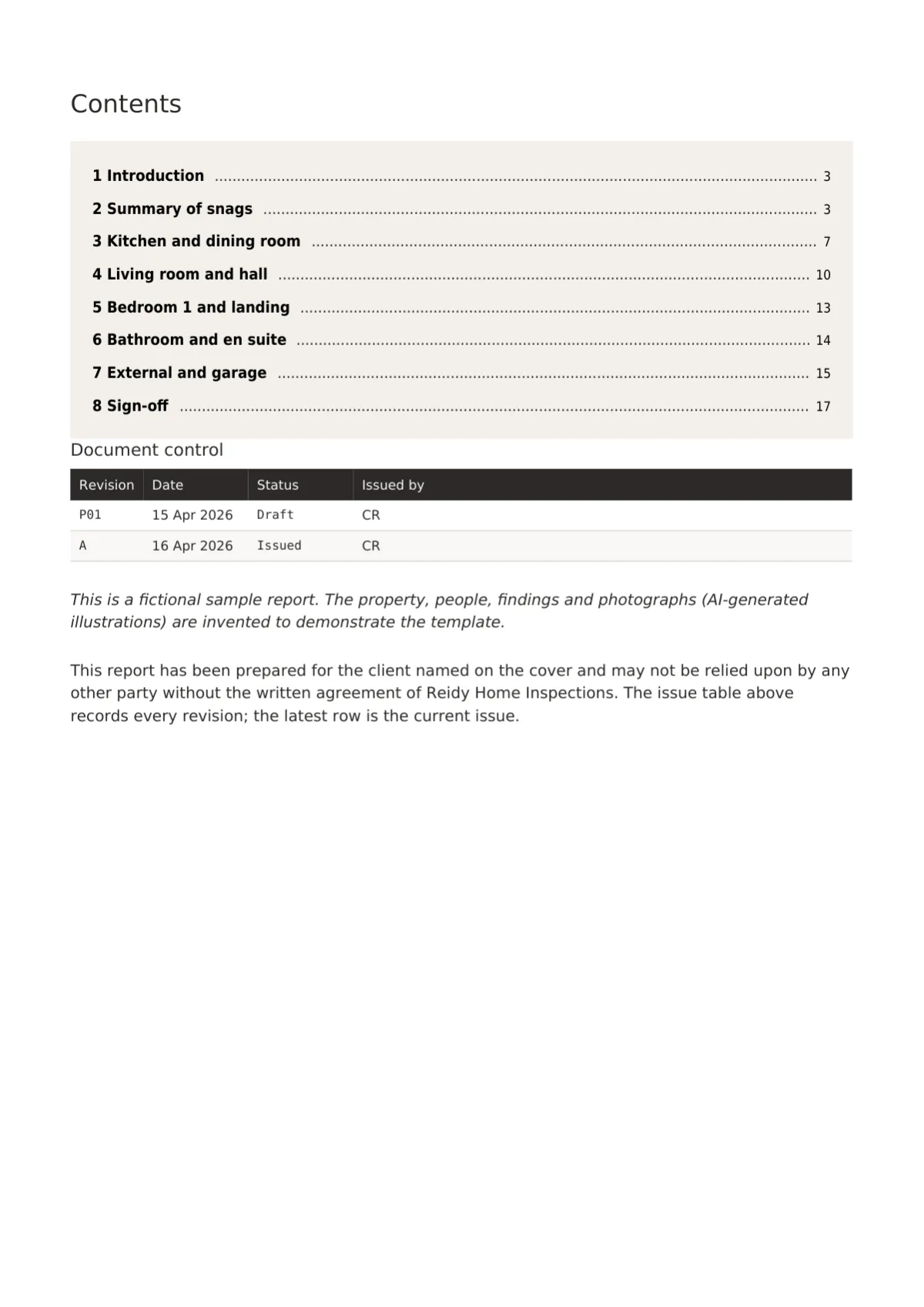
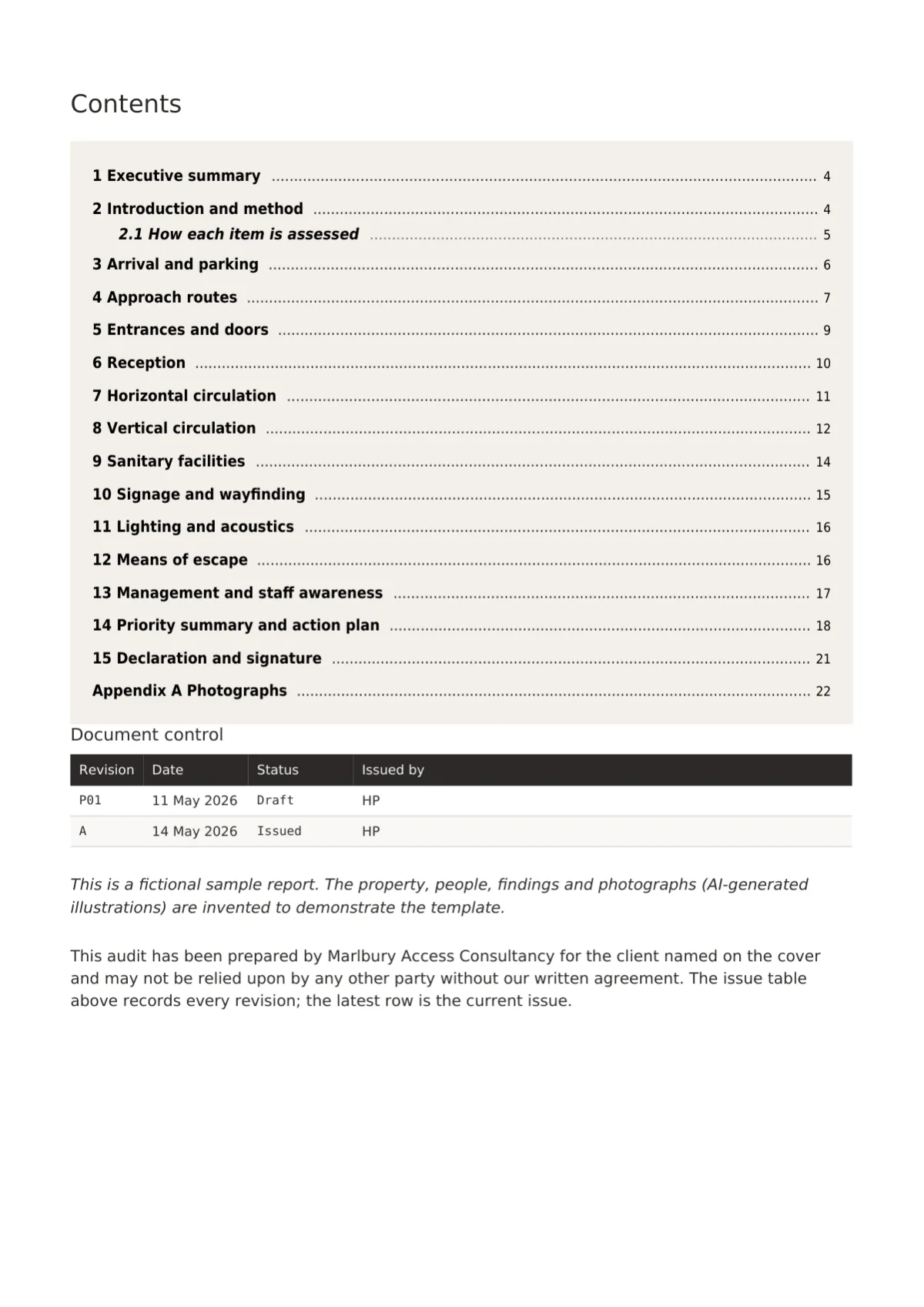
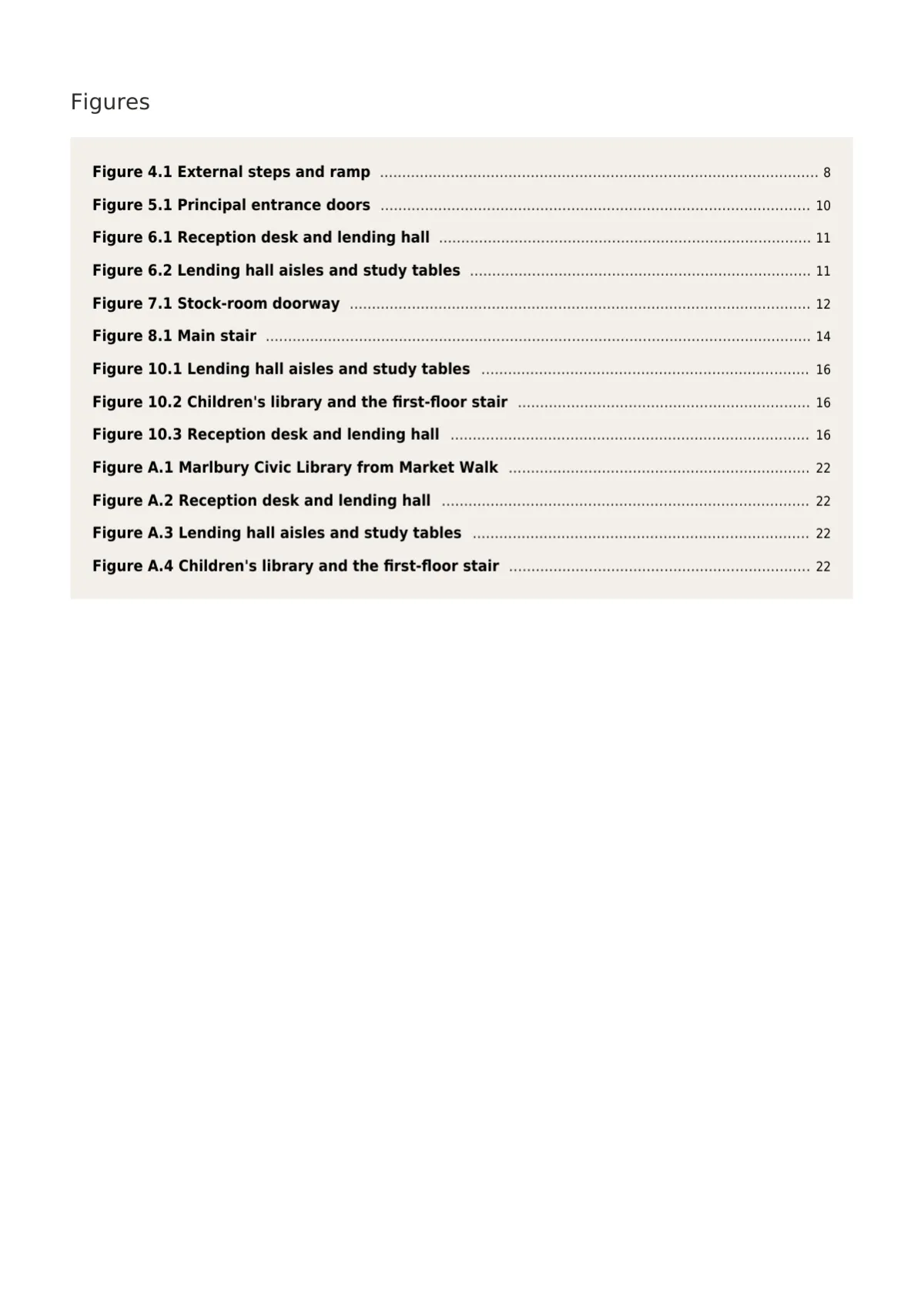
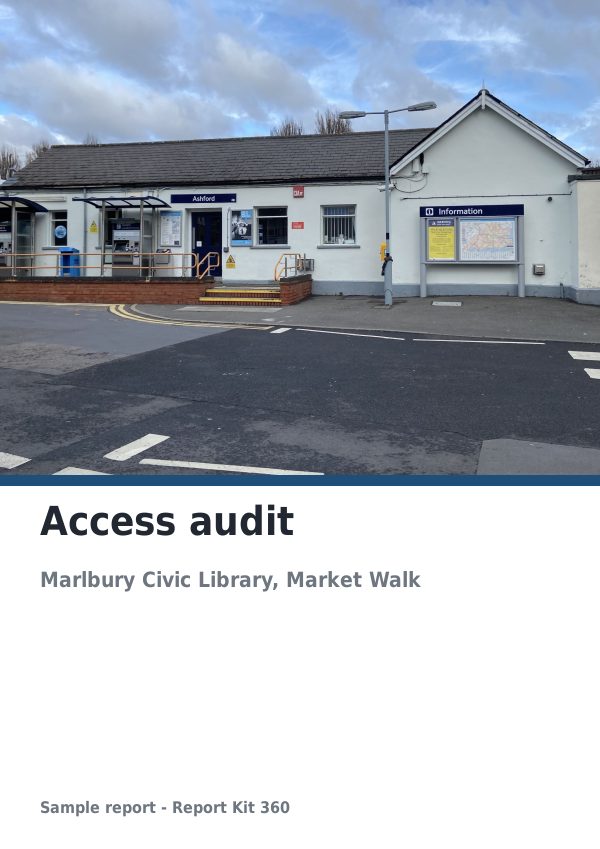
Cropped from the specimen report at 1600 px; the cover and back page are the only dark pages.
Page 1. Bleed-band cover: the photograph cover-cropped to the page, the ink band and scrim, the logo on a mount tab top left, title, site line, mono metadata strip and outline tiles.
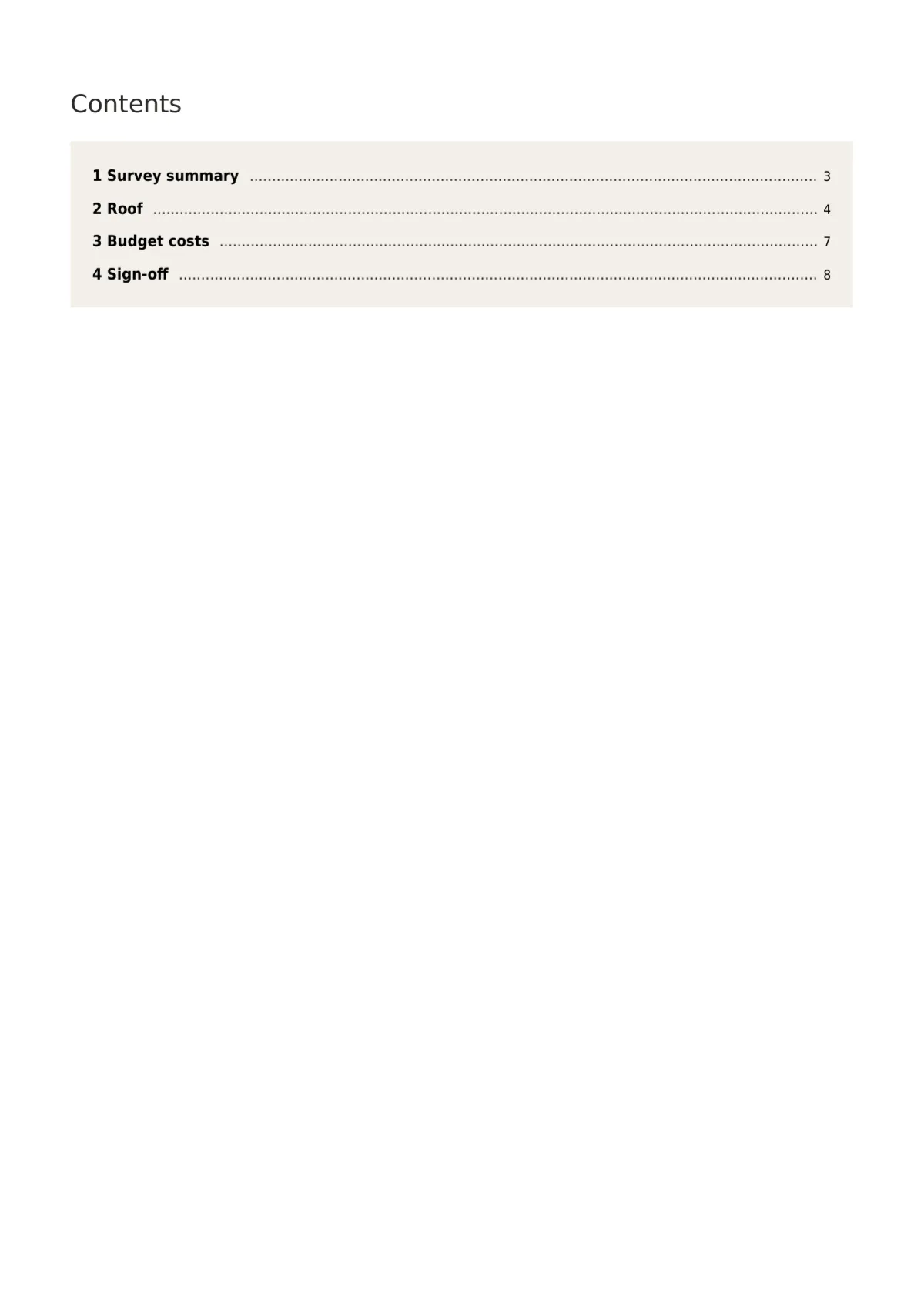
Page 2. Chips contents: a mount panel with each section number in a 6 mm ink chip, the title and the page number in mono, appendices after a hairline.
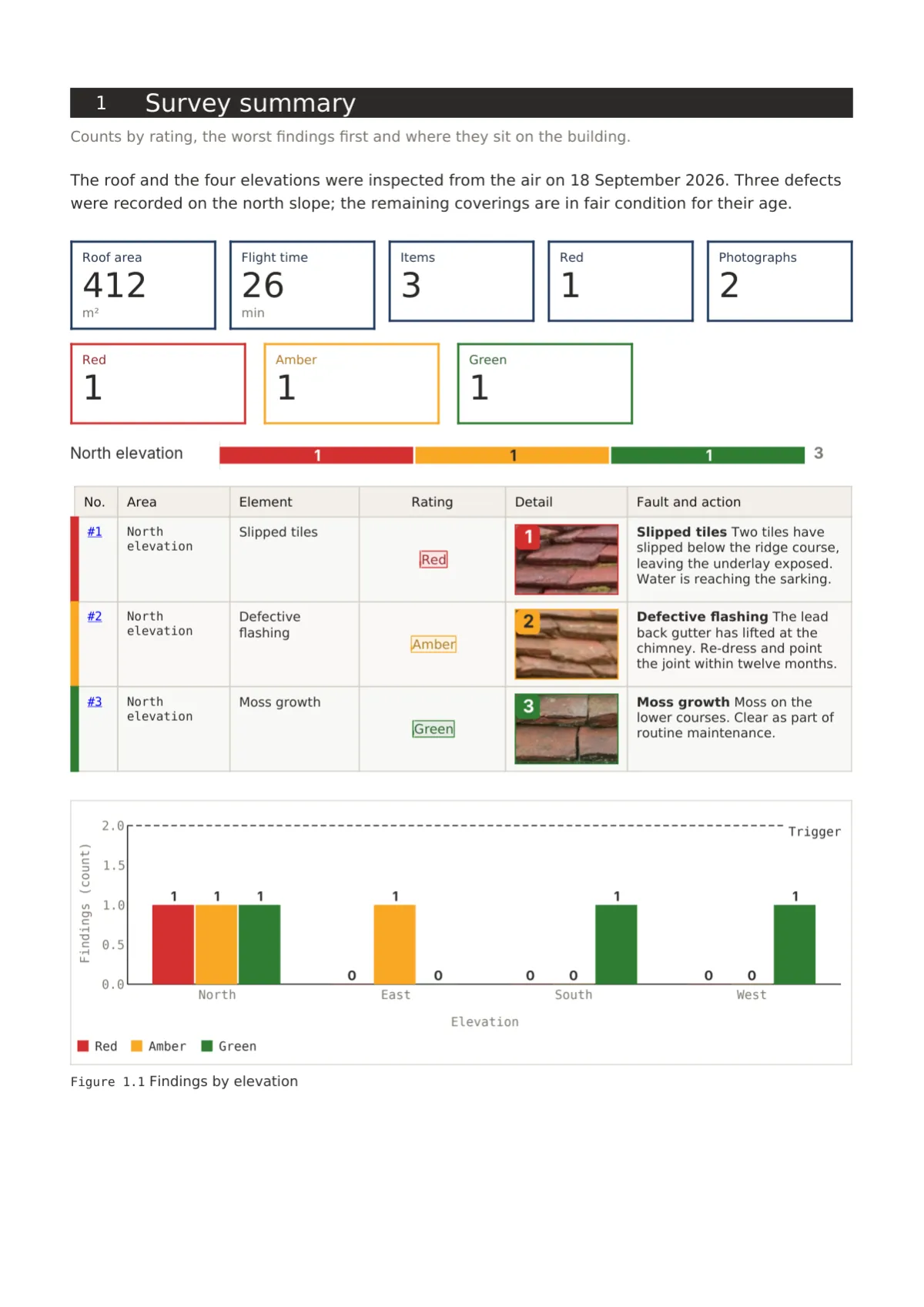
Page 3. Stacked-area summary: outline tiles, a stacked horizontal bar of class share by section, then the zebra list with a 2 mm rating stripe and a Detail crop column.
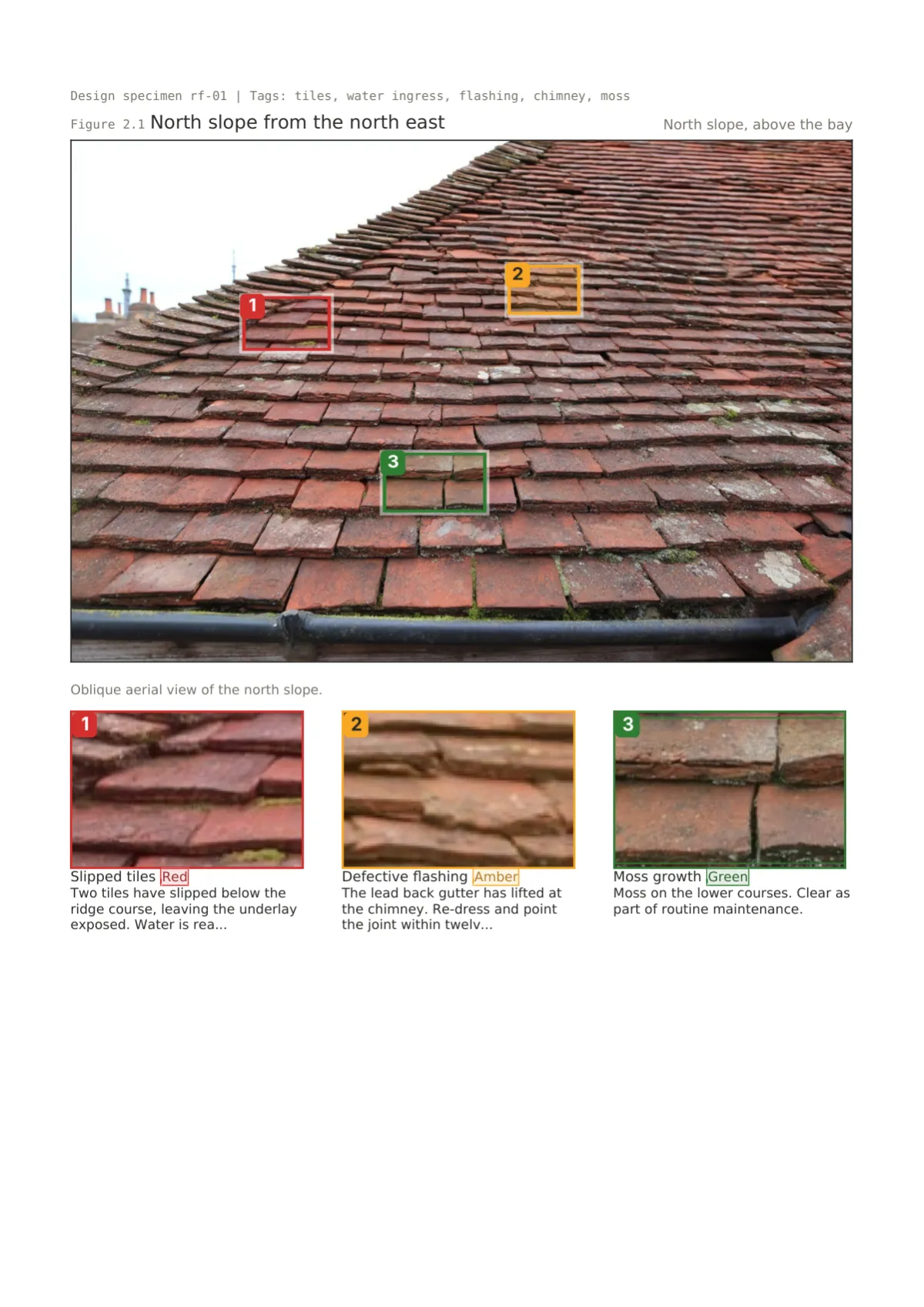
Page 4. Defect photo filmstrip: mono metadata strip, title, the photograph with a 0.3 mm keyline and tag markers, then three 54 mm crops per row framed in the rating colour.
Page 6. Ink-zebra table: ink header with cream Lato Bold, alternate rows tinted, no vertical rules, numeric mono right-aligned, computed cells in the primary colour with the note line.
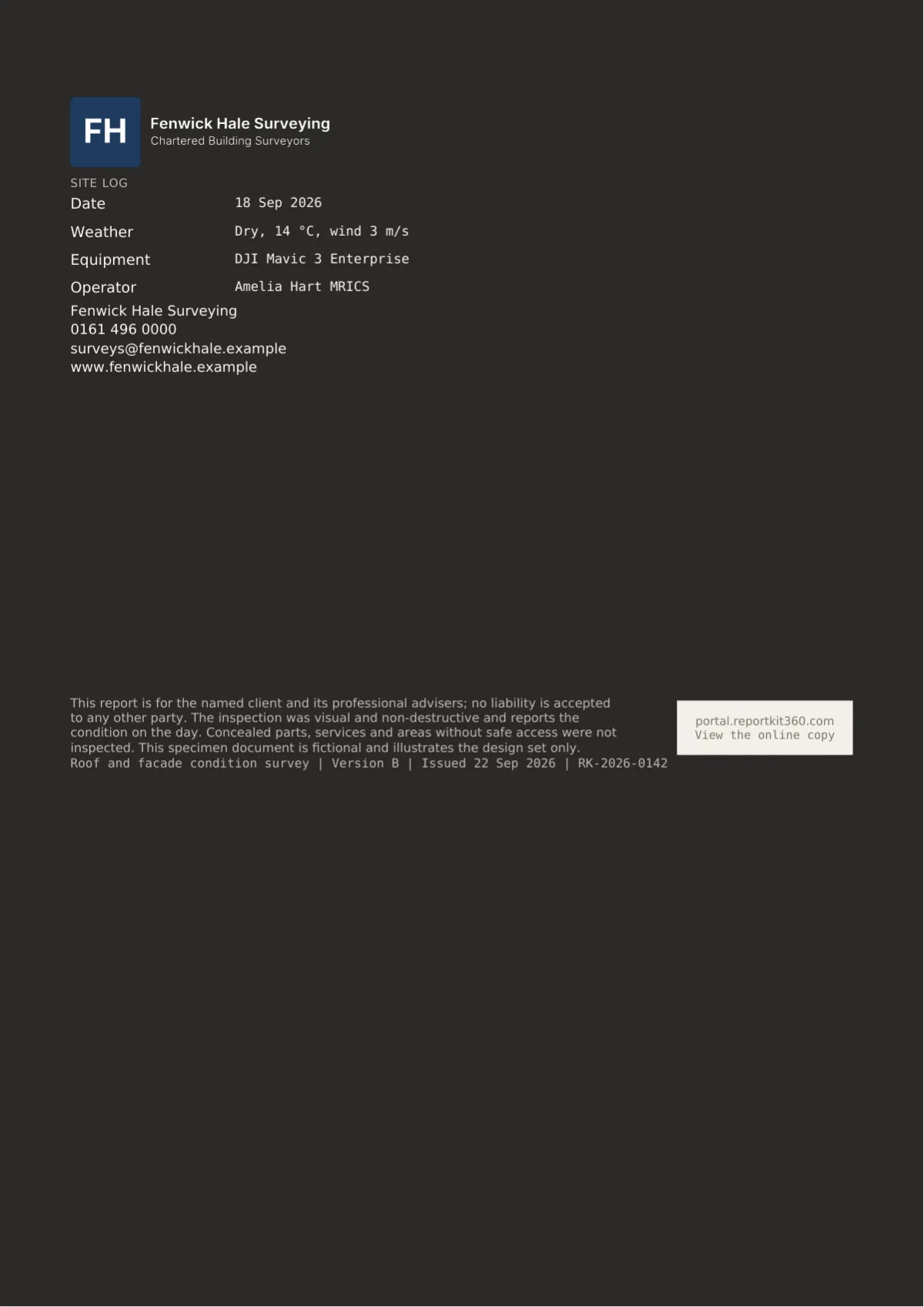
Page 7. Ink back page: the light logo, a site log strip in cream with mono values, contact lines, a 24 mm QR on a mount tile reading View the online copy, and the version at the foot.
In a full report
Four fictional site reports, including the flagship roof survey, all on Basic templates.
Roof and facade inspections / Basic
Fictional roof condition survey in Report Kit 360: RAG counters, a sectioned overview, filmstrip crops on three photograph pages and a fault index.
Drone surveys / Basic
Fictional drone roof inspection report in Report Kit 360: flight record, coverage plan, a RAG register of nine items with crops and filmstrip photographs.
Snagging reports / Basic
Fictional snagging report in Report Kit 360: 31 snags in five areas with priority tags and trades, a stacked bar by area and three filmstrip photographs.
Disability access audits / Basic
Fictional access audit in Report Kit 360: the journey from arrival to escape, 37 barriers rated A, B or C, tables with cost bands and an action plan.
How to use it
On Basic you choose Fieldbook in the Design step, upload your logo and set your primary colour; the cover band, tags and filmstrips follow, the back page is the light variant, and the Report Kit 360 mark sits on a mount tile at the end of the cover band. On Pro you can use the ink back page, switch to cream paper, use the plan-first opener and clone the set to change any element, for example a crop table in place of the filmstrip.
Sample PDF
Questions
Yes, on both plans. On the cover the logo sits on a mount-coloured tab top left so it never fights the photograph. The ink header and back page use a light version if you upload one under Settings, Branding; otherwise the back page places your standard logo on a mount tile.
Your workspace accent becomes the primary, which Fieldbook uses for the rule under headings, checklist passes, info callouts and computed table figures. The suggested primary is the brand teal, #0E7C86. Rating colours in tags, tiles and crop frames always come from the template’s rating scheme.
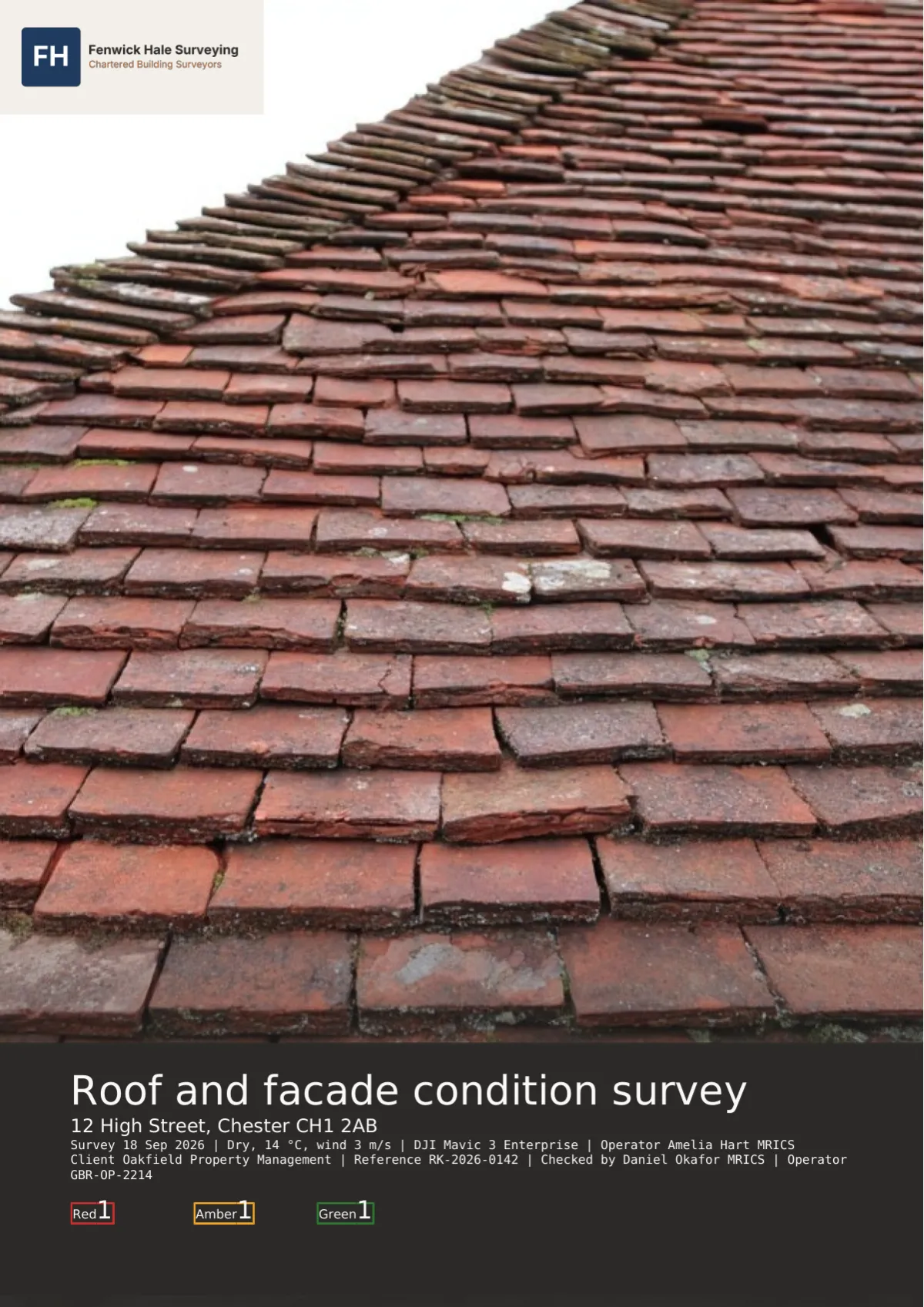
Yes. The share page is produced by the same renderer, so the ink bands, tags, filmstrips and stacked bars are identical, and the cover composition is the same image. A browser scrolls rather than paginates, so page numbers in the register refer to the PDF.
On Pro, yes. Clone Fieldbook and set the rating badge to stamps, roundels, tiles or scale bands, with the counts and summary styles set separately. On Basic the tags are part of the set, and colours come from the rating scheme whatever shape you choose.
Cream is a Pro option; it tints the body pages while photographs and tiles keep white mounts, and most office printers render it as a faint grey. The ink back page prints as a solid dark sheet, so Basic uses the light variant.
Next step
Pick a plan, add your logo, and issue your first report today.