Drawing Office design set
The chartered practice’s drawing sheet: numbered, framed and referenced. Every sheet, plate and table carries a number, and the cover is a title block rather than a picture.
Personality
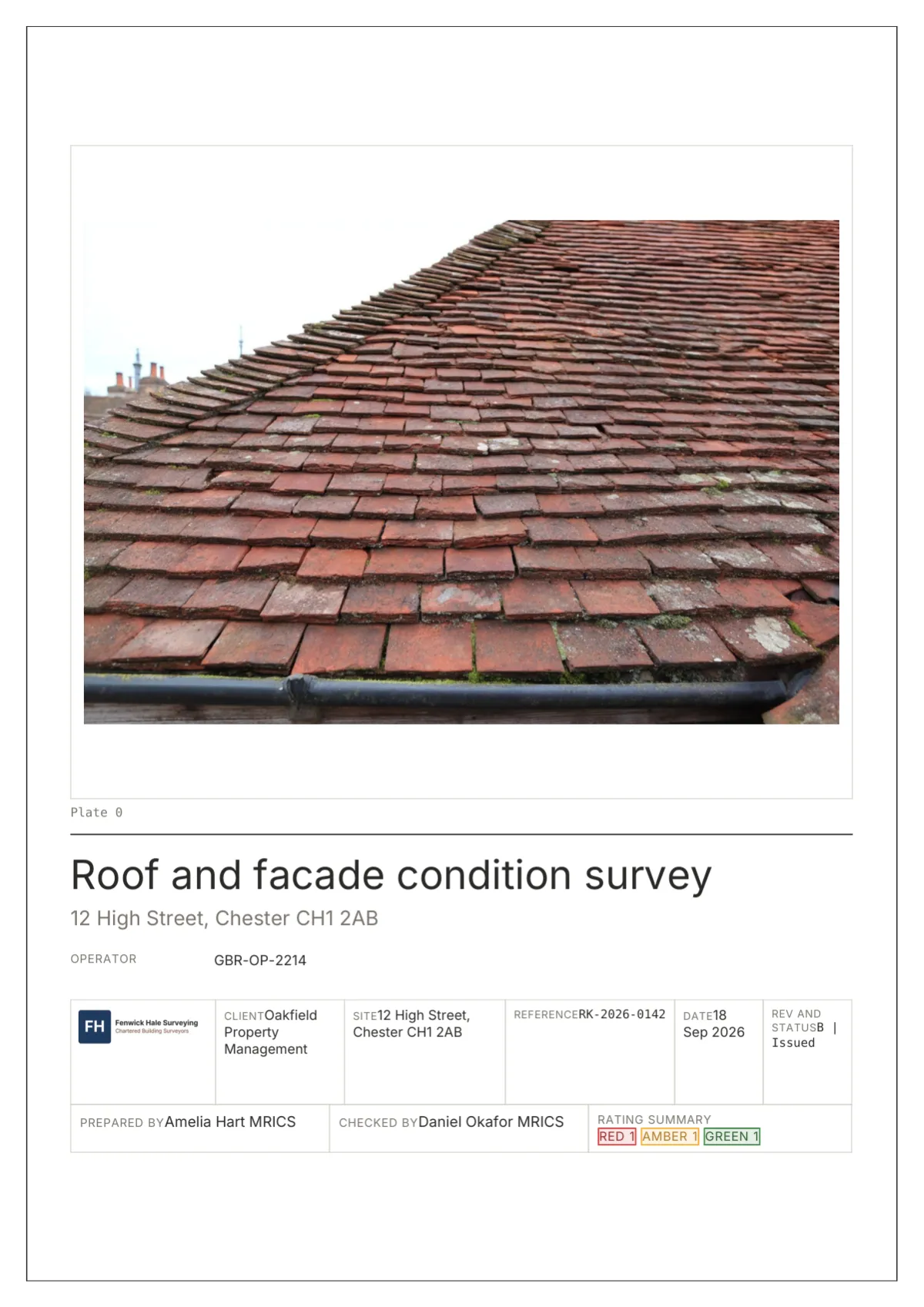
Drawing Office is for the report that will be read by an asset manager, a lender’s engineer or a lawyer: people who expect a document to be numbered so they can cite it. Its cover is a title block, six hairline cells across the foot of the page holding the logo, client, site, reference, date and revision, with the photograph mounted above as Plate 0. Body pages carry corner ticks; the cover and back page a full frame.
Inside, every section opens with its number in a 12 mm outlined square, headings carry decimal numbers in mono, and the footer reads Sheet 12 of 40 rather than Page. Tables have no header fill, only rules, and a second header line in mono names the unit of each column and marks computed ones with the word calculated. Totals sit on a double rule.
Ratings are stamps, outlined boxes in the scheme colour with the label in tracked capitals, so a letter, a digit or a code such as S2 all read the same way. Photographs become plates with a plate schedule beneath: a 38 mm crop, a stamp and an observation per marker. It suits technical due diligence, structural appraisals and investigation reports, and anyone whose clients file reports beside drawings.
Element tour
Cropped from the specimen report at 1600 px; each caption names the element.
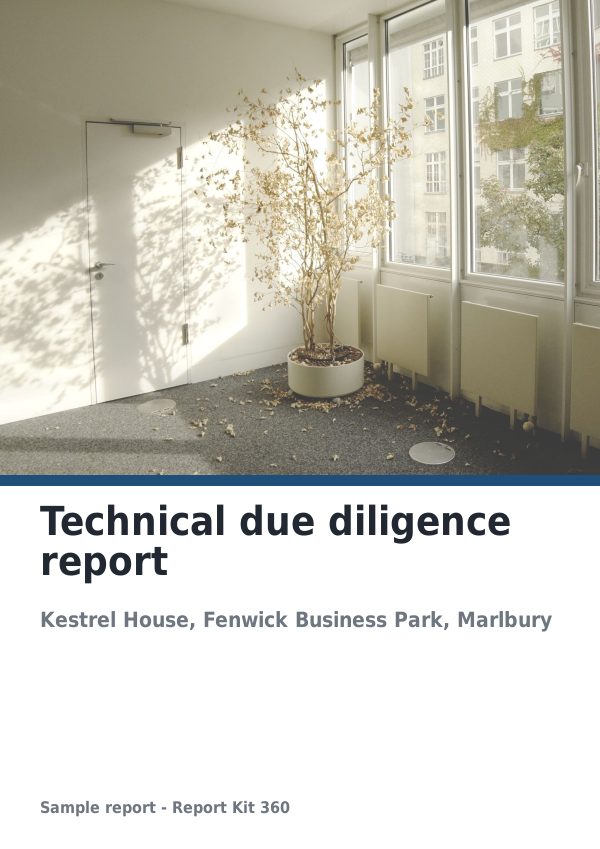
Page 1. Survey report cover page with a title block: Plate 0 in a 3 mm mount, title in Inter Bold 26 pt, six cells with tracked labels and the stamp counts in the rating cell.
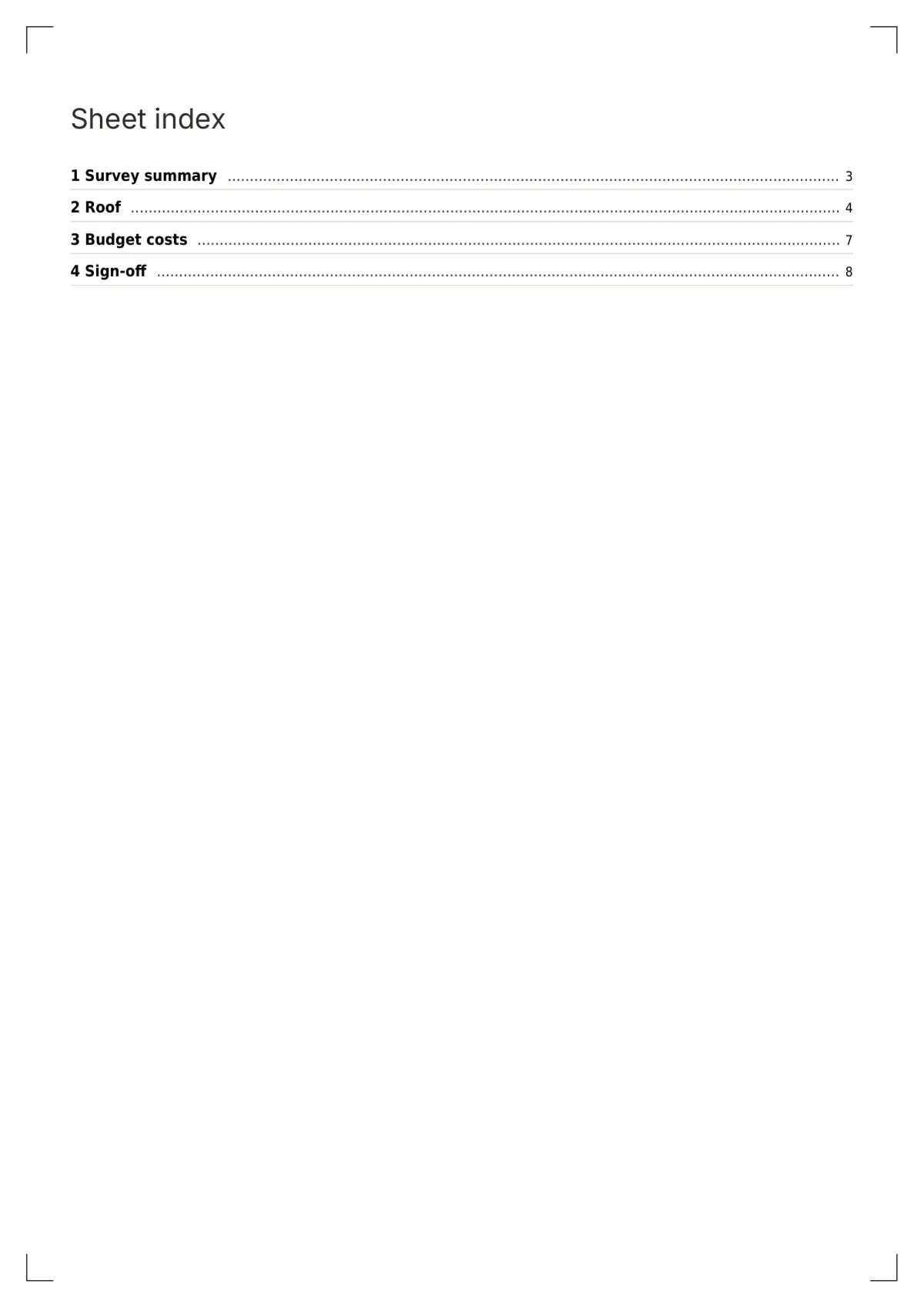
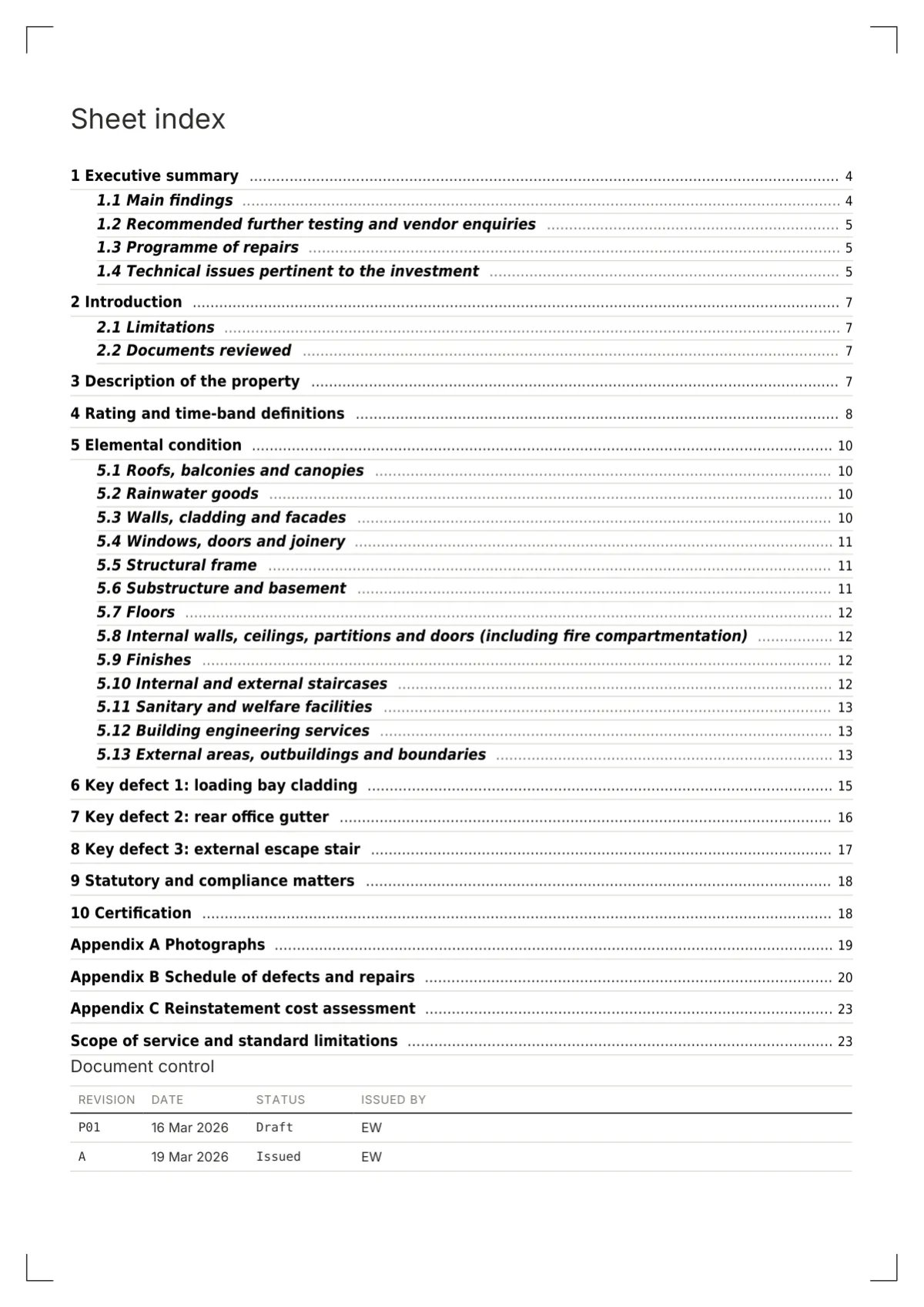
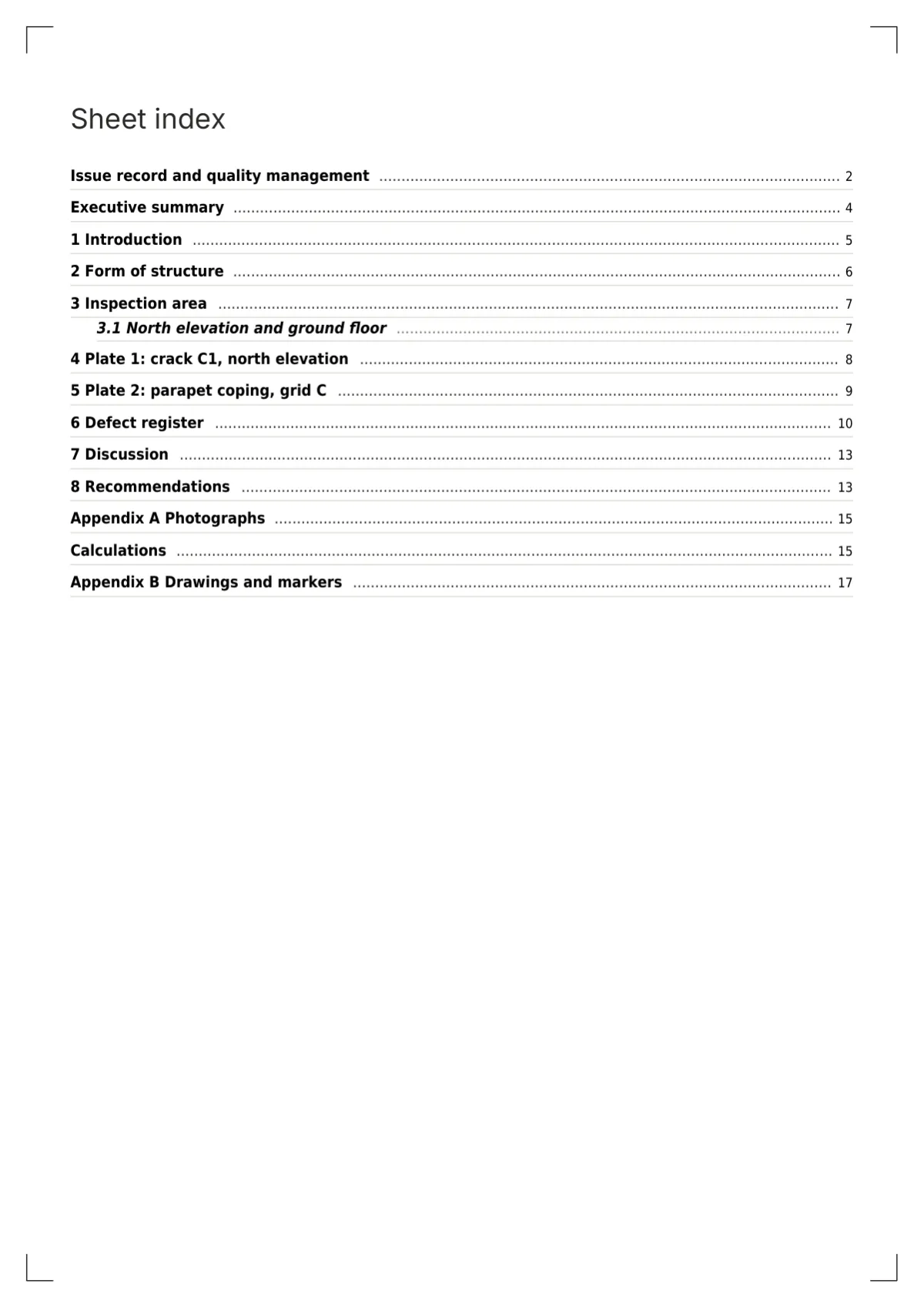
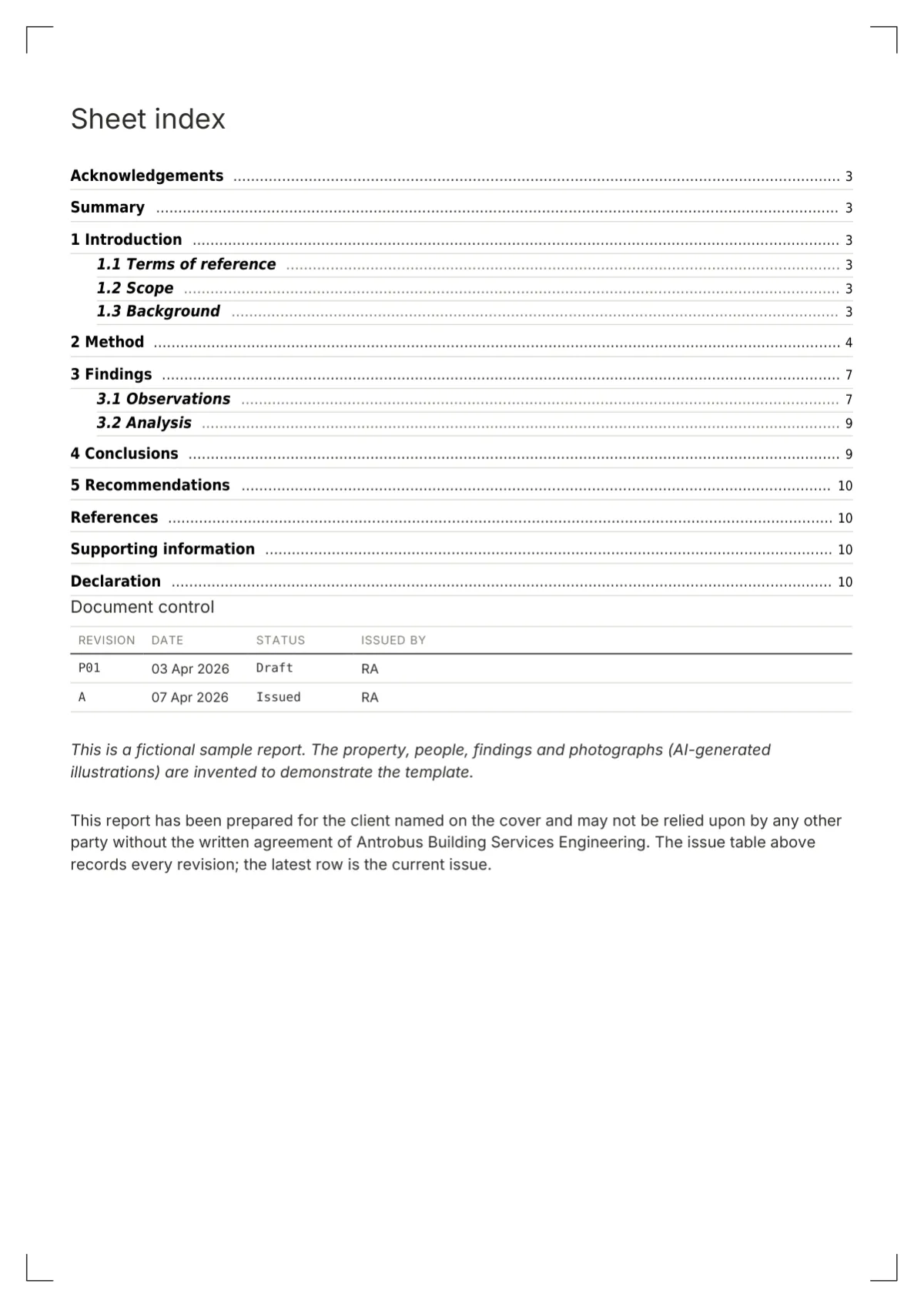
Page 2. Sheet index: ruled rows, mono numbers and page numbers, appendices after a heavier rule, then the plates and tables lists.
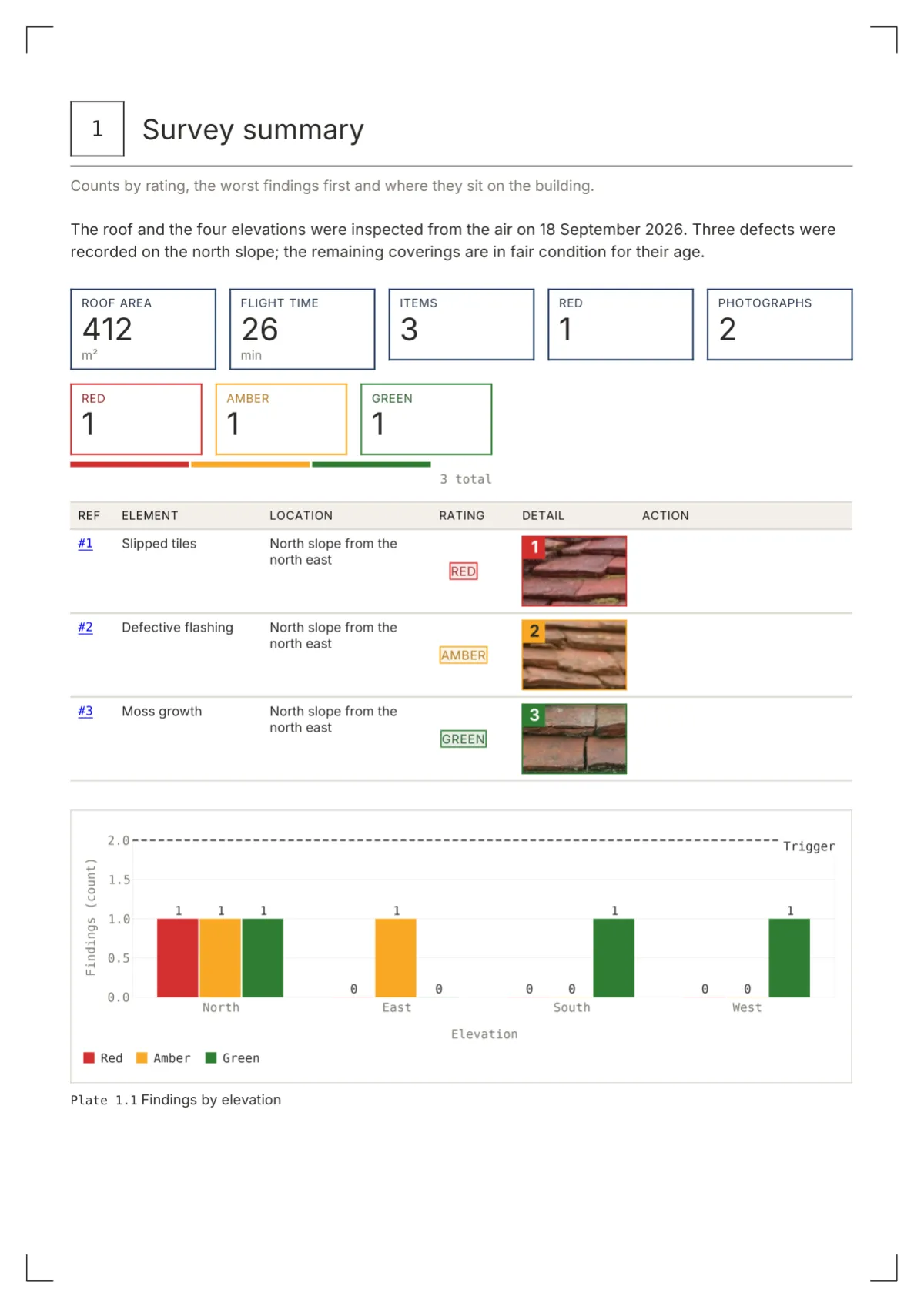
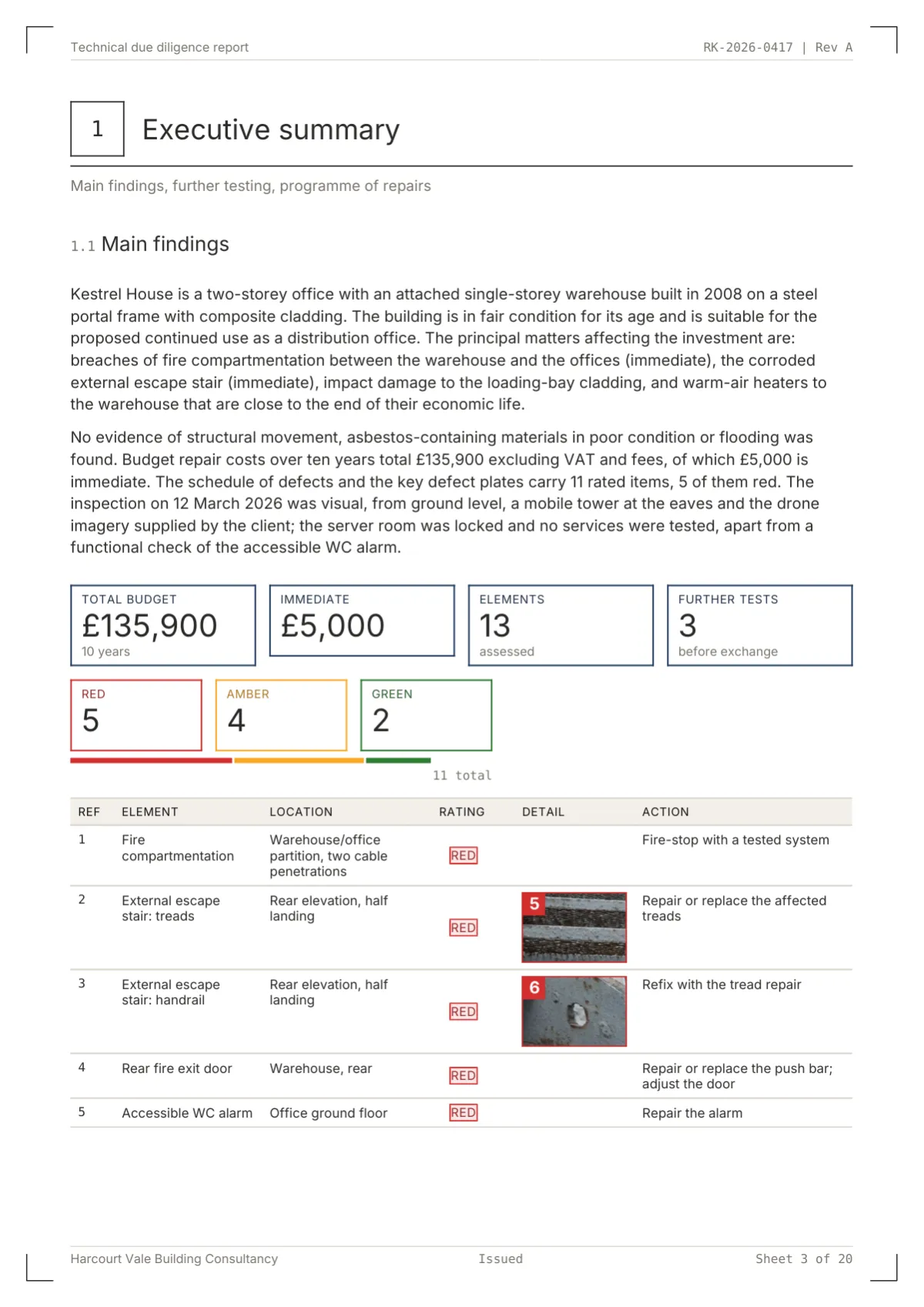
Page 3. Stamp tiles for each class with a proportion rule beneath, then the worst-first schedule with a Detail crop column.
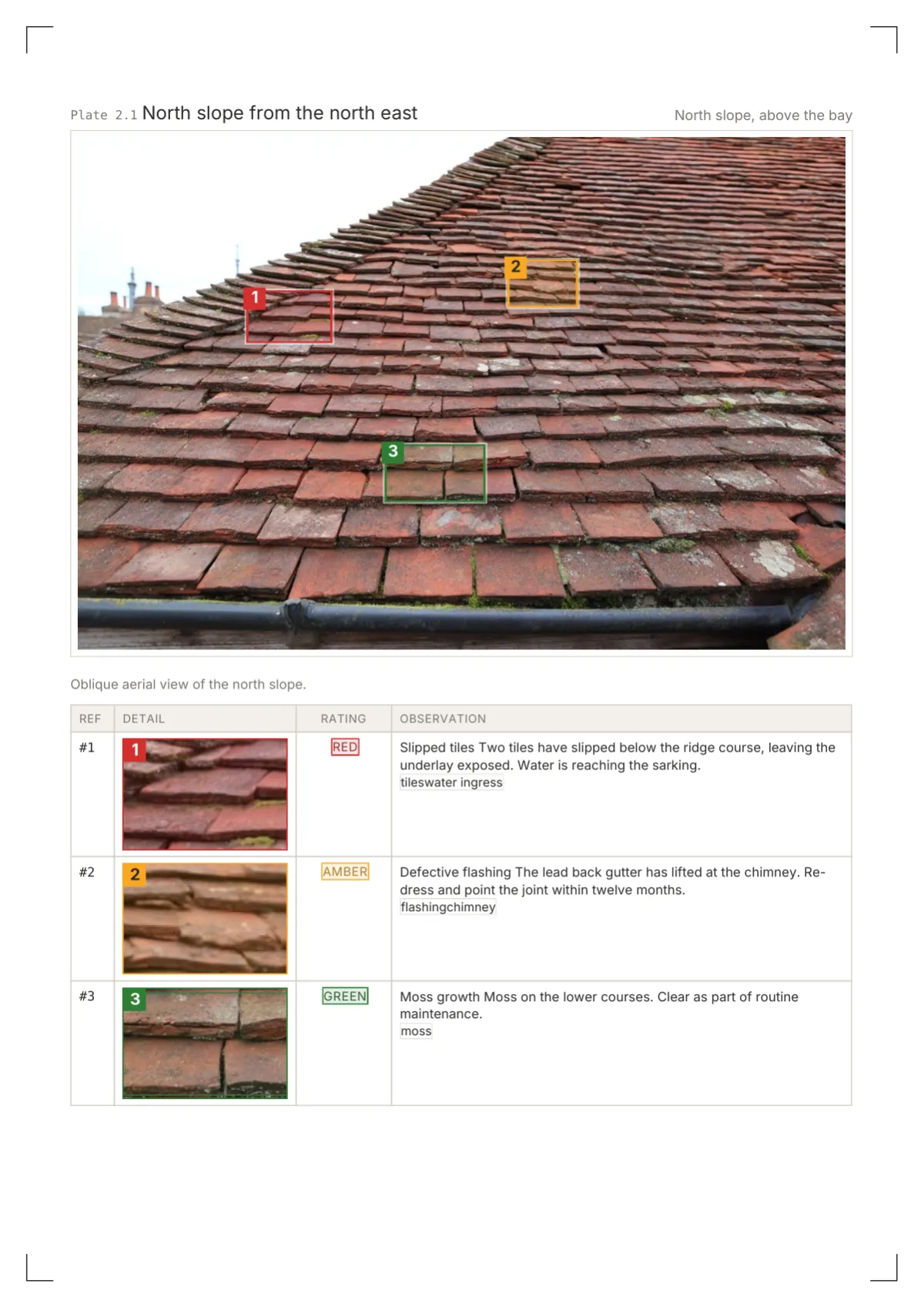
Page 4. Defect photo table as a plate schedule: square tags on the photograph, 38 mm crops with a keyline in the rating colour, stamp and observation.
Page 6. Ruled formula table: unit line under the header, calculated marked in mono, numeric cells right-aligned in Roboto Mono, SUM total on a double rule.
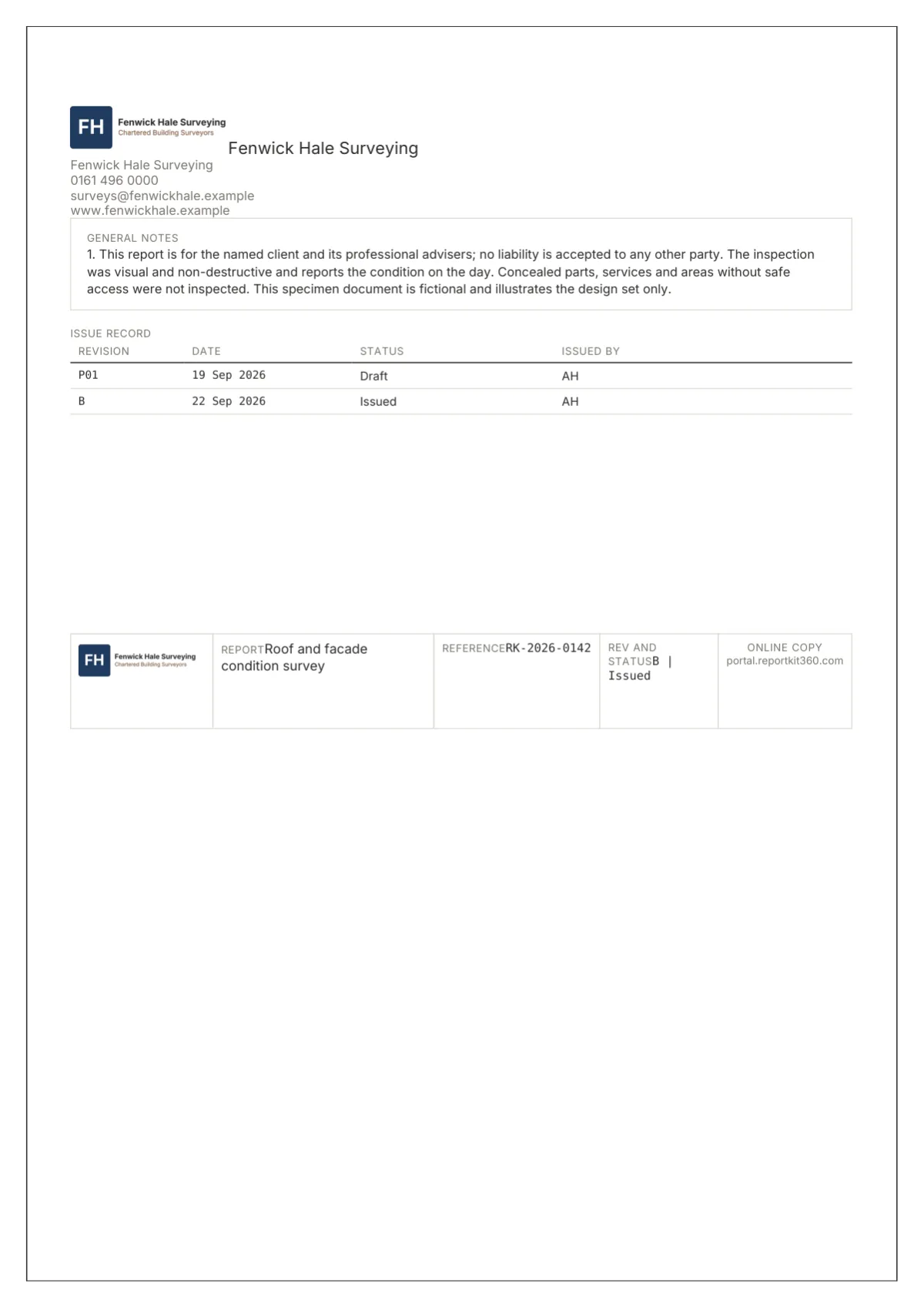
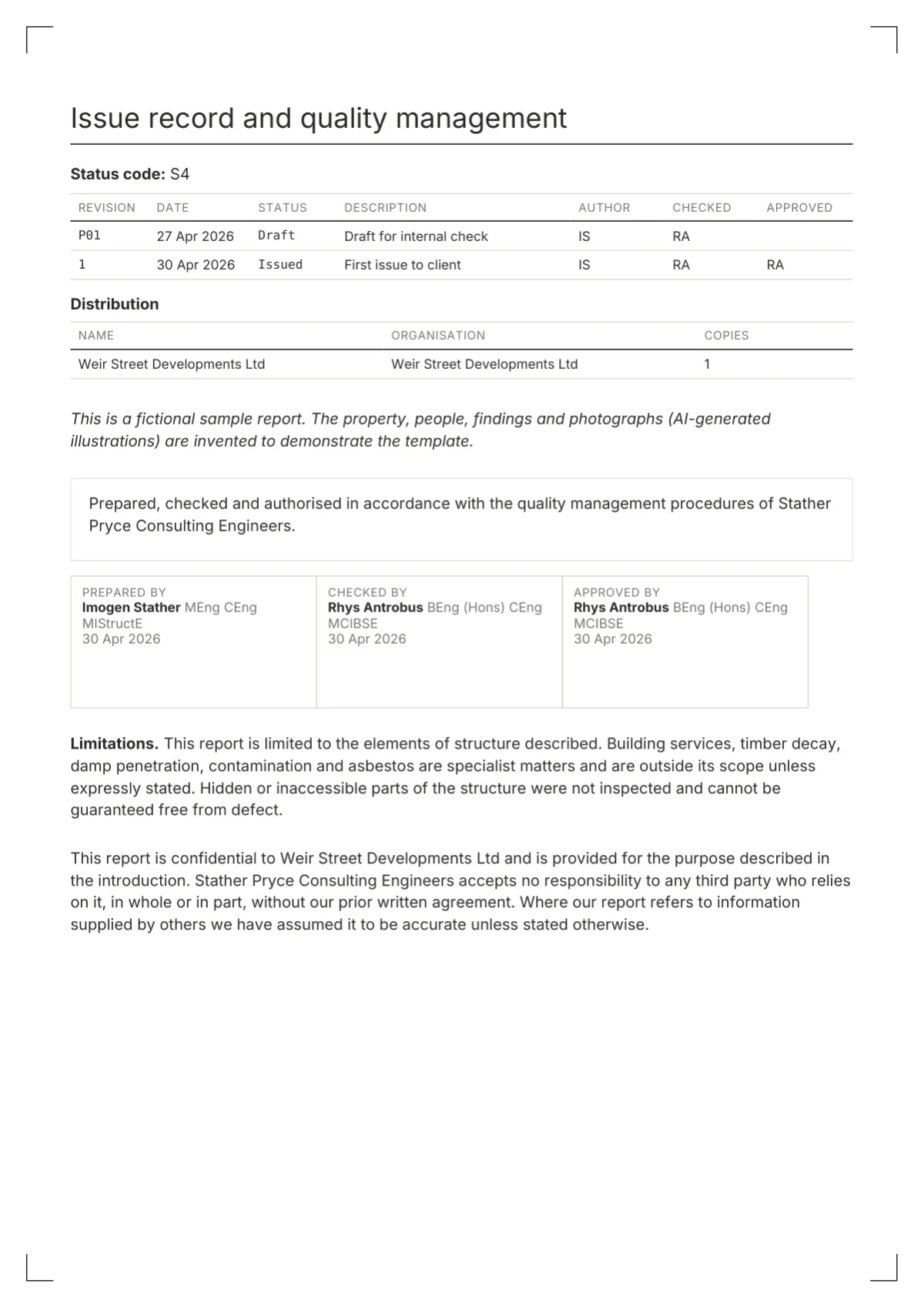
Page 7. Framed back page: logo, general notes box, the issue record as a ruled mini table and the title block repeated with the QR cell for the online copy.
In a full report
Three fictional reports issued with this set, each with a different mix of plates, tables and charts.
Technical reports / Basic
A fictional technical due diligence report built in Report Kit 360: 13 elements, three key defect plates, a £135,900 budget in time bands and a cost chart.
Structural inspections / Pro
Fictional structural inspection report from Report Kit 360: crack widths classified by formula, a monitoring chart with a 5 mm line and a footing check.
Technical reports / Basic
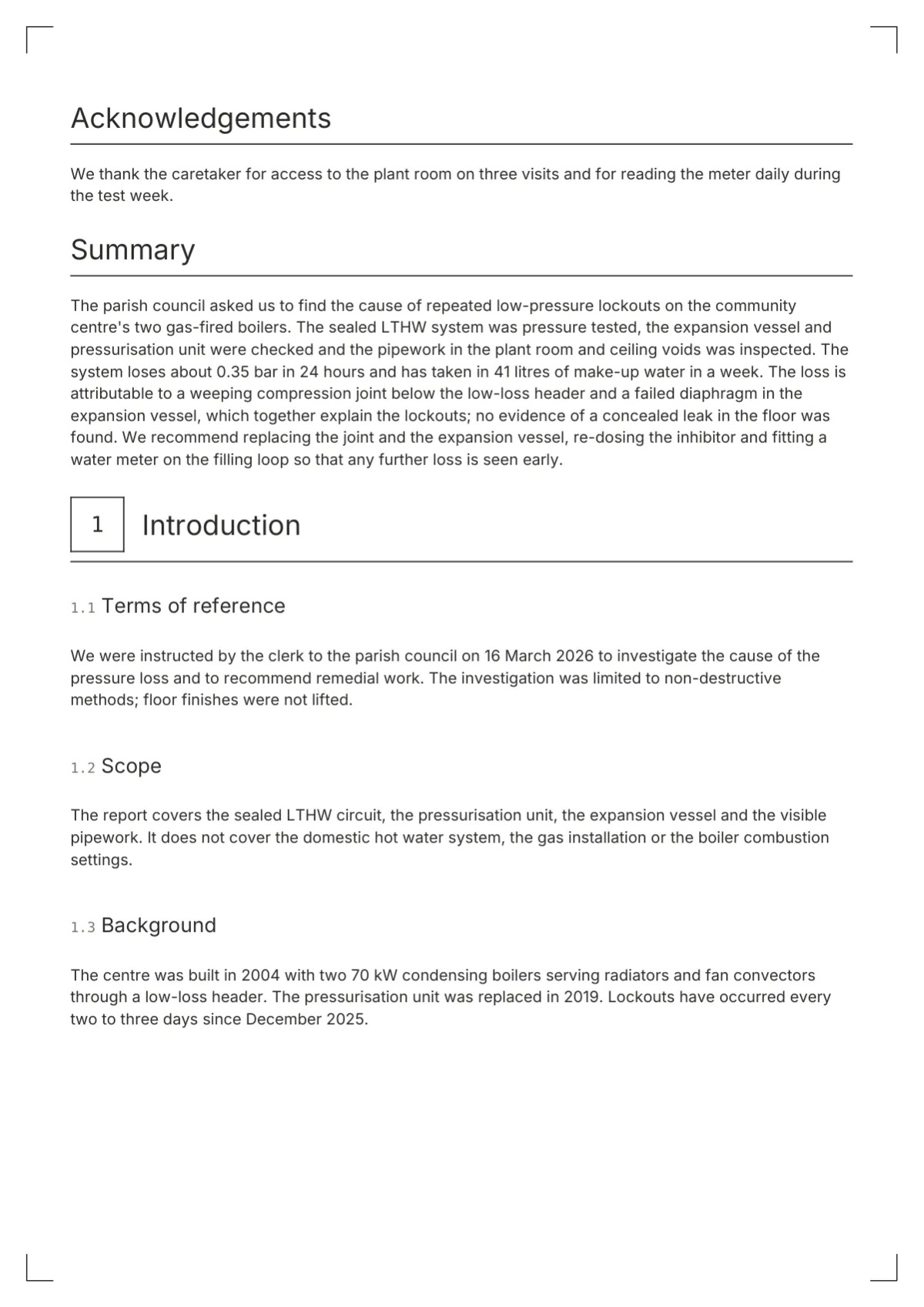
A short fictional investigation report built in Report Kit 360: method, a plate with three markers, a readings table, a pressure chart and four actions.
How to use it
On Basic you choose Drawing Office in the report’s Design step, upload your logo and set your primary colour, and the title block, plates and stamps follow. The Report Kit 360 mark sits in its own labelled cell in the title block’s second row and in the footer strip. On Pro you can clone the set and change any element: swap the stamp rating for roundels, switch the chart style, turn the sheet frame off or move the section opener to a full plate page.
Sample PDF
Questions
Yes, on both plans. The logo is fitted into the first cell of the title block at up to 30 by 16 mm and repeated at 40 mm wide on the back page. Upload a PNG, JPG or WebP under Settings, Branding; a dark logo suits this set because the title block sits on white paper.
Your workspace accent becomes the set’s primary, used for the highlighted chart series, checklist passes and the totals rule. The suggested primary is a deep blue, #1F3A5F, chosen to sit beside ink and the rating colours, which always come from the document’s rating scheme.
The same renderer produces both. In a browser the share page draws the corner ticks, the title block, the plates and the stamps with the same geometry, and marker labels are drawn to match the PDF. Page breaks differ because a browser scrolls.
On Pro, yes. Clone Drawing Office and set the rating badge to roundels, tiles, scale bands or tags; the counts and summary variants change independently. On Basic the stamps are part of the set, and whatever the shape the colours come from the rating scheme.
Drawing Office is a white-paper set; cream is offered only by Folio and Fieldbook as a Pro option. On white paper the hairline rules, corner ticks and frame print cleanly on office printers, and the mono text stays legible at 8 pt. If you need cream, Folio gives similar structure with a serif.
Next step
Pick a plan, add your logo, and issue your first report today.